├── .gitignore
├── main.js
├── main.css
├── README.md
└── index.html
/.gitignore:
--------------------------------------------------------------------------------
1 | node_modules/
2 |
--------------------------------------------------------------------------------
/main.js:
--------------------------------------------------------------------------------
1 | document.getElementById('editor').addEventListener('input', function(e) {
2 | const markdown = e.target.value;
3 | document.getElementById('preview').innerHTML = marked(markdown);
4 | });
--------------------------------------------------------------------------------
/main.css:
--------------------------------------------------------------------------------
1 | body {
2 | padding: 20px;
3 | font-family: 'Arial', sans-serif;
4 | }
5 |
6 | #editor {
7 | height: 600px;
8 | }
9 |
10 | #preview {
11 | height: 600px;
12 | border: 1px solid #ddd;
13 | padding: 20px;
14 | overflow: auto;
15 | font-size: 18px;
16 | }
--------------------------------------------------------------------------------
/README.md:
--------------------------------------------------------------------------------
1 | # GPT Pilot demo: Markdown editor
2 | ## 💬 Prompt
3 | `Build a simple markdown editor using HTML, CSS, and JavaScript. Allow users to input markdown text and display the formatted output in real-time.`
4 |
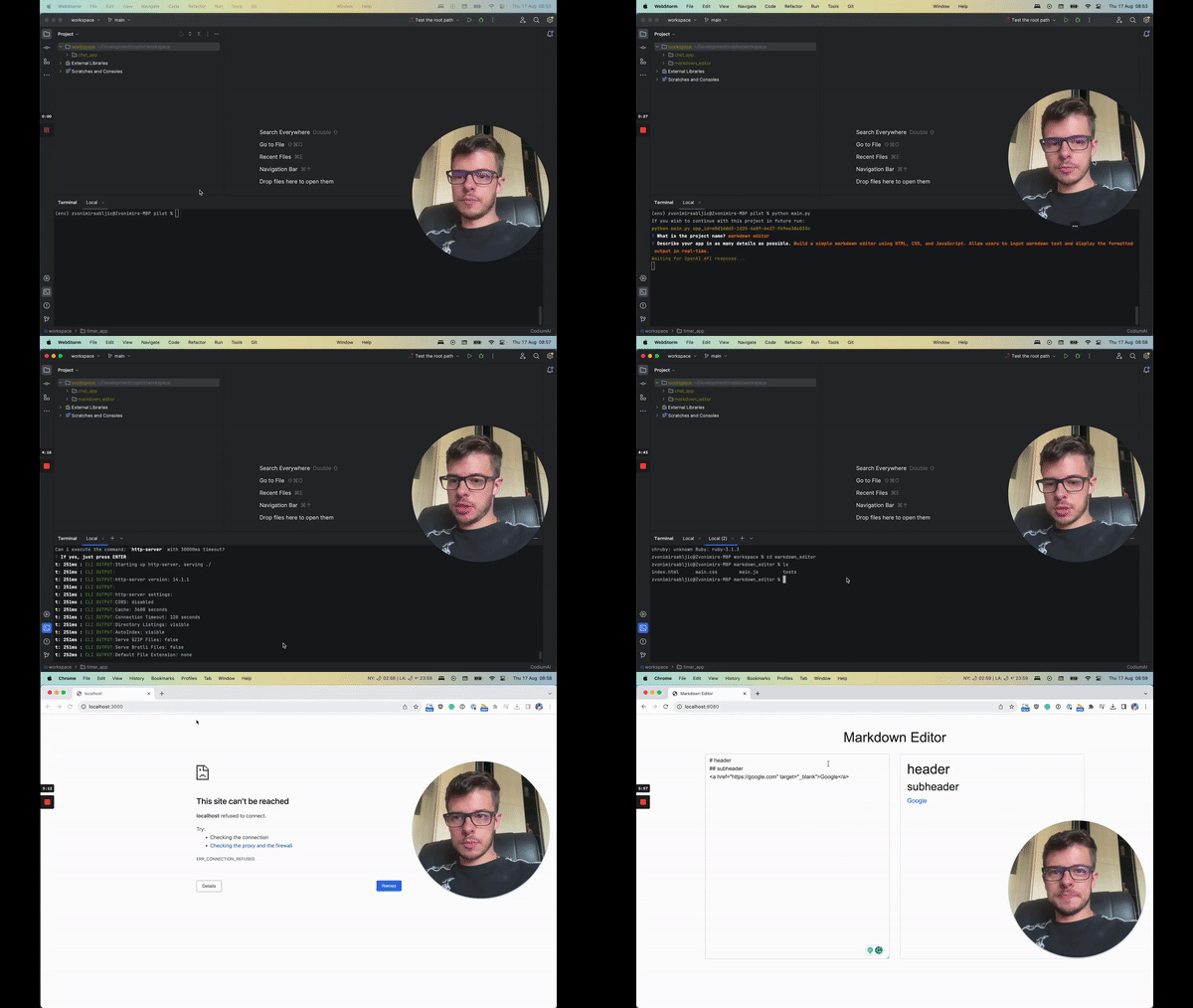
5 | ## ▶️ Video of the app creation process
6 |
7 |
8 |
11 | Video of the app creation process (2 mins)
12 |
13 |
14 | ## 🚦 How to run the app
15 | 1. `git clone https://github.com/Pythagora-io/gpt-pilot-demo-markdown-editor.git`
16 | 2. `cd gpt-pilot-demo-markdown-editor`
17 | 3. `npm install`
18 | 4. `http-server`
19 | 5. Open `localhost:8080` in your browser
20 |
--------------------------------------------------------------------------------
/index.html:
--------------------------------------------------------------------------------
1 |
2 |
3 |
4 |
5 |
6 | Markdown Editor
7 |
8 |
9 |
10 |
11 |
12 |
Markdown Editor
13 |
21 |