├── requirements.txt
├── in_img
├── bing304687-0.jpg
├── bing304687-1.jpg
├── bing304687-2.jpg
├── bing304687-3.jpg
└── bing304687-4.jpg
├── out_img
├── web
│ ├── bing304687-0.jpg
│ ├── bing304687-1.jpg
│ ├── bing304687-2.jpg
│ ├── bing304687-3.jpg
│ └── bing304687-4.jpg
├── onnx-cpu
│ ├── bing304687-0.jpg
│ ├── bing304687-1.jpg
│ ├── bing304687-2.jpg
│ ├── bing304687-3.jpg
│ └── bing304687-4.jpg
└── web_while
│ ├── bing304687-0.jpg
│ ├── bing304687-1.jpg
│ ├── bing304687-2.jpg
│ ├── bing304687-3.jpg
│ └── bing304687-4.jpg
├── .idea
├── .gitignore
├── misc.xml
├── vcs.xml
├── inspectionProfiles
│ ├── profiles_settings.xml
│ └── Project_Default.xml
├── modules.xml
└── Image_matting.iml
├── tokens.txt
├── main.py
└── README.md
/requirements.txt:
--------------------------------------------------------------------------------
1 | rembg==2.0.30
2 | requests==2.28.1
3 |
--------------------------------------------------------------------------------
/in_img/bing304687-0.jpg:
--------------------------------------------------------------------------------
https://raw.githubusercontent.com/Scipline/Image_matting/HEAD/in_img/bing304687-0.jpg
--------------------------------------------------------------------------------
/in_img/bing304687-1.jpg:
--------------------------------------------------------------------------------
https://raw.githubusercontent.com/Scipline/Image_matting/HEAD/in_img/bing304687-1.jpg
--------------------------------------------------------------------------------
/in_img/bing304687-2.jpg:
--------------------------------------------------------------------------------
https://raw.githubusercontent.com/Scipline/Image_matting/HEAD/in_img/bing304687-2.jpg
--------------------------------------------------------------------------------
/in_img/bing304687-3.jpg:
--------------------------------------------------------------------------------
https://raw.githubusercontent.com/Scipline/Image_matting/HEAD/in_img/bing304687-3.jpg
--------------------------------------------------------------------------------
/in_img/bing304687-4.jpg:
--------------------------------------------------------------------------------
https://raw.githubusercontent.com/Scipline/Image_matting/HEAD/in_img/bing304687-4.jpg
--------------------------------------------------------------------------------
/out_img/web/bing304687-0.jpg:
--------------------------------------------------------------------------------
https://raw.githubusercontent.com/Scipline/Image_matting/HEAD/out_img/web/bing304687-0.jpg
--------------------------------------------------------------------------------
/out_img/web/bing304687-1.jpg:
--------------------------------------------------------------------------------
https://raw.githubusercontent.com/Scipline/Image_matting/HEAD/out_img/web/bing304687-1.jpg
--------------------------------------------------------------------------------
/out_img/web/bing304687-2.jpg:
--------------------------------------------------------------------------------
https://raw.githubusercontent.com/Scipline/Image_matting/HEAD/out_img/web/bing304687-2.jpg
--------------------------------------------------------------------------------
/out_img/web/bing304687-3.jpg:
--------------------------------------------------------------------------------
https://raw.githubusercontent.com/Scipline/Image_matting/HEAD/out_img/web/bing304687-3.jpg
--------------------------------------------------------------------------------
/out_img/web/bing304687-4.jpg:
--------------------------------------------------------------------------------
https://raw.githubusercontent.com/Scipline/Image_matting/HEAD/out_img/web/bing304687-4.jpg
--------------------------------------------------------------------------------
/out_img/onnx-cpu/bing304687-0.jpg:
--------------------------------------------------------------------------------
https://raw.githubusercontent.com/Scipline/Image_matting/HEAD/out_img/onnx-cpu/bing304687-0.jpg
--------------------------------------------------------------------------------
/out_img/onnx-cpu/bing304687-1.jpg:
--------------------------------------------------------------------------------
https://raw.githubusercontent.com/Scipline/Image_matting/HEAD/out_img/onnx-cpu/bing304687-1.jpg
--------------------------------------------------------------------------------
/out_img/onnx-cpu/bing304687-2.jpg:
--------------------------------------------------------------------------------
https://raw.githubusercontent.com/Scipline/Image_matting/HEAD/out_img/onnx-cpu/bing304687-2.jpg
--------------------------------------------------------------------------------
/out_img/onnx-cpu/bing304687-3.jpg:
--------------------------------------------------------------------------------
https://raw.githubusercontent.com/Scipline/Image_matting/HEAD/out_img/onnx-cpu/bing304687-3.jpg
--------------------------------------------------------------------------------
/out_img/onnx-cpu/bing304687-4.jpg:
--------------------------------------------------------------------------------
https://raw.githubusercontent.com/Scipline/Image_matting/HEAD/out_img/onnx-cpu/bing304687-4.jpg
--------------------------------------------------------------------------------
/out_img/web_while/bing304687-0.jpg:
--------------------------------------------------------------------------------
https://raw.githubusercontent.com/Scipline/Image_matting/HEAD/out_img/web_while/bing304687-0.jpg
--------------------------------------------------------------------------------
/out_img/web_while/bing304687-1.jpg:
--------------------------------------------------------------------------------
https://raw.githubusercontent.com/Scipline/Image_matting/HEAD/out_img/web_while/bing304687-1.jpg
--------------------------------------------------------------------------------
/out_img/web_while/bing304687-2.jpg:
--------------------------------------------------------------------------------
https://raw.githubusercontent.com/Scipline/Image_matting/HEAD/out_img/web_while/bing304687-2.jpg
--------------------------------------------------------------------------------
/out_img/web_while/bing304687-3.jpg:
--------------------------------------------------------------------------------
https://raw.githubusercontent.com/Scipline/Image_matting/HEAD/out_img/web_while/bing304687-3.jpg
--------------------------------------------------------------------------------
/out_img/web_while/bing304687-4.jpg:
--------------------------------------------------------------------------------
https://raw.githubusercontent.com/Scipline/Image_matting/HEAD/out_img/web_while/bing304687-4.jpg
--------------------------------------------------------------------------------
/.idea/.gitignore:
--------------------------------------------------------------------------------
1 | # 默认忽略的文件
2 | /shelf/
3 | /workspace.xml
4 | # 基于编辑器的 HTTP 客户端请求
5 | /httpRequests/
6 | # Datasource local storage ignored files
7 | /dataSources/
8 | /dataSources.local.xml
9 |
--------------------------------------------------------------------------------
/.idea/misc.xml:
--------------------------------------------------------------------------------
1 |
2 |
3 |
4 |
--------------------------------------------------------------------------------
/.idea/vcs.xml:
--------------------------------------------------------------------------------
1 |
2 |
3 |
4 |
5 |
6 |
--------------------------------------------------------------------------------
/.idea/inspectionProfiles/profiles_settings.xml:
--------------------------------------------------------------------------------
1 |
2 |
3 |
4 |
5 |
6 |
--------------------------------------------------------------------------------
/.idea/modules.xml:
--------------------------------------------------------------------------------
1 |
2 |
3 |
4 |
5 |
6 |
7 |
8 |
--------------------------------------------------------------------------------
/.idea/Image_matting.iml:
--------------------------------------------------------------------------------
1 |
2 |
3 |
4 |
5 |
6 |
7 |
8 |
--------------------------------------------------------------------------------
/.idea/inspectionProfiles/Project_Default.xml:
--------------------------------------------------------------------------------
1 |
2 |
3 |
4 |
5 |
13 |
14 |
15 |
16 |
17 |
18 |
19 |
20 |
--------------------------------------------------------------------------------
/tokens.txt:
--------------------------------------------------------------------------------
1 | neVfUwfrBYwGVUU8LjFtVayd
2 | HsWgUwJJJNvjVjmYMzDAfM3S
3 | zRJjjAdSmhaNF2JoiUCwtV1s
4 | mwQdb5oDNHZRbnGUTUPSJJeS
5 | c4XtEPVwUwGYJBZrXPNRkHSH
6 | LKvvZDGYwcakJkFR6HHkf2J7
7 | 8jSsx7iWVvwy4M49CMTYNwfX
8 | LiM4rfc1rr8FdWqikronMbdm
9 | W2Vz6osKSR4z2o7V7qVHFJzg
10 | 6oQcwGozeFyPS7NZPiRAKdw2
11 | 1psMbURiL3nCBrnsWMhHmkNJ
12 | 2URAxSUqCiFg2F8y8E29xbFb
13 | 7rwRz1ACanst1MLg1P1vNRHE
14 | L245rgUojVP9Nvo3nrsGTg3i
15 | kPFsVb8ajqaeegnLRwHQg5wg
16 | pxvvF152FPs2G47reAjdSQFv
17 | dMvFs2L8PWTjcMjbDo6jiQDb
18 | ggY6xY9yGE2frQAGst7M7FtS
19 | KhJUHr65KhauFvkRrUvXEUYm
20 | Ue1rcGF6pG1Fbnuq83a8jX6U
21 | YJBUt3pTq9A1G22553Kpcm95
22 | 3Jh2rJSFNHk4Fg31zYAaYHnY
23 | cn5C3F8xb628aKKX2DEQJs5q
24 | FCcqMzi9w95p499DNifnyqtc
25 | k6niQBfpxXsD1EfyQ8AagPRx
26 | eSt8w3vwT41B1KSMcAZ88dbp
27 | FPRKfddyw6QtX2GAzQHfGXzY
28 | EQrFePowinNS5Q7TeDnRFLse
29 | o6UwnQ9nfDgV8wRkjRtpiucW
30 | M8iCWbRVu71HTzJsox87tETP
31 | Bo6ndWzUR5voq4gEbWKQkK8h
32 | MwV1R4Ry1n5BsbLhFYcL6127
33 | iR6MQTFF71D4LdipGpPNZyYb
34 | Ngkqn7ZYXgot5rEMVM9h1Z9m
35 | EmuSuJ5mxS94oZzdQba8Nxuy
--------------------------------------------------------------------------------
/main.py:
--------------------------------------------------------------------------------
1 | # !/usr/bin/env python3
2 | # -*- coding: UTF-8 -*-
3 | # 模型文件:https://github.com/danielgatis/rembg/releases/download/v0.0.0/u2net.onnx 放在”C:\Users\Administrator\.u2net\u2net.onnx:
4 | # 官方文档:https://github.com/danielgatis/rembg
5 | """
6 | apikey面板:https://www.remove.bg/dashboard#api-key
7 | 临时邮箱:https://www.linshiyouxiang.net 可用域名:@bestdefinitions.com
8 |
9 | 安装cv2,pip install opencv-contrib-python==4.5.5.64
10 | 适用于:python3.7 python3.8 python3.9 解释器
11 | """
12 | from pathlib import Path
13 |
14 | import requests
15 | from rembg import remove, new_session
16 |
17 |
18 | def api_key():
19 | f = open('tokens.txt', mode="r", encoding="utf-8")
20 | f.seek(0)
21 | token = f.readline().strip()
22 | f.seek(0)
23 | tokens = f.read()
24 | f.seek(0)
25 | f.close()
26 | f = open('tokens.txt', mode="w", encoding="utf-8")
27 | tokens = tokens.replace(token, "").strip() + "\n" + token
28 | f.write(tokens)
29 | f.close()
30 | return token
31 |
32 |
33 | def main(rebg_type):
34 | # color Ex:red,green / hex:81d4fa ? "
35 | bgcolor = "white"
36 | # bgcolor = "" # 留空为空白背景
37 | api = api_key()
38 | if not Path("out_img").exists():
39 | Path("out_img").mkdir()
40 | p = Path('in_img')
41 | # 获取in_img目录下所有.png,.jpg文件
42 | for file in p.glob('*.[pj][np]g'):
43 | input_path = str(file)
44 | output_path = str(p.parent / ("out_img/" + file.name))
45 | if Path(output_path).exists():
46 | continue
47 | with open(input_path, 'rb') as i:
48 | with open(output_path, 'wb') as o:
49 | photo_data = i.read()
50 | if rebg_type == "web":
51 | output = rebg_web(photo_data, api, bgcolor)
52 | while not output:
53 | api = api_key()
54 | output = rebg_web(photo_data, api, bgcolor)
55 | if output == 400:
56 | output = rebg_cpu(photo_data)
57 | elif rebg_type == "onnx":
58 | output = rebg_cpu(photo_data)
59 | o.write(output)
60 |
61 |
62 | def rebg_web(photo_data, api, bgcolor=None):
63 | """
64 | 借助https://www.remove.bg网站免费用户每个月50额度处理
65 | :param photo_data:
66 | :param api:
67 | :param bgcolor:
68 | :return:
69 | """
70 | # 官方API教程:https://www.remove.bg/api#sample-code
71 | response = requests.post(
72 | 'https://api.remove.bg/v1.0/removebg',
73 | files={'image_file': photo_data},
74 | data={'size': 'auto', 'bg_color': bgcolor},
75 | headers={'X-Api-Key': api})
76 | if response.status_code == 200:
77 | return response.content
78 | elif response.status_code == 400:
79 | print("抠图失败,Could not identify foreground in image")
80 | return 400
81 | elif response.status_code == 402:
82 | print("额度已用尽,Insufficient credits")
83 | elif response.status_code == 403:
84 | print("Api Key出错,Api Key fail")
85 | print(api)
86 | elif response.status_code == 429:
87 | print("超过速度限制,Rate limit exceeded")
88 | else:
89 | print("未知错误")
90 | print(response.status_code, response.text)
91 |
92 |
93 | def rebg_cpu(photo_data):
94 | # 选择模型
95 | session = new_session(model_name="u2net")
96 | return remove(photo_data, session=session)
97 |
98 |
99 | if __name__ == "__main__":
100 | main(rebg_type="web")
101 | # main(rebg_type="onnx")
102 |
--------------------------------------------------------------------------------
/README.md:
--------------------------------------------------------------------------------
1 | ## 使用说明:
2 | ```
3 | 任选其一
4 | main(rebg_type="web") # 更精准,低清晰度,需要网络
5 | main(rebg_type="onnx") # 更快速,更清晰,需要性能
6 | ```
7 | 在线apikey,[remove.bg网站](https://www.remove.bg/dashboard#api-key)。[临时邮箱](https://www.linshiyouxiang.net) ,可用域名:@bestdefinitions.com
8 |
9 | 思路来源:https://github.com/huanghaozi/AutoMatting (在此基础上,批量获取,自动切换apikey解决频繁,错误,额度等问题,自动换背景图,规范导入导出文件名,不足之处就是没有大佬的GUI)
10 |
11 | - 必要依赖:`pip install -r requiremens.txt`
12 |
13 | - 可选依赖:
14 |
15 | 安装**cv2**,`pip install opencv-contrib-python==4.5.5.64`。适用于:python3.7 python3.8 python3.9 解释器
16 |
17 | 安装**Pillow**,`pip install Pillow==9.3.0`。适配rembg==2.0.30
18 |
19 |
20 | 以下内容为[rembg](https://github.com/danielgatis/rembg)库官方文档,仅用于存档。
21 |
22 | ---
23 |
24 | ## Rembg
25 |
26 | [](https://pepy.tech/project/rembg)
27 | [](https://pepy.tech/project/rembg/month)
28 | [](https://pepy.tech/project/rembg/week)
29 | [](https://img.shields.io/badge/License-MIT-blue.svg)
30 | [](https://huggingface.co/spaces/KenjieDec/RemBG)
31 | [](https://bgremoval.streamlit.app/)
32 |
33 |
34 | Rembg is a tool to remove images background.
35 |
36 |
37 | 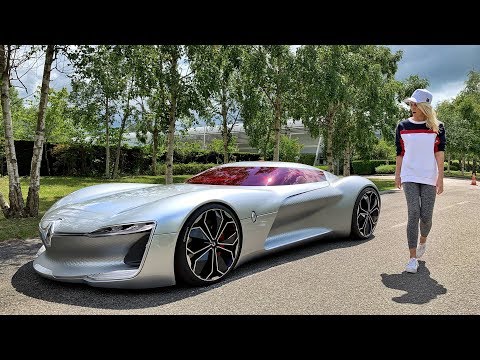 38 |
38 | 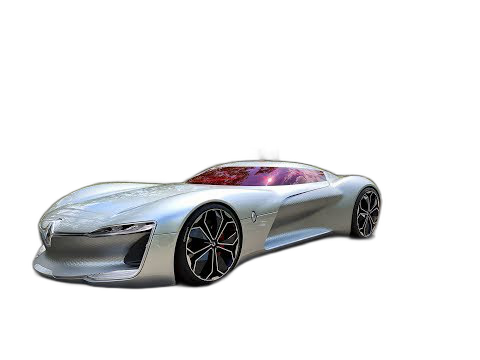 39 |
39 | 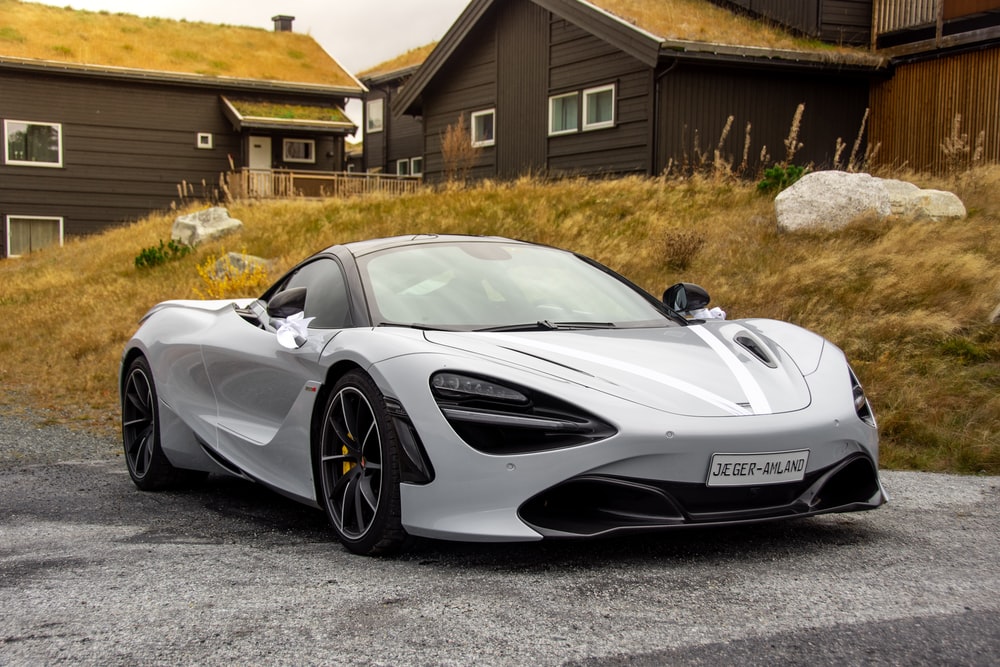 40 |
40 | 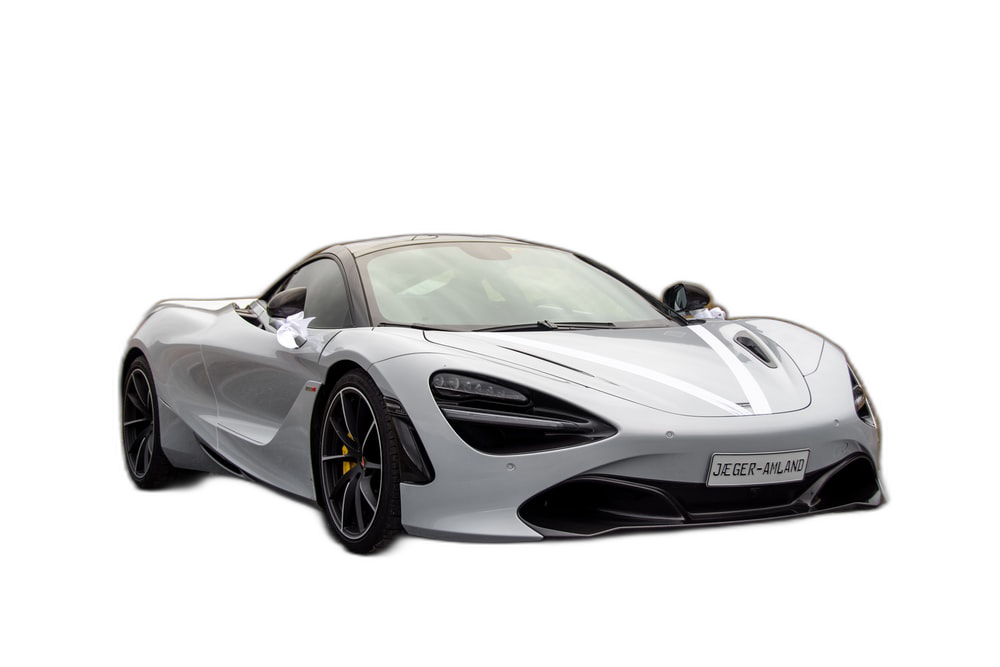 41 |
41 | 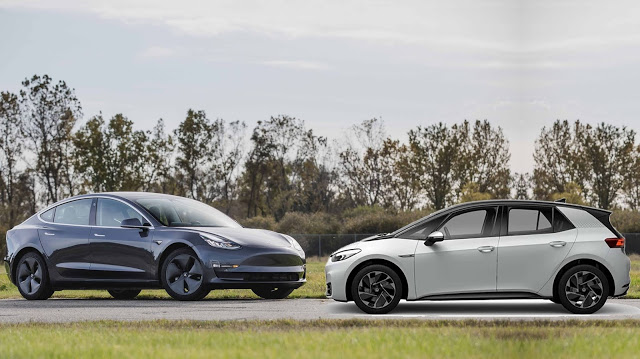 42 |
42 | 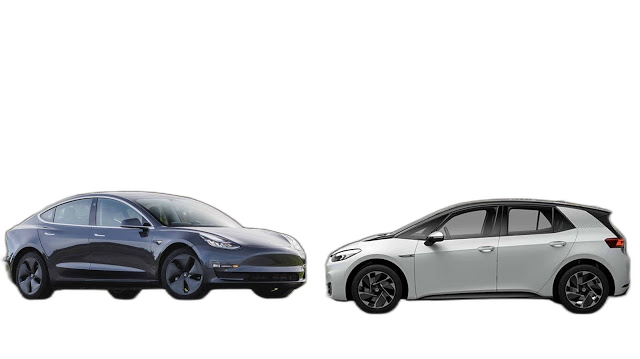 43 |
43 |
44 |
45 |
46 | 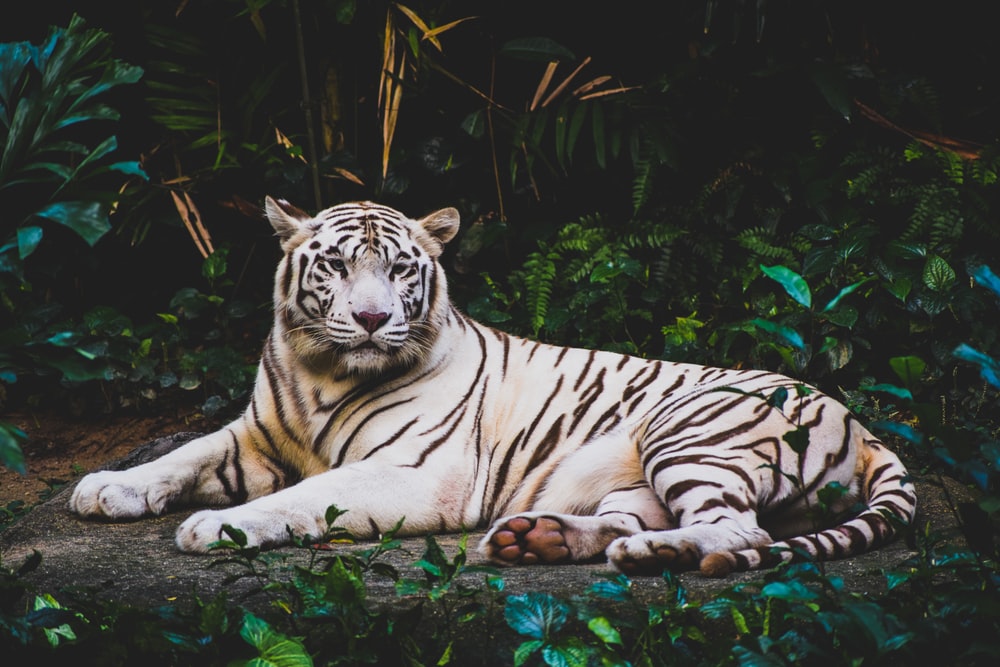 47 |
47 | 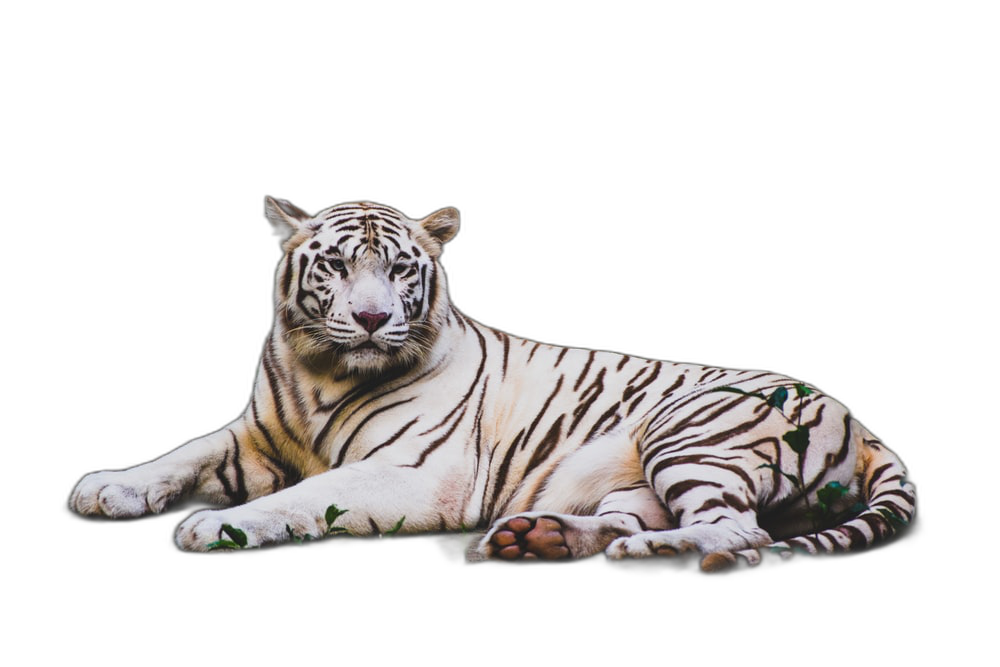 48 |
48 | 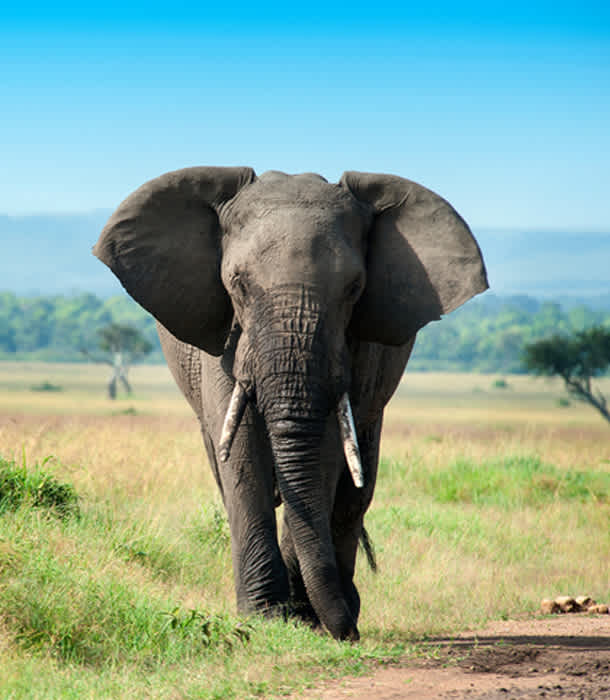 49 |
49 | 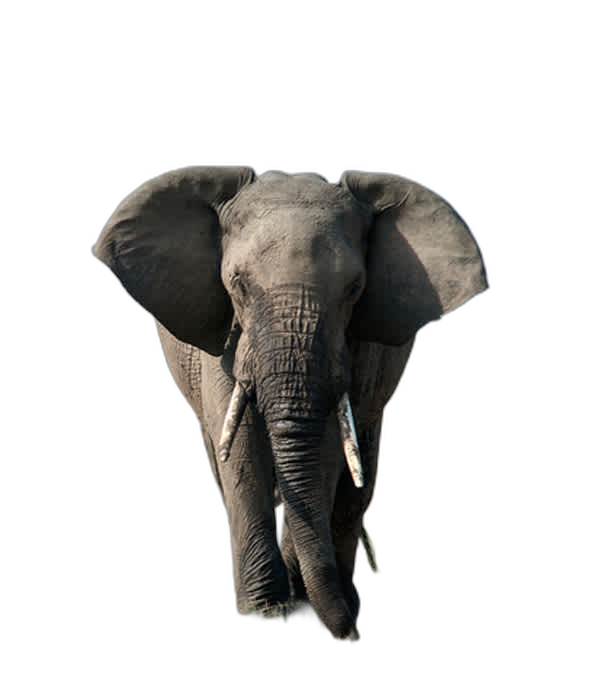 50 |
50 | 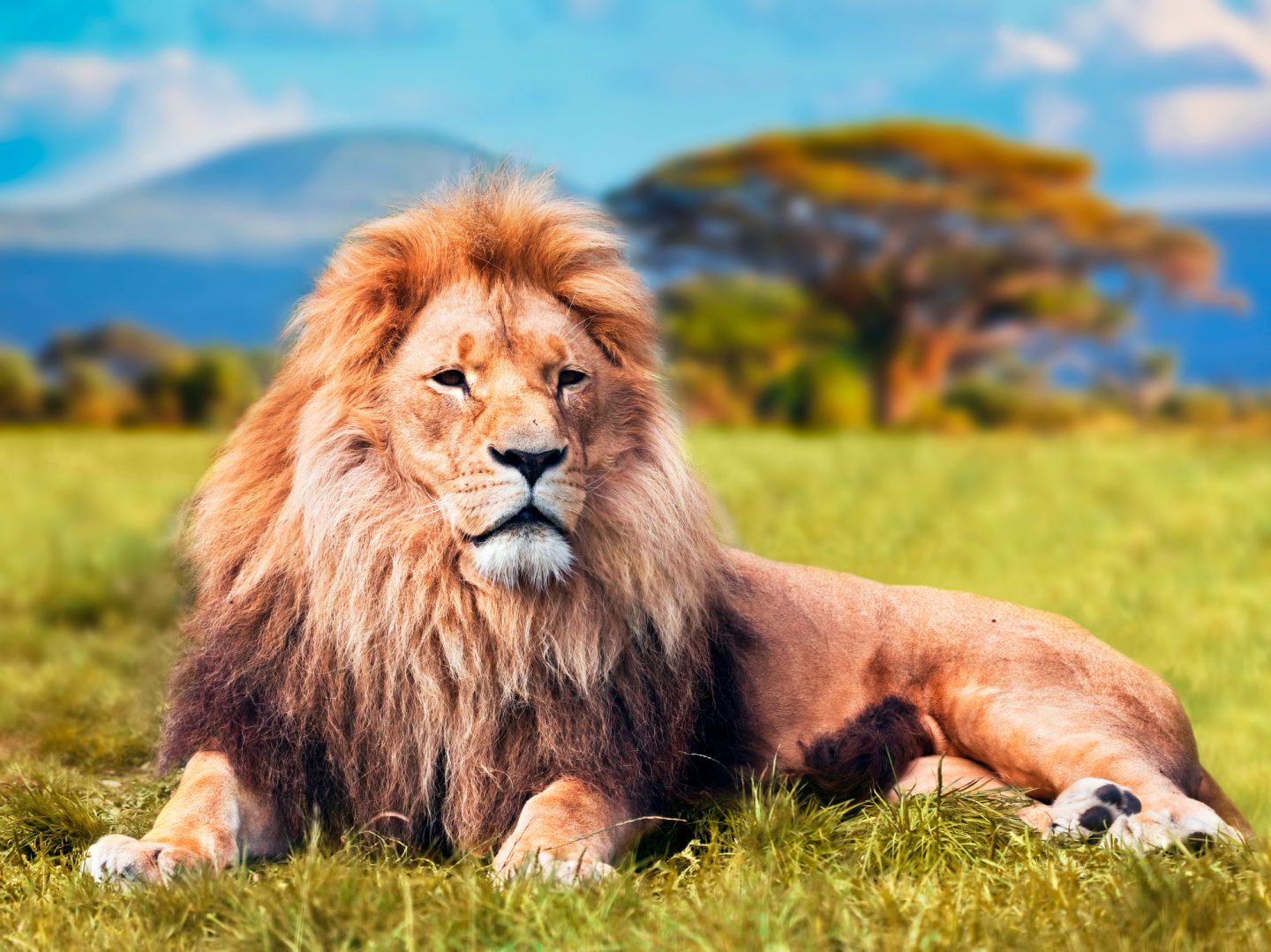 51 |
51 | 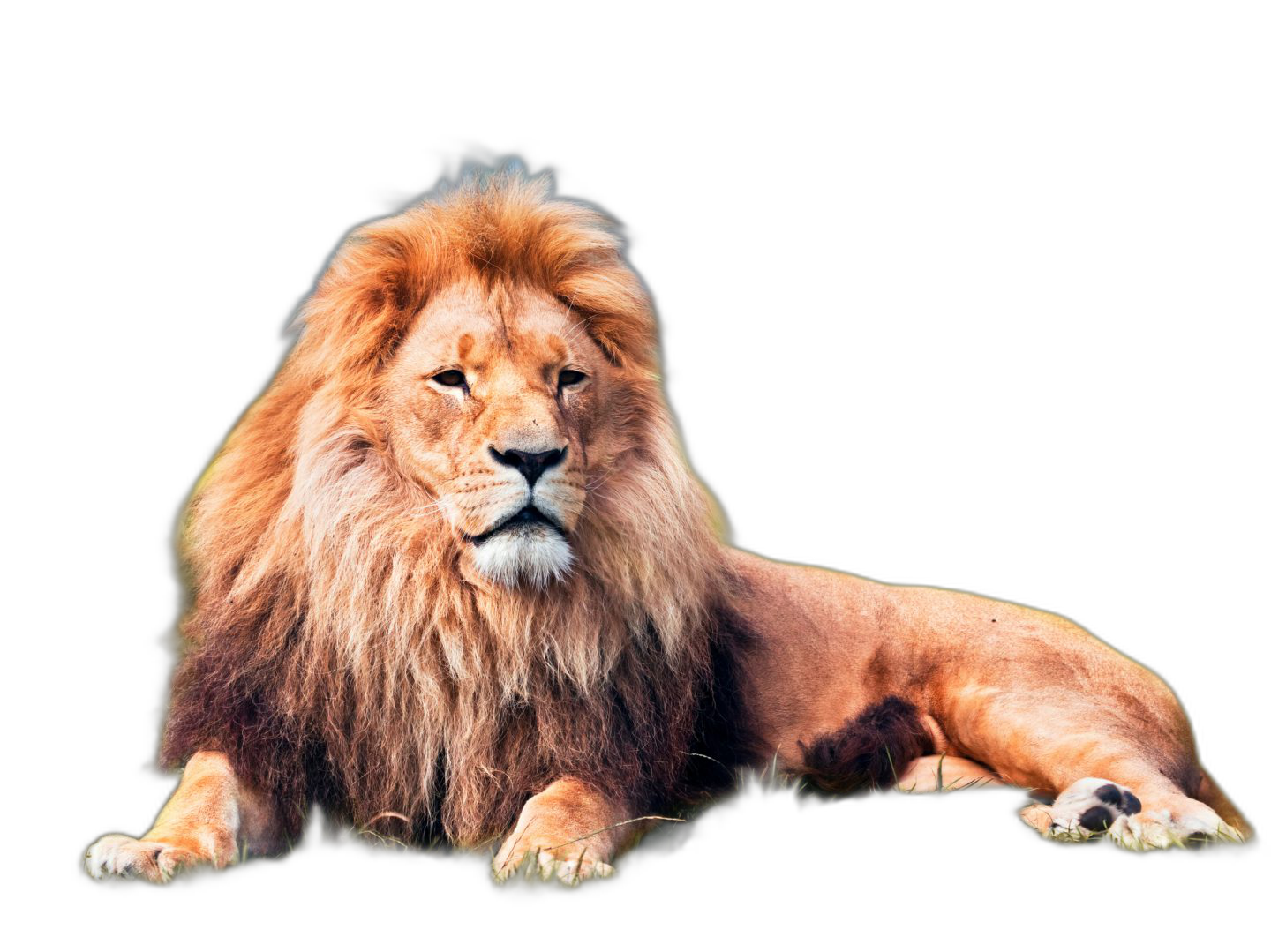 52 |
52 |
53 |
54 |
55 |  56 |
56 |  57 |
57 | 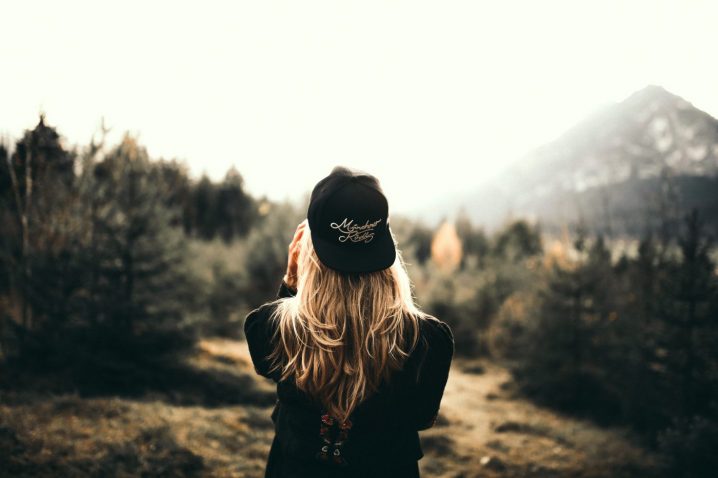 58 |
58 | 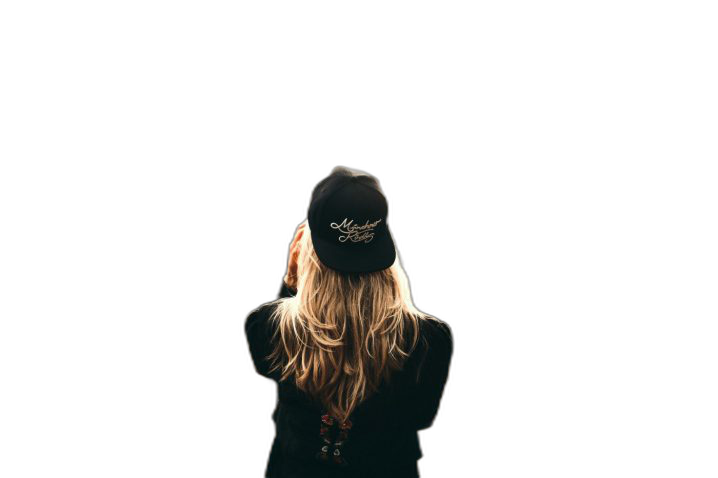 59 |
59 | 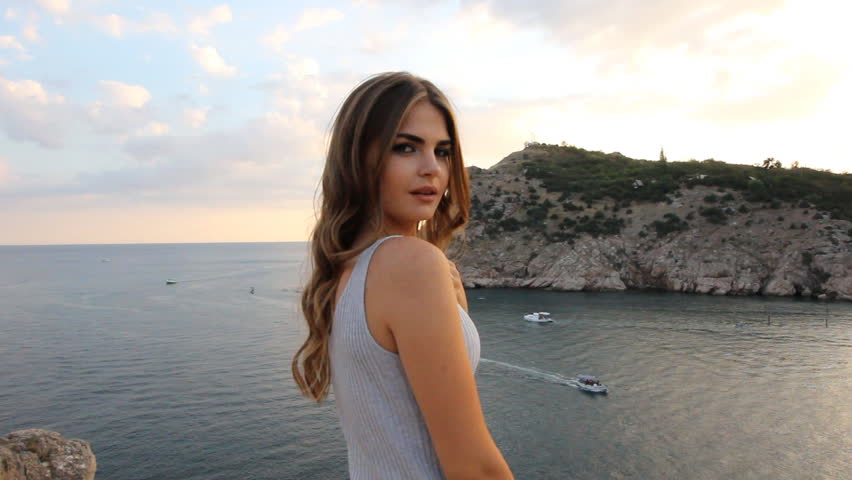 60 |
60 | 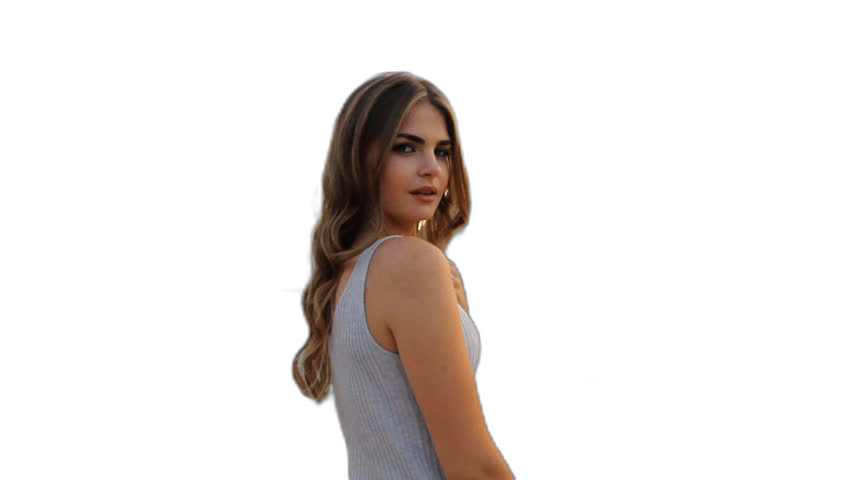 61 |
61 |
62 |
63 | **If this project has helped you, please consider making a [donation](https://www.buymeacoffee.com/danielgatis).**
64 |
65 | ## Requirements
66 |
67 | ```
68 | python: >3.7, <3.11
69 | ```
70 |
71 | ## Installation
72 |
73 | CPU support:
74 |
75 | ```bash
76 | pip install rembg
77 | ```
78 |
79 | GPU support:
80 |
81 | ```bash
82 | pip install rembg[gpu]
83 | ```
84 |
85 | ## Usage as a cli
86 |
87 | After the installation step you can use rembg just typing `rembg` in your terminal window.
88 |
89 | The `rembg` command has 3 subcommands, one for each input type:
90 | - `i` for files
91 | - `p` for folders
92 | - `s` for http server
93 |
94 | You can get help about the main command using:
95 |
96 | ```
97 | rembg --help
98 | ```
99 |
100 | As well, about all the subcommands using:
101 |
102 | ```
103 | rembg --help
104 | ```
105 |
106 | ### rembg `i`
107 |
108 | Used when input and output are files.
109 |
110 | Remove the background from a remote image
111 |
112 | ```
113 | curl -s http://input.png | rembg i > output.png
114 | ```
115 |
116 | Remove the background from a local file
117 |
118 | ```
119 | rembg i path/to/input.png path/to/output.png
120 | ```
121 |
122 | Remove the background specifying a model
123 |
124 | ```
125 | rembg i -m u2netp path/to/input.png path/to/output.png
126 | ```
127 |
128 | Remove the background returning only the mask
129 |
130 | ```
131 | rembg i -om path/to/input.png path/to/output.png
132 | ```
133 |
134 |
135 | Remove the background applying an alpha matting
136 |
137 | ```
138 | rembg i -a path/to/input.png path/to/output.png
139 | ```
140 |
141 | ### rembg `p`
142 |
143 | Used when input and output are folders.
144 |
145 | Remove the background from all images in a folder
146 |
147 | ```
148 | rembg p path/to/input path/to/output
149 | ```
150 |
151 | Same as before, but watching for new/changed files to process
152 |
153 | ```
154 | rembg p -w path/to/input path/to/output
155 | ```
156 |
157 | ### rembg `s`
158 |
159 | Used to start http server.
160 |
161 | To see the complete endpoints documentation, go to: `http://localhost:5000/docs`.
162 |
163 | Remove the background from an image url
164 |
165 | ```
166 | curl -s "http://localhost:5000/?url=http://input.png" -o output.png
167 | ```
168 |
169 | Remove the background from an uploaded image
170 |
171 | ```
172 | curl -s -F file=@/path/to/input.jpg "http://localhost:5000" -o output.png
173 | ```
174 |
175 | ## Usage as a library
176 |
177 | Input and output as bytes
178 |
179 | ```python
180 | from rembg import remove
181 |
182 | input_path = 'input.png'
183 | output_path = 'output.png'
184 |
185 | with open(input_path, 'rb') as i:
186 | with open(output_path, 'wb') as o:
187 | input = i.read()
188 | output = remove(input)
189 | o.write(output)
190 | ```
191 |
192 | Input and output as a PIL image
193 |
194 | ```python
195 | from rembg import remove
196 | from PIL import Image
197 |
198 | input_path = 'input.png'
199 | output_path = 'output.png'
200 |
201 | input = Image.open(input_path)
202 | output = remove(input)
203 | output.save(output_path)
204 | ```
205 |
206 | Input and output as a numpy array
207 |
208 | ```python
209 | from rembg import remove
210 | import cv2
211 |
212 | input_path = 'input.png'
213 | output_path = 'output.png'
214 |
215 | input = cv2.imread(input_path)
216 | output = remove(input)
217 | cv2.imwrite(output_path, output)
218 | ```
219 |
220 | How to iterate over files in a performatic way
221 |
222 | ```python
223 | from pathlib import Path
224 | from rembg import remove, new_session
225 |
226 | session = new_session()
227 |
228 | for file in Path('path/to/folder').glob('*.png'):
229 | input_path = str(file)
230 | output_path = str(file.parent / (file.stem + ".out.png"))
231 |
232 | with open(input_path, 'rb') as i:
233 | with open(output_path, 'wb') as o:
234 | input = i.read()
235 | output = remove(input, session=session)
236 | o.write(output)
237 | ```
238 |
239 | ## Usage as a docker
240 |
241 | Just replace the `rembg` command for `docker run danielgatis/rembg`.
242 |
243 | Try this:
244 |
245 | ```
246 | docker run danielgatis/rembg i path/to/input.png path/to/output.png
247 | ```
248 |
249 | ## Models
250 |
251 | All models are downloaded and saved in the user home folder in the `.u2net` directory.
252 |
253 | The available models are:
254 |
255 | - u2net ([download](https://github.com/danielgatis/rembg/releases/download/v0.0.0/u2net.onnx), [source](https://github.com/xuebinqin/U-2-Net)): A pre-trained model for general use cases.
256 | - u2netp ([download](https://github.com/danielgatis/rembg/releases/download/v0.0.0/u2netp.onnx), [source](https://github.com/xuebinqin/U-2-Net)): A lightweight version of u2net model.
257 | - u2net_human_seg ([download](https://github.com/danielgatis/rembg/releases/download/v0.0.0/u2net_human_seg.onnx), [source](https://github.com/xuebinqin/U-2-Net)): A pre-trained model for human segmentation.
258 | - u2net_cloth_seg ([download](https://github.com/danielgatis/rembg/releases/download/v0.0.0/u2net_cloth_seg.onnx), [source](https://github.com/levindabhi/cloth-segmentation)): A pre-trained model for Cloths Parsing from human portrait. Here clothes are parsed into 3 category: Upper body, Lower body and Full body.
259 | - silueta ([download](https://github.com/danielgatis/rembg/releases/download/v0.0.0/silueta.onnx), [source](https://github.com/xuebinqin/U-2-Net/issues/295)): Same as u2net but the size is reduced to 43Mb.
260 |
261 | ### How to train your own model
262 |
263 | If You need more fine tunned models try this:
264 | https://github.com/danielgatis/rembg/issues/193#issuecomment-1055534289
265 |
266 |
267 | ## Some video tutorials
268 |
269 | - https://www.youtube.com/watch?v=3xqwpXjxyMQ
270 | - https://www.youtube.com/watch?v=dFKRGXdkGJU
271 | - https://www.youtube.com/watch?v=Ai-BS_T7yjE
272 | - https://www.youtube.com/watch?v=dFKRGXdkGJU
273 | - https://www.youtube.com/watch?v=D7W-C0urVcQ
274 |
275 | ## References
276 |
277 | - https://arxiv.org/pdf/2005.09007.pdf
278 | - https://github.com/NathanUA/U-2-Net
279 | - https://github.com/pymatting/pymatting
280 |
281 | ## Buy me a coffee
282 |
283 | Liked some of my work? Buy me a coffee (or more likely a beer)
284 |
285 |  286 |
287 | ## License
288 |
289 | Copyright (c) 2020-present [Daniel Gatis](https://github.com/danielgatis)
290 |
291 | Licensed under [MIT License](./LICENSE.txt)
292 |
--------------------------------------------------------------------------------
286 |
287 | ## License
288 |
289 | Copyright (c) 2020-present [Daniel Gatis](https://github.com/danielgatis)
290 |
291 | Licensed under [MIT License](./LICENSE.txt)
292 |
--------------------------------------------------------------------------------