AEE is free and open-source: you can redistribute it and/or modify it under the terms of the GNU General Public License as published by the Free Software Foundation, either version 3 of the License, or (at your option) any later version.
14 |
15 |
However, please be noted that AEE is distributed in the hope that it will be useful, but WITHOUT ANY WARRANTY; without even the implied warranty of MERCHANTABILITY or FITNESS FOR A PARTICULAR PURPOSE. See the GNU General Public License (http://www.gnu.org/licenses/) for more details.
16 |
17 |
Moreover, AEE is made with a good intention to check out what’s inside installed APK files on an Android device, and not at all designed for any kind of illegal activities.
18 |
--------------------------------------------------------------------------------
/pages/support.md:
--------------------------------------------------------------------------------
1 | ---
2 | layout: default
3 | title: Support AEE
4 | permalink: /support/
5 | ---
6 |
7 |
10 |
11 | ## Support the development of AEE
12 |
13 |
If you like to appreciate the efforts of developer to provide AEE free (always available in GitHub release page), non-intrusive and without Ads, please consider supporting the development in some way. Maintaining this project take a lot of time. So, each and every support from the android community will be hugely appreciated.
AEE offers two different versions of APK's with slightly different capabilities for those who interested, and are
14 |
15 | ### Google Play
16 |
17 |
Google Play version is named as APK Explorer, which itself describes its purpose and limitations clearly. In order to avoid Google's policy violations, this version doesn't offer APK signing and related features. As a result, this version only offers to view and export/save the contents of an installed APK file. Moreover, please be noted that this version is provided as a paid app, mainly to support the development of this project. If you are not really into APK editing, please consider purchasing this version to support the development of this open-source project.
18 |
19 |
20 |
21 | ### F-Droid/GitHub
22 |
23 |
The F-Droid/GitHub version is named as APK Explorer & Editor, which is in fact the full version of AEE. It offers all the capabilities of this project including APK/app bundle signing, very basic editing on the resources (work in progress), as well as the installation of the exported APK's/app bundles. This version is, and always, remains free.
24 |
25 |
26 |
--------------------------------------------------------------------------------
/index.md:
--------------------------------------------------------------------------------
1 | ---
2 | layout: default
3 | title: Home
4 | ---
5 |
6 |
9 |
10 | ## Welcome to the home page of APK Explorer & Editor (AEE)
11 |
APK Explorer & Editor (AEE), includes a set of open-source tools mainly designed to check out what's inside installed APK's, is strictly made with an aim to inspect an installed APK file. Additionally, AEE offers a feature-rich APK/Split APK's/App bundle installer which allows users to pick and install files from device storage.
12 |
13 |
14 |
15 | ### Features
16 | 1. A beautifully designed list view of installed applications.
17 | 2. Explore an installed application or APK file picked from the device storage and navigate through its contents.
18 | 3. Export and easily manage (install, share etc.) APK's/Split APK's into device storage.
19 | 4. Includes a feature-rich APK/Split APK/App bundle installer (easily pick and install files from device storage)
20 | 5. Easily extract app icons by single-clicking on them.
21 | 6. Edit text/binary XML files using an in-built text editor (still, a bit buggy especially when working with big APK's).
22 | 8. View graphics, texts, binary XML, and many more.
23 | 7. Delete or replaces resources.
24 | 9. Save/Export individual or a batch of resource files into device storage or delete them.
25 | 10. Decompile dex classes (.dex) into smali files for editing and recompile back to dex format.
26 | 11. Create signed APK's/App Bundles after the above-mentioned modifications.
27 | 12. Resign APK's/bundles with AEE custom key.
28 | 13. Elegantly designed user interface with an auto-dark/light theme.
29 | 14. A lot more.
30 |
--------------------------------------------------------------------------------
/pages/apk-signing.md:
--------------------------------------------------------------------------------
1 | ---
2 | layout: default
3 | title: Signing APK's
4 | permalink: /apk-signing/
5 | ---
6 |
7 |
10 |
11 | ## APK Signing
12 |
13 |
AEE will recognize APK files and app bundles and sign them accordingly with its default key. In order to sign an APK using a custom Keystore, some specific methods need to be followed and are explained in the next section.
14 |
15 | ## Signing with a custom key
16 |
17 |
In order to sign APK's with a custom key, AEE requires either a PKCS #12 keystore or a PKCS #8/X509Certificate key pair.
18 |
19 | ### How to generate a PKCS #12 keystore
20 |
21 |
22 |
From the output, copy the text starting from -----BEGIN CERTIFICATE----- to -----END CERTIFICATE----- (including both) and save it as a text file
37 |
38 |
39 | ### Configure AEE to work with custom key
40 |
41 |
Open AEE and Navigate to Settings -> Sign APK's with and select Custom Key. A new page will now open which offers an option to select a custom Private Key. Use it to import your PKCS #12 keystore or PKCS #8 private key. Depending on the imported file, AEE might ask for additional details. For e.g., keystore and alias passwords are requested upon importing a PKCS #12 keystore. On the other hand, importing a PKCS #8 private key to AEE will lead you to a new window requesting it's respective X509Certificate pair. By fulfilling them, AEE will do the following changes, and now onwards uses the new credentials for signing.
The main user interface of AEE is categorized into a number of pages, and are
14 |
15 | ### 1. Installed Apps
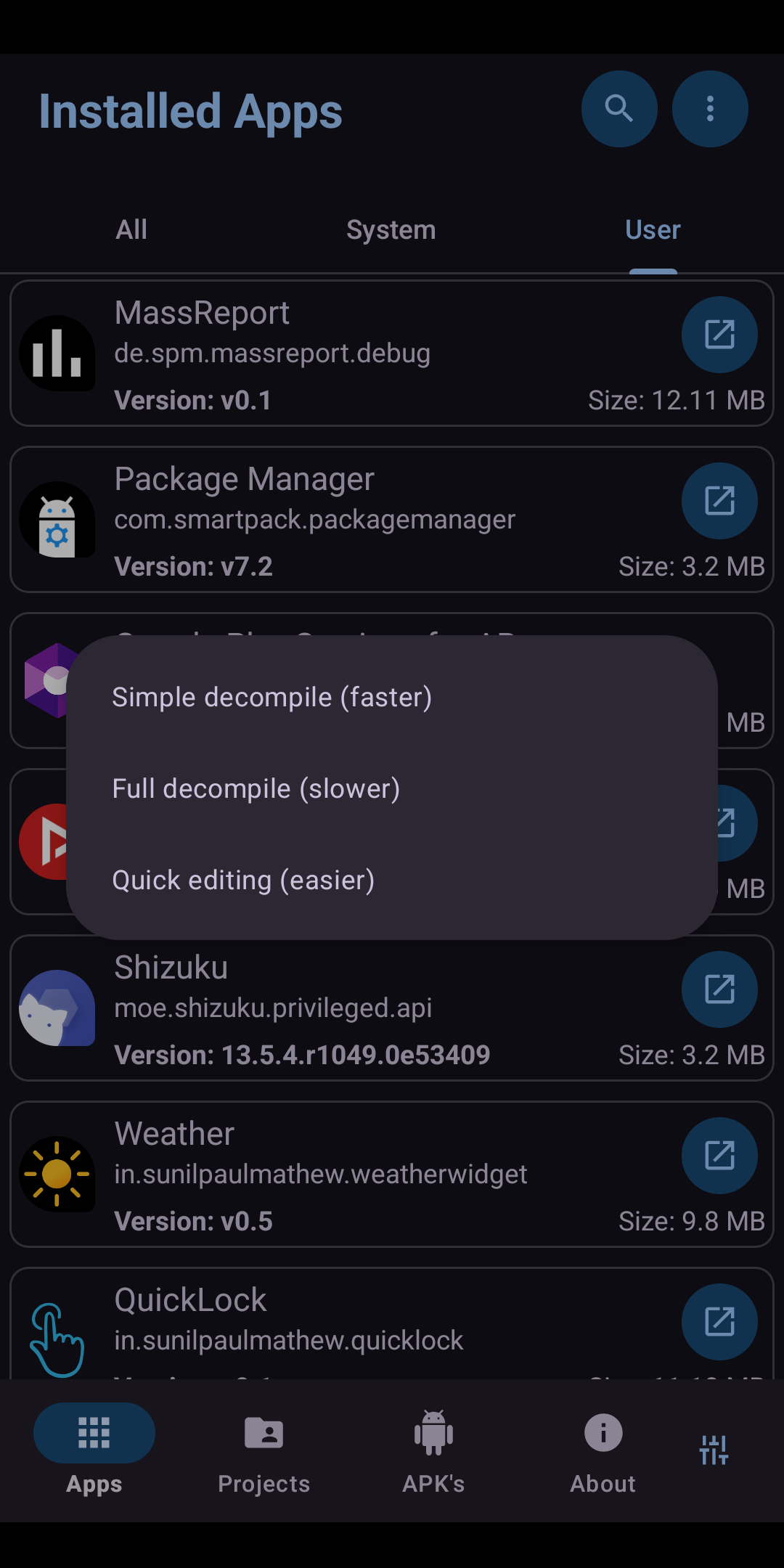
16 |
17 |
This page will by default load all the installed application on your device. AEE also allow offers a separate view of System and User apps. The following tasks are allowed on this page.
18 |
19 |
20 |
Single click on an icon will load it in full screen. From the newly opened screen, it is also possible to save the same into device storage.
21 |
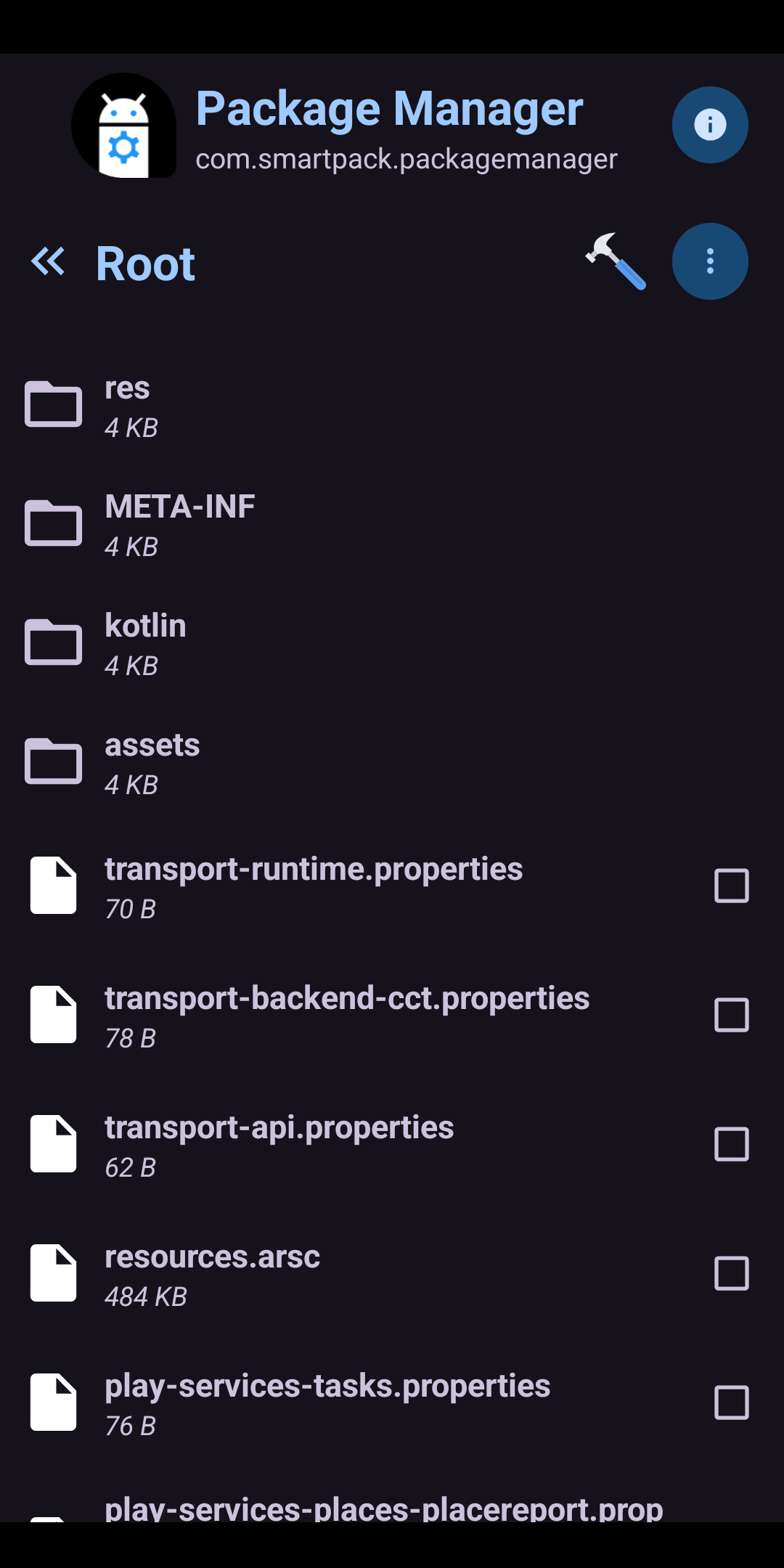
Single click on any other part of an application will open the contents of the installed application in a File Manager and allows users to navigate through its contents.
22 |
It is possible to Save/Export individual resource files such as fonts, graphics, binary XML files, etc to device storage.
23 |
AEE even allow users to Delete or Replace original resource files of an APK.
24 |
It is also possible to edit text/binary XML files using an in-built text editor (disabled by default in the Settings menu).
25 |
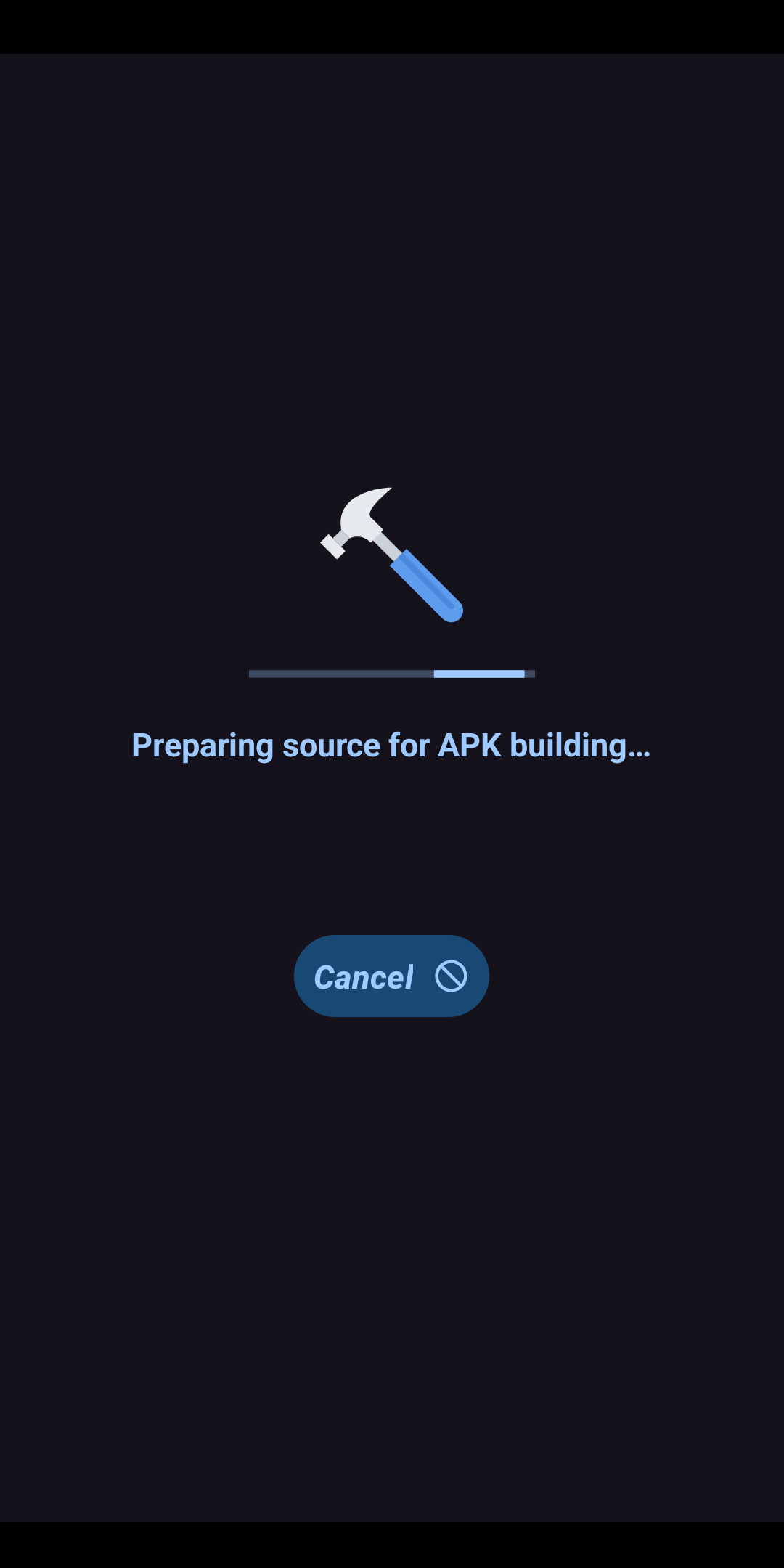
Finally, AEE offers the generation of a signed (with AEE custom key) APK's/App Bundles after the above-mentioned modifications.
26 |
Alternately, long clicking on an entry on the main screen will allow users to simply export (with or without signing with AEE custom key) APK's/App bundles into device storage.
27 |
28 |
29 | ### 2. Projects
30 |
31 |
This page lists all the applications (including the uninstalled ones) that are already explored from the first page, provided the user decided to retain the explored data upon asking (app will prompt when closing a project). This page also allows almost all the tasks that are available in the previous page. Additionally, long-clicking an item on this page will allow making a copy of the entire project folder of the selected app into device storage.
32 |
33 | ### 3. Extracted APK's
34 |
35 |
This page lists all the APK's/App bundles created on the first page. Various tasks that are allowed on this page are
36 |
37 |
38 |
Install an exported or resigned APK/Split APK's by single clicking.
39 |
Share or save an exported APK/Split APK's to downloads folder by long clicking.
40 |
Delete an exported APK/Split APK's.
41 |
42 |
43 |
Additionally, this page is also equipped with a feature-rich APK/Split APK/App bundle installer. AEE Split APK installer now handles normal APK's, split APK's as well as xapk, apks and apkm app bundles. In order to initialize an installation, simply click the installer button on the top to select the installation file(s) and follow onscreen instructions.
44 |
45 | ### 4. About
46 |
47 |
Shows very basic information about the development of this project. It includes links to visit the source code of AEE, Telegram support group etc.
48 |
49 | ### 5. Settings
50 |
51 |
The Settings menu of AEE is bundled with a number of options including,
52 |
53 |
54 |
Choose the default action when Exiting a Project, Exporting and Installing APK's, etc.