├── example.png
├── newtab.html
├── manifest.json
└── README.md
/example.png:
--------------------------------------------------------------------------------
https://raw.githubusercontent.com/caiogondim/chrome-blank-new-tab/HEAD/example.png
--------------------------------------------------------------------------------
/newtab.html:
--------------------------------------------------------------------------------
1 |
2 |
3 |
4 |
5 |
6 |
11 |
12 |
13 |
14 |
15 |
16 |
--------------------------------------------------------------------------------
/manifest.json:
--------------------------------------------------------------------------------
1 | {
2 | "name": "Blank New Tab",
3 | "version": "0.0.1",
4 | "manifest_version": 2,
5 | "description": "Blank page on new tab.",
6 | "homepage_url": "https://caiogondim.com",
7 | "chrome_url_overrides": {
8 | "newtab": "newtab.html"
9 | }
10 | }
11 |
--------------------------------------------------------------------------------
/README.md:
--------------------------------------------------------------------------------
1 | # chrome-blank-new-tab
2 |
3 | Dark blank new tab extension for Chrome.
4 |
5 | 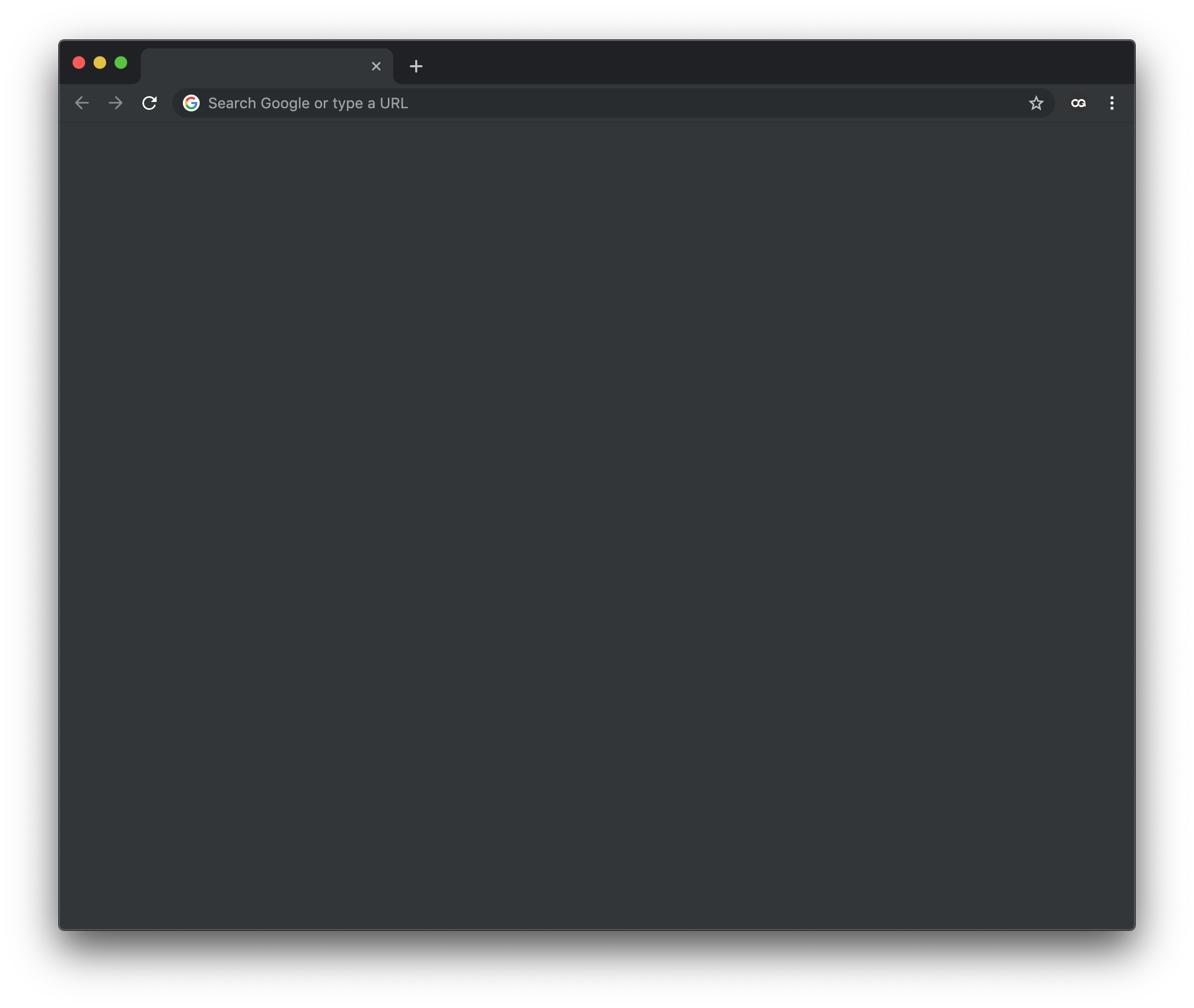 6 |
7 | ## Instalation
8 |
9 | 1. Download the repo
10 | 2. Open Chrome
11 | 3. Menu > Window > Extension
12 | 4. Load unpacked
13 |
--------------------------------------------------------------------------------
6 |
7 | ## Instalation
8 |
9 | 1. Download the repo
10 | 2. Open Chrome
11 | 3. Menu > Window > Extension
12 | 4. Load unpacked
13 |
--------------------------------------------------------------------------------