├── src
├── app
│ ├── app.d.ts
│ ├── (app)
│ │ ├── posts
│ │ │ ├── [id]
│ │ │ │ ├── RecommendPost.tsx
│ │ │ │ └── loading.tsx
│ │ │ ├── TagItem.tsx
│ │ │ ├── CoverSwitch.tsx
│ │ │ ├── page.tsx
│ │ │ └── Toc.tsx
│ │ ├── (home)
│ │ │ ├── layout.tsx
│ │ │ └── page.tsx
│ │ ├── icon
│ │ │ └── page.tsx
│ │ ├── layout.tsx
│ │ ├── about
│ │ │ └── page.tsx
│ │ └── projects
│ │ │ ├── page.tsx
│ │ │ └── Projects.tsx
│ ├── icon.jpg
│ ├── favicon.ico
│ ├── apple-icon.jpg
│ ├── opengraph-image.webp
│ ├── test
│ │ └── page.tsx
│ ├── robots.ts
│ ├── sitemap.ts
│ ├── not-found.tsx
│ ├── globals.css
│ └── layout.tsx
├── types
│ ├── index.ts
│ ├── type.d.ts
│ └── siteConfig.ts
├── assets
│ ├── Portrait.jpg
│ ├── media
│ │ ├── qq.webp
│ │ ├── wx.webp
│ │ ├── douyin.webp
│ │ └── wxPublic.webp
│ ├── PortraitAlt.webp
│ ├── favicon
│ │ └── github.png
│ ├── products
│ │ ├── resume.png
│ │ └── codecopy.png
│ ├── icons
│ │ ├── XIcon.tsx
│ │ ├── MinusCircleIcon.tsx
│ │ ├── JueJinIcon.tsx
│ │ ├── TiktokIcon.tsx
│ │ ├── MoonIcon.tsx
│ │ ├── SubscriberIcon.tsx
│ │ ├── SunIcon.tsx
│ │ ├── UTurnLeftIcon.tsx
│ │ ├── CheckDoubleTickIcon.tsx
│ │ ├── CloudIcon.tsx
│ │ ├── FilterHorizontalIcon.tsx
│ │ ├── SnailIcon.tsx
│ │ ├── EyeOpenIcon.tsx
│ │ ├── UsersIcon.tsx
│ │ ├── TiltedSendIcon.tsx
│ │ ├── UserArrowLeftIcon.tsx
│ │ ├── UFOIcon.tsx
│ │ ├── ScriptIcon.tsx
│ │ ├── EyeCloseIcon.tsx
│ │ ├── TwitterIcon.tsx
│ │ ├── WxIcon.tsx
│ │ ├── UserSecurityIcon.tsx
│ │ ├── XSquareIcon.tsx
│ │ ├── CursorIcon.tsx
│ │ ├── SparkleIcon.tsx
│ │ ├── ExternalLinkIcon.tsx
│ │ ├── HourglassIcon.tsx
│ │ ├── NewCommentIcon.tsx
│ │ ├── PencilSwooshIcon.tsx
│ │ ├── GitHubIcon.tsx
│ │ ├── ZhihuIcon.tsx
│ │ ├── CalendarIcon.tsx
│ │ ├── HomeIcon.tsx
│ │ ├── CursorClickIcon.tsx
│ │ ├── MailIcon.tsx
│ │ ├── YouTubeIcon.tsx
│ │ ├── TelegramIcon.tsx
│ │ ├── AtomIcon.tsx
│ │ ├── GoogleBrandIcon.tsx
│ │ ├── BriefcaseIcon.tsx
│ │ ├── LightningIcon.tsx
│ │ ├── TagIcon.tsx
│ │ ├── GitHubBrandIcon.tsx
│ │ ├── BilibiliIcon.tsx
│ │ ├── ClipboardDataIcon.tsx
│ │ ├── ClipboardCheckIcon.tsx
│ │ ├── Layers3Icon.tsx
│ │ ├── WxMediaIcon.tsx
│ │ ├── QQIcon.tsx
│ │ └── DashboardIcon.tsx
│ └── index.ts
├── components
│ ├── MDXComponents.tsx
│ ├── ui
│ │ ├── aspect-ratio.tsx
│ │ ├── toaster.tsx
│ │ ├── separator.tsx
│ │ ├── sonner.tsx
│ │ ├── popover.tsx
│ │ ├── switch.tsx
│ │ ├── tooltip.tsx
│ │ ├── hover-card.tsx
│ │ └── button.tsx
│ ├── ClientOnly.tsx
│ ├── DynamicIconRender.tsx
│ ├── theme-providers.tsx
│ ├── BaiDuAnalytics.tsx
│ ├── GoogleAnalytics.tsx
│ ├── ZoomAbleImage.tsx
│ ├── Tag.tsx
│ ├── GlobalBg.tsx
│ ├── Container.tsx
│ ├── Avatar.tsx
│ ├── links
│ │ └── RichLink.tsx
│ ├── Footer.tsx
│ └── ThemeToggle.tsx
├── lib
│ ├── utils.ts
│ ├── font.ts
│ ├── math.ts
│ ├── images.ts
│ └── index.ts
├── style
│ └── tocbot.css
└── hooks
│ └── useThemeToggleAnimation.ts
├── .prettierignore
├── public
├── baidu_verify_codeva-7AmpPWgzQY.html
├── logo.png
├── og.png
├── logo.webp
├── police.png
├── easykol.png
├── npmIcon.webp
├── svgShow.png
├── neovateCode.png
├── about-me-bg.webp
└── site.webmanifest
├── .commitlintrc.json
├── .husky
├── pre-commit
└── commit-msg
├── scripts
├── sync-post.js
├── github
│ ├── job.js
│ └── syncPost.js
└── generate-rss.js
├── lint-staged.config.ts
├── postcss.config.mjs
├── .vscode
├── extensions.json
└── settings.json
├── .prettierrc.json
├── data
└── blog
│ ├── post-26.mdx
│ ├── post-29.mdx
│ ├── post-47.mdx
│ ├── post-42.mdx
│ ├── post-5.mdx
│ ├── post-4.mdx
│ ├── post-40.mdx
│ ├── post-9.mdx
│ ├── post-59.mdx
│ ├── post-13.mdx
│ ├── post-67.mdx
│ ├── post-73.mdx
│ ├── post-28.mdx
│ ├── post-58.mdx
│ ├── post-65.mdx
│ ├── post-69.mdx
│ ├── post-75.mdx
│ ├── post-80.mdx
│ ├── post-64.mdx
│ ├── post-79.mdx
│ ├── post-86.mdx
│ ├── post-93.mdx
│ ├── post-49.mdx
│ ├── post-10.mdx
│ ├── post-68.mdx
│ ├── post-6.mdx
│ ├── post-39.mdx
│ ├── post-24.mdx
│ ├── post-18.mdx
│ ├── post-72.mdx
│ └── post-46.mdx
├── components.json
├── .gitignore
├── next.config.mjs
├── .eslintrc.json
├── tsconfig.json
├── LICENSE
├── posts
├── use-iconfont-in-wechat-miniprogram.mdx
├── fan-hua.mdx
├── mid-year-2024.mdx
├── mid-year-summary-2023.mdx
├── react-drag-drop-demo.mdx
└── about.mdx
├── contentlayer.config.ts
├── README.md
├── .github
└── workflows
│ └── sync-post.yml
├── README-zh_CN.md
└── env.mjs
/src/app/app.d.ts:
--------------------------------------------------------------------------------
1 |
--------------------------------------------------------------------------------
/src/types/index.ts:
--------------------------------------------------------------------------------
1 |
--------------------------------------------------------------------------------
/src/app/(app)/posts/[id]/RecommendPost.tsx:
--------------------------------------------------------------------------------
1 |
--------------------------------------------------------------------------------
/.prettierignore:
--------------------------------------------------------------------------------
1 | /.next/
2 | /node_modules
3 | .env*.local
4 |
--------------------------------------------------------------------------------
/public/baidu_verify_codeva-7AmpPWgzQY.html:
--------------------------------------------------------------------------------
1 | 16b8ecfce956845b1084a0e91f0727ef
--------------------------------------------------------------------------------
/.commitlintrc.json:
--------------------------------------------------------------------------------
1 | {
2 | "extends": ["@commitlint/config-conventional"]
3 | }
4 |
--------------------------------------------------------------------------------
/public/logo.png:
--------------------------------------------------------------------------------
https://raw.githubusercontent.com/coderPerseus/blog/HEAD/public/logo.png
--------------------------------------------------------------------------------
/public/og.png:
--------------------------------------------------------------------------------
https://raw.githubusercontent.com/coderPerseus/blog/HEAD/public/og.png
--------------------------------------------------------------------------------
/public/logo.webp:
--------------------------------------------------------------------------------
https://raw.githubusercontent.com/coderPerseus/blog/HEAD/public/logo.webp
--------------------------------------------------------------------------------
/public/police.png:
--------------------------------------------------------------------------------
https://raw.githubusercontent.com/coderPerseus/blog/HEAD/public/police.png
--------------------------------------------------------------------------------
/src/app/icon.jpg:
--------------------------------------------------------------------------------
https://raw.githubusercontent.com/coderPerseus/blog/HEAD/src/app/icon.jpg
--------------------------------------------------------------------------------
/public/easykol.png:
--------------------------------------------------------------------------------
https://raw.githubusercontent.com/coderPerseus/blog/HEAD/public/easykol.png
--------------------------------------------------------------------------------
/public/npmIcon.webp:
--------------------------------------------------------------------------------
https://raw.githubusercontent.com/coderPerseus/blog/HEAD/public/npmIcon.webp
--------------------------------------------------------------------------------
/public/svgShow.png:
--------------------------------------------------------------------------------
https://raw.githubusercontent.com/coderPerseus/blog/HEAD/public/svgShow.png
--------------------------------------------------------------------------------
/src/app/favicon.ico:
--------------------------------------------------------------------------------
https://raw.githubusercontent.com/coderPerseus/blog/HEAD/src/app/favicon.ico
--------------------------------------------------------------------------------
/public/neovateCode.png:
--------------------------------------------------------------------------------
https://raw.githubusercontent.com/coderPerseus/blog/HEAD/public/neovateCode.png
--------------------------------------------------------------------------------
/src/app/apple-icon.jpg:
--------------------------------------------------------------------------------
https://raw.githubusercontent.com/coderPerseus/blog/HEAD/src/app/apple-icon.jpg
--------------------------------------------------------------------------------
/public/about-me-bg.webp:
--------------------------------------------------------------------------------
https://raw.githubusercontent.com/coderPerseus/blog/HEAD/public/about-me-bg.webp
--------------------------------------------------------------------------------
/src/assets/Portrait.jpg:
--------------------------------------------------------------------------------
https://raw.githubusercontent.com/coderPerseus/blog/HEAD/src/assets/Portrait.jpg
--------------------------------------------------------------------------------
/src/assets/media/qq.webp:
--------------------------------------------------------------------------------
https://raw.githubusercontent.com/coderPerseus/blog/HEAD/src/assets/media/qq.webp
--------------------------------------------------------------------------------
/src/assets/media/wx.webp:
--------------------------------------------------------------------------------
https://raw.githubusercontent.com/coderPerseus/blog/HEAD/src/assets/media/wx.webp
--------------------------------------------------------------------------------
/src/assets/PortraitAlt.webp:
--------------------------------------------------------------------------------
https://raw.githubusercontent.com/coderPerseus/blog/HEAD/src/assets/PortraitAlt.webp
--------------------------------------------------------------------------------
/src/app/opengraph-image.webp:
--------------------------------------------------------------------------------
https://raw.githubusercontent.com/coderPerseus/blog/HEAD/src/app/opengraph-image.webp
--------------------------------------------------------------------------------
/src/assets/favicon/github.png:
--------------------------------------------------------------------------------
https://raw.githubusercontent.com/coderPerseus/blog/HEAD/src/assets/favicon/github.png
--------------------------------------------------------------------------------
/src/assets/media/douyin.webp:
--------------------------------------------------------------------------------
https://raw.githubusercontent.com/coderPerseus/blog/HEAD/src/assets/media/douyin.webp
--------------------------------------------------------------------------------
/src/assets/media/wxPublic.webp:
--------------------------------------------------------------------------------
https://raw.githubusercontent.com/coderPerseus/blog/HEAD/src/assets/media/wxPublic.webp
--------------------------------------------------------------------------------
/src/assets/products/resume.png:
--------------------------------------------------------------------------------
https://raw.githubusercontent.com/coderPerseus/blog/HEAD/src/assets/products/resume.png
--------------------------------------------------------------------------------
/.husky/pre-commit:
--------------------------------------------------------------------------------
1 | #!/usr/bin/env sh
2 | . "$(dirname -- "$0")/_/husky.sh"
3 |
4 | npx --no-install lint-staged
5 |
--------------------------------------------------------------------------------
/src/assets/products/codecopy.png:
--------------------------------------------------------------------------------
https://raw.githubusercontent.com/coderPerseus/blog/HEAD/src/assets/products/codecopy.png
--------------------------------------------------------------------------------
/.husky/commit-msg:
--------------------------------------------------------------------------------
1 | #!/usr/bin/env sh
2 | . "$(dirname -- "$0")/_/husky.sh"
3 |
4 | npx --no-install commitlint --edit "$1"
5 |
--------------------------------------------------------------------------------
/scripts/sync-post.js:
--------------------------------------------------------------------------------
1 | // eslint-disable-next-line @typescript-eslint/no-var-requires
2 | const syncPost = require('./github/syncPost');
3 |
4 | syncPost();
5 |
--------------------------------------------------------------------------------
/lint-staged.config.ts:
--------------------------------------------------------------------------------
1 | module.exports = {
2 | 'src/**/*.(ts|tsx|js|jsx)': ['eslint --fix'],
3 | 'src/**/*.(ts|tsx|js|jsx|css|scss|md|json)': ['prettier --write']
4 | };
5 |
--------------------------------------------------------------------------------
/src/app/(app)/(home)/layout.tsx:
--------------------------------------------------------------------------------
1 | export default function RootLayout({
2 | children
3 | }: Readonly<{
4 | children: React.ReactNode;
5 | }>) {
6 | return <>{children}>;
7 | }
8 |
--------------------------------------------------------------------------------
/postcss.config.mjs:
--------------------------------------------------------------------------------
1 | /** @type {import('postcss-load-config').Config} */
2 | const config = {
3 | plugins: {
4 | tailwindcss: {},
5 | },
6 | };
7 |
8 | export default config;
9 |
--------------------------------------------------------------------------------
/src/app/test/page.tsx:
--------------------------------------------------------------------------------
1 | import { type FC, memo } from 'react';
2 |
3 | const TestPage: FC = () => {
4 | return
TestPage
;
5 | };
6 |
7 | export default memo(TestPage);
8 |
--------------------------------------------------------------------------------
/src/components/MDXComponents.tsx:
--------------------------------------------------------------------------------
1 | import ZoomAbleImage from './ZoomAbleImage';
2 |
3 | const MDXComponents = {
4 | img: ZoomAbleImage
5 | // 其他自定义组件...
6 | };
7 |
8 | export default MDXComponents;
9 |
--------------------------------------------------------------------------------
/.vscode/extensions.json:
--------------------------------------------------------------------------------
1 | {
2 | "recommendations": [
3 | "esbenp.prettier-vscode",
4 | "dbaeumer.vscode-eslint",
5 | "stylelint.vscode-stylelint",
6 | "wangzy.sneak-mark"
7 | ]
8 | }
9 |
--------------------------------------------------------------------------------
/src/lib/utils.ts:
--------------------------------------------------------------------------------
1 | import { type ClassValue, clsx } from 'clsx';
2 | import { twMerge } from 'tailwind-merge';
3 |
4 | export function cn(...inputs: ClassValue[]) {
5 | return twMerge(clsx(inputs));
6 | }
7 |
--------------------------------------------------------------------------------
/src/components/ui/aspect-ratio.tsx:
--------------------------------------------------------------------------------
1 | 'use client';
2 |
3 | import * as AspectRatioPrimitive from '@radix-ui/react-aspect-ratio';
4 |
5 | const AspectRatio = AspectRatioPrimitive.Root;
6 |
7 | export { AspectRatio };
8 |
--------------------------------------------------------------------------------
/.prettierrc.json:
--------------------------------------------------------------------------------
1 | {
2 | "printWidth": 80,
3 | "tabWidth": 2,
4 | "useTabs": true,
5 | "singleQuote": true,
6 | "semi": true,
7 | "trailingComma": "none",
8 | "bracketSpacing": true,
9 | "endOfLine": "auto"
10 | }
11 |
--------------------------------------------------------------------------------
/src/app/(app)/posts/TagItem.tsx:
--------------------------------------------------------------------------------
1 | export function Tag({ children }: { children: React.ReactNode }) {
2 | return (
3 |
4 | {children}
5 |
6 | );
7 | }
8 |
--------------------------------------------------------------------------------
/src/lib/font.ts:
--------------------------------------------------------------------------------
1 | import { Manrope } from 'next/font/google';
2 |
3 | const sansFont = Manrope({
4 | subsets: ['latin'],
5 | weight: ['400', '500', '600', '700', '800'],
6 | variable: '--font-sans',
7 | display: 'swap'
8 | });
9 |
10 | export { sansFont };
11 |
--------------------------------------------------------------------------------
/src/types/type.d.ts:
--------------------------------------------------------------------------------
1 | // eslint-disable-next-line @typescript-eslint/no-explicit-any
2 | type AnyIfEmpty = any;
3 |
4 | interface ProjectItem {
5 | id?: string;
6 | name?: string;
7 | url?: string;
8 | description?: string;
9 | icon?: StaticImageData;
10 | tags?: string[];
11 | }
12 |
--------------------------------------------------------------------------------
/src/app/(app)/(home)/page.tsx:
--------------------------------------------------------------------------------
1 | import { Container } from '@/components/Container';
2 | import { Headline } from '@/components/IndexHeader';
3 |
4 | export default function Home() {
5 | return (
6 |
7 |
8 |
9 | );
10 | }
11 |
--------------------------------------------------------------------------------
/data/blog/post-26.mdx:
--------------------------------------------------------------------------------
1 | ---
2 | title: SEO 资料
3 | date: 2024-11-10T15:49:30Z
4 | slug: post-26
5 | author: chaseFunny:https://github.com/chaseFunny
6 | tags: []
7 | ---
8 |
9 | 1. https://www.indiehackers.com/post/seo-from-a-newbie-for-beginners-bcc8c5ca10
10 |
11 | ---
12 | 此文自动发布于:github issues
13 |
--------------------------------------------------------------------------------
/src/components/ClientOnly.tsx:
--------------------------------------------------------------------------------
1 | 'use client';
2 |
3 | import * as React from 'react';
4 |
5 | export function ClientOnly({ children }: { children: React.ReactNode }) {
6 | const [isMounted, setIsMounted] = React.useState(false);
7 |
8 | React.useEffect(() => {
9 | setIsMounted(true);
10 | }, []);
11 |
12 | if (!isMounted) return <>>;
13 |
14 | return children;
15 | }
16 |
--------------------------------------------------------------------------------
/src/components/DynamicIconRender.tsx:
--------------------------------------------------------------------------------
1 | 'use client';
2 | import * as Icons from '@radix-ui/react-icons';
3 | export default function DynamicIconRender({
4 | iconKey,
5 | ...props
6 | }: Readonly<{
7 | iconKey: string;
8 | style?: React.CSSProperties;
9 | className?: string;
10 | }>) {
11 | const IconComponent = Icons[iconKey as keyof typeof Icons];
12 | return ;
13 | }
14 |
--------------------------------------------------------------------------------
/src/lib/math.ts:
--------------------------------------------------------------------------------
1 | /**
2 | * 将给定的值限制在指定的最小值和最大值之间。
3 | *
4 | * @param value 需要被限制的数值。
5 | * @param a 最小值或第一个边界值。
6 | * @param b 最大值或第二个边界值。
7 | * @returns 返回被限制在最小值和最大值之间的值。
8 | */
9 | export function clamp(value: number, a: number, b: number) {
10 | // 确定最小值和最大值
11 | const min = Math.min(a, b);
12 | const max = Math.max(a, b);
13 |
14 | // 将值限制在最小值和最大值之间
15 | return Math.min(Math.max(value, min), max);
16 | }
17 |
--------------------------------------------------------------------------------
/components.json:
--------------------------------------------------------------------------------
1 | {
2 | "$schema": "https://ui.shadcn.com/schema.json",
3 | "style": "default",
4 | "rsc": true,
5 | "tsx": true,
6 | "tailwind": {
7 | "config": "tailwind.config.ts",
8 | "css": "app/globals.css",
9 | "baseColor": "neutral",
10 | "cssVariables": true,
11 | "prefix": ""
12 | },
13 | "aliases": {
14 | "components": "@/components",
15 | "utils": "@/lib/utils"
16 | }
17 | }
--------------------------------------------------------------------------------
/data/blog/post-29.mdx:
--------------------------------------------------------------------------------
1 | ---
2 | title: 随笔 - 长期更新
3 | date: 2024-11-30T12:50:54Z
4 | slug: post-29
5 | author: chaseFunny:https://github.com/chaseFunny
6 | tags: []
7 | ---
8 |
9 | > 记录互联网看到印象深刻的句子
10 |
11 | 1. 利用信息差、提升认知水平、强化执行力、在竞争中做到极致。 -稻盛和夫
12 | 2. 不扫兴就是最大的高情商 - [冴羽](https://yayujs.com/)
13 | 3. 可乐第一口就已经值两块五了,所以喝不完也不算浪费
14 |
15 | ---
16 | 此文自动发布于:github issues
17 |
--------------------------------------------------------------------------------
/public/site.webmanifest:
--------------------------------------------------------------------------------
1 | {
2 | "name": "luckySnail",
3 | "short_name": "luckySnail",
4 | "description": "基于 github issues 的 个人 blog",
5 | "start_url": "/",
6 | "icons": [
7 | {
8 | "src": "/logo.png",
9 | "sizes": "192x192",
10 | "type": "image/png"
11 | },
12 | {
13 | "src": "/logo.png",
14 | "sizes": "512x512",
15 | "type": "image/png"
16 | }
17 | ],
18 | "theme_color": "#8b5cf6",
19 | "background_color": "#ffffff",
20 | "display": "standalone"
21 | }
22 |
--------------------------------------------------------------------------------
/src/app/(app)/posts/[id]/loading.tsx:
--------------------------------------------------------------------------------
1 | import { UFOIcon } from '@/assets';
2 | import { Container } from '@/components/Container';
3 |
4 | export default function BlogPostPageSkeleton() {
5 | return (
6 |
7 |
12 |
13 | );
14 | }
15 |
--------------------------------------------------------------------------------
/data/blog/post-47.mdx:
--------------------------------------------------------------------------------
1 | ---
2 | title: 编码经验贴
3 | date: 2025-03-11T08:33:21Z
4 | slug: post-47
5 | author: chaseFunny:https://github.com/chaseFunny
6 | tags: ["经验"]
7 | ---
8 |
9 | #### 一、快速找到全局安装的 npm 包地址
10 |
11 | ```bash
12 | npm root -g
13 | # cd 到输出的目录,然后进入
14 | open .
15 | ```
16 |
17 | #### 二、找到指定端口的 PID ,然后 kill
18 |
19 | ```bash
20 | ss -tulpn | grep xxxx
21 | kill PID
22 | ```
23 |
24 | ---
25 | 此文自动发布于:github issues
26 |
--------------------------------------------------------------------------------
/src/assets/icons/XIcon.tsx:
--------------------------------------------------------------------------------
1 | import { type IconProps } from '@/assets';
2 |
3 | export function XIcon(props: IconProps = {}) {
4 | return (
5 |
21 | );
22 | }
23 |
--------------------------------------------------------------------------------
/data/blog/post-42.mdx:
--------------------------------------------------------------------------------
1 | ---
2 | title: 职场感悟 (长期更新)
3 | date: 2025-01-11T09:46:22Z
4 | slug: post-42
5 | author: chaseFunny:https://github.com/chaseFunny
6 | tags: ["经验","职场"]
7 | ---
8 |
9 | > 以下是个人在职场的真实感悟
10 |
11 | - 做好文档沉淀:当遇到 bug,解决复杂问题,业务逻辑复杂等等,都可以记录下来
12 | - 减少信息差:如果一个事情可以让大家都知道,就不需要私聊,把信息同步给到大家,说不定就能让事情做得更好
13 |
14 |
15 |
16 | # 参考资料
17 |
18 | - 如何做好技术 PM: https://mp.weixin.qq.com/s/Mur302t7-8444vaxLLUKgA
19 | -
20 |
21 | ---
22 | 此文自动发布于:github issues
23 |
--------------------------------------------------------------------------------
/src/components/theme-providers.tsx:
--------------------------------------------------------------------------------
1 | 'use client';
2 | import { ThemeProvider } from 'next-themes';
3 | import { type ThemeProviderProps } from 'next-themes/dist/types';
4 | import { memo, type FC } from 'react';
5 |
6 | const ThemeProviders: FC = ({ children, ...props }) => {
7 | return (
8 | // @ts-ignore
9 |
15 | {children}
16 |
17 | );
18 | };
19 |
20 | export default memo(ThemeProviders);
21 |
--------------------------------------------------------------------------------
/data/blog/post-5.mdx:
--------------------------------------------------------------------------------
1 | ---
2 | title: 记录我写的烂代码
3 | date: 2024-08-03T12:10:24Z
4 | slug: post-5
5 | author: chaseFunny:https://github.com/chaseFunny
6 | tags: ["编码规范"]
7 | ---
8 |
9 | # 背景
10 | 记录我写下的所有烂代码,警示自己好好写代码,要不然打的喷嚏都是在骂我写的 💩 山
11 |
12 | ## 魔法数
13 | > 魔法数”(magic number),也称魔法值、魔法字符串、魔术数字等,指的是在代码中直接出现的没有明确含义的数字常量或字符串,通常没有给出解释或者注释来说明其用途。
14 | > 这样的数字或字符串使得代码难以理解和维护,因为读者无法立即理解这些数字的含义和作用。
15 |
16 | 
17 |
18 |
19 | ---
20 | 此文自动发布于:github issues
21 |
--------------------------------------------------------------------------------
/src/app/robots.ts:
--------------------------------------------------------------------------------
1 | import { MetadataRoute } from 'next';
2 |
3 | export default function robots(): MetadataRoute.Robots {
4 | return {
5 | rules: [
6 | {
7 | userAgent: 'Googlebot',
8 | allow: '/'
9 | },
10 | {
11 | userAgent: 'Applebot',
12 | allow: '/'
13 | },
14 | {
15 | userAgent: 'bingbot',
16 | allow: '/'
17 | },
18 | {
19 | userAgent: 'Baiduspider',
20 | allow: '/'
21 | },
22 | {
23 | userAgent: '*',
24 | allow: '/'
25 | }
26 | ],
27 | sitemap: 'https://www.luckysnail.cn/sitemap.xml',
28 | host: 'https://www.luckysnail.cn'
29 | };
30 | }
31 |
--------------------------------------------------------------------------------
/.gitignore:
--------------------------------------------------------------------------------
1 | # See https://help.github.com/articles/ignoring-files/ for more about ignoring files.
2 |
3 | # dependencies
4 | /node_modules
5 | /.pnp
6 | .pnp.js
7 | .yarn/install-state.gz
8 |
9 | # testing
10 | /coverage
11 |
12 | # next.js
13 | /.next/
14 | /out/
15 |
16 | # production
17 | /build
18 |
19 | # misc
20 | .DS_Store
21 | *.pem
22 | .idea/*
23 |
24 | # debug
25 | npm-debug.log*
26 | yarn-debug.log*
27 | yarn-error.log*
28 |
29 | # local env files
30 | .env*.local
31 | .env
32 |
33 | # vercel
34 | .vercel
35 |
36 | # typescript
37 | *.tsbuildinfo
38 | next-env.d.ts
39 |
40 | # contentlayer
41 | .contentlayer
42 |
--------------------------------------------------------------------------------
/src/app/(app)/icon/page.tsx:
--------------------------------------------------------------------------------
1 | import * as iconList from '@/assets/index';
2 | import { Container } from '@/components/Container';
3 |
4 | export default function IconPage() {
5 | return (
6 |
7 |
8 | {Object.keys(iconList).map((key) => {
9 | // @ts-ignore
10 | const Icon = iconList[key];
11 | return (
12 |
16 | );
17 | })}
18 |
19 |
20 | );
21 | }
22 |
--------------------------------------------------------------------------------
/src/assets/icons/MinusCircleIcon.tsx:
--------------------------------------------------------------------------------
1 | import { type IconProps } from '@/assets';
2 |
3 | export function MinusCircleIcon(props: IconProps = {}) {
4 | return (
5 |
21 | );
22 | }
23 |
--------------------------------------------------------------------------------
/src/assets/icons/JueJinIcon.tsx:
--------------------------------------------------------------------------------
1 | import { type IconProps } from '@/assets';
2 |
3 | export function JueJinIcon(props: IconProps = {}) {
4 | return (
5 |
18 | );
19 | }
20 |
--------------------------------------------------------------------------------
/src/assets/icons/TiktokIcon.tsx:
--------------------------------------------------------------------------------
1 | import { type IconProps } from '@/assets';
2 |
3 | export function TiktokIcon(props: IconProps = {}) {
4 | return (
5 |
18 | );
19 | }
20 |
--------------------------------------------------------------------------------
/next.config.mjs:
--------------------------------------------------------------------------------
1 | import { withContentlayer } from 'next-contentlayer';
2 | import generate from './scripts/generate-rss.js';
3 | /** @type {import('next').NextConfig} */
4 | const nextConfig = {
5 | // 静态导出
6 | output: 'export',
7 | reactStrictMode: true,
8 | swcMinify: true,
9 | images: {
10 | domains: ['blog-1304565468.cos.ap-shanghai.myqcloud.com', 'github.com']
11 | },
12 | webpack: (config, { isServer }) => {
13 | // if (isServer) {
14 | // require('./scripts/generate-sitemap'); // eslint-disable-line
15 | // require('./scripts/generate-rss'); // eslint-disable-line
16 | // }
17 | generate();
18 | return config;
19 | }
20 | };
21 |
22 | export default withContentlayer(nextConfig);
23 |
--------------------------------------------------------------------------------
/src/components/BaiDuAnalytics.tsx:
--------------------------------------------------------------------------------
1 | 'use client';
2 | import Script from 'next/script';
3 | const BaiDuAnalytics = () => {
4 | return (
5 | <>
6 |
21 | >
22 | );
23 | };
24 | export default BaiDuAnalytics;
25 |
--------------------------------------------------------------------------------
/src/assets/icons/MoonIcon.tsx:
--------------------------------------------------------------------------------
1 | import { type IconProps } from '@/assets';
2 |
3 | export function MoonIcon(props: IconProps = {}) {
4 | return (
5 |
21 | );
22 | }
23 |
--------------------------------------------------------------------------------
/src/style/tocbot.css:
--------------------------------------------------------------------------------
1 | .toc-list {
2 | list-style-type: none;
3 | padding-left: 0;
4 | }
5 |
6 | .toc-list-item {
7 | font-size: 14px;
8 | font-weight: 500;
9 | line-height: 18px;
10 | transition: colors 0.3s;
11 | }
12 |
13 | .toc-link {
14 | display: block;
15 | width: 100%;
16 | color: #71717a; /* zinc-500 */
17 | margin-bottom: 8px;
18 | }
19 |
20 | .toc-link:hover {
21 | color: #3f3f46; /* zinc-700 */
22 | }
23 |
24 | .dark .toc-link:hover {
25 | color: #a1a1aa; /* dark:zinc-400 */
26 | }
27 |
28 | .is-active-li > .toc-link {
29 | color: #a855f7; /* zinc-900 */
30 | }
31 |
32 | .dark .is-active-li > .toc-link {
33 | color: #af88fa; /* dark:zinc-200 */
34 | }
35 |
36 | .toc-list .toc-list {
37 | padding-left: 1rem;
38 | }
39 |
--------------------------------------------------------------------------------
/src/assets/icons/SubscriberIcon.tsx:
--------------------------------------------------------------------------------
1 | import { type IconProps } from '@/assets';
2 |
3 | export function SubscriberIcon(props: IconProps = {}) {
4 | return (
5 |
21 | );
22 | }
23 |
--------------------------------------------------------------------------------
/src/assets/icons/SunIcon.tsx:
--------------------------------------------------------------------------------
1 | import { type IconProps } from '@/assets';
2 |
3 | export function SunIcon(props: IconProps = {}) {
4 | return (
5 |
21 | );
22 | }
23 |
--------------------------------------------------------------------------------
/src/assets/icons/UTurnLeftIcon.tsx:
--------------------------------------------------------------------------------
1 | import { type IconProps } from '@/assets';
2 |
3 | export function UTurnLeftIcon(props: IconProps = {}) {
4 | return (
5 |
21 | );
22 | }
23 |
--------------------------------------------------------------------------------
/src/assets/icons/CheckDoubleTickIcon.tsx:
--------------------------------------------------------------------------------
1 | import { type IconProps } from '@/assets';
2 |
3 | export function CheckDoubleTickIcon(props: IconProps = {}) {
4 | return (
5 |
21 | );
22 | }
23 |
--------------------------------------------------------------------------------
/src/assets/icons/CloudIcon.tsx:
--------------------------------------------------------------------------------
1 | import { type IconProps } from '@/assets';
2 |
3 | export function CloudIcon(props: IconProps = {}) {
4 | return (
5 |
21 | );
22 | }
23 |
--------------------------------------------------------------------------------
/src/assets/icons/FilterHorizontalIcon.tsx:
--------------------------------------------------------------------------------
1 | import { type IconProps } from '@/assets';
2 |
3 | export function FilterHorizontalIcon(props: IconProps = {}) {
4 | return (
5 |
21 | );
22 | }
23 |
--------------------------------------------------------------------------------
/src/assets/icons/SnailIcon.tsx:
--------------------------------------------------------------------------------
1 | import { type IconProps } from '@/assets';
2 |
3 | export function SnailIcon(props: IconProps = {}) {
4 | return (
5 |
31 | );
32 | }
33 |
--------------------------------------------------------------------------------
/data/blog/post-4.mdx:
--------------------------------------------------------------------------------
1 | ---
2 | title: git commit 提交规范中文解释
3 | date: 2024-08-03T11:56:59Z
4 | slug: post-4
5 | author: coderPerseus:https://github.com/coderPerseus
6 | tags: ["git","笔记"]
7 | ---
8 |
9 | 这些是 @commitlint/config-conventional 配置中定义的常用提交类型。每个类型的含义如下:
10 | 1. build: 影响构建系统或外部依赖项的更改(例如:gulp、broccoli、npm)
11 | 2. chore: 不修改源代码或测试文件的其他更改。通常用于维护性工作
12 | 3. ci: 持续集成配置文件和脚本的更改(例如:Travis、Circle、BrowserStack、SauceLabs)
13 | 4. docs: 仅文档的更改
14 | 5. feat: 新功能
15 | 6. fix: 修复 bug
16 | 7. perf: 提高性能的代码更改
17 | 8. refactor: 既不修复 bug 也不添加新功能的代码更改
18 | 9. revert: 撤销之前的提交
19 | 10. style: 不影响代码含义的更改(空白、格式化、缺少分号等)
20 | 11. test: 添加缺失的测试或修正现有的测试
21 | 这些类型帮助开发者快速了解每次提交的目的,使得版本历史更加清晰,也便于自动化工具生成更改日志。使用这些规范化的提交类型可以提高项目的可维护性和协作效率
22 |
23 | ---
24 | 此文自动发布于:github issues
25 |
--------------------------------------------------------------------------------
/src/components/GoogleAnalytics.tsx:
--------------------------------------------------------------------------------
1 | 'use client';
2 | import Script from 'next/script';
3 | const GoogleAnalytics = () => {
4 | return (
5 | <>
6 |
10 |
24 | >
25 | );
26 | };
27 | export default GoogleAnalytics;
28 |
--------------------------------------------------------------------------------
/src/assets/icons/EyeOpenIcon.tsx:
--------------------------------------------------------------------------------
1 | import { type IconProps } from '@/assets';
2 |
3 | export function EyeOpenIcon(props: IconProps = {}) {
4 | return (
5 |
28 | );
29 | }
30 |
--------------------------------------------------------------------------------
/src/assets/icons/UsersIcon.tsx:
--------------------------------------------------------------------------------
1 | import { type IconProps } from '@/assets';
2 |
3 | export function UsersIcon(props: IconProps = {}) {
4 | return (
5 |
19 | );
20 | }
21 |
--------------------------------------------------------------------------------
/.eslintrc.json:
--------------------------------------------------------------------------------
1 | {
2 | "env": {
3 | "browser": true,
4 | "es2021": true,
5 | "node": true
6 | },
7 | "extends": [
8 | "next/core-web-vitals",
9 | "eslint:recommended",
10 | "plugin:@typescript-eslint/recommended",
11 | "prettier",
12 | "plugin:prettier/recommended"
13 | ],
14 | "parser": "@typescript-eslint/parser",
15 | "parserOptions": {
16 | "ecmaVersion": "latest",
17 | "sourceType": "module"
18 | },
19 | "plugins": ["@typescript-eslint", "prettier"],
20 | "rules": {
21 | "prettier/prettier": "error",
22 | "no-case-declarations": "off",
23 | "no-constant-condition": "off",
24 | "@typescript-eslint/ban-ts-comment": "off"
25 | },
26 | "overrides": [
27 | {
28 | "files": ["**/*.{js,mjs,cjs,ts}"]
29 | }
30 | ],
31 | "globals": {
32 | "browser": true
33 | }
34 | }
--------------------------------------------------------------------------------
/src/assets/icons/TiltedSendIcon.tsx:
--------------------------------------------------------------------------------
1 | import { type IconProps } from '@/assets';
2 |
3 | export function TiltedSendIcon(props: IconProps = {}) {
4 | return (
5 |
21 | );
22 | }
23 |
--------------------------------------------------------------------------------
/src/components/ZoomAbleImage.tsx:
--------------------------------------------------------------------------------
1 | 'use client';
2 | import { ClientOnly } from '@/components/ClientOnly';
3 | import Image from 'next/image';
4 | import React from 'react';
5 | import Zoom from 'react-medium-image-zoom';
6 | import 'react-medium-image-zoom/dist/styles.css';
7 |
8 | interface ZoomAbleImageProps {
9 | src: string;
10 | alt: string;
11 | width?: number;
12 | height?: number;
13 | }
14 |
15 | const ZoomAbleImage: React.FC = ({
16 | src,
17 | alt,
18 | width,
19 | height
20 | }) => {
21 | return (
22 | // @ts-ignore
23 |
24 |
25 |
33 |
34 |
35 | );
36 | };
37 |
38 | export default ZoomAbleImage;
39 |
--------------------------------------------------------------------------------
/src/assets/icons/UserArrowLeftIcon.tsx:
--------------------------------------------------------------------------------
1 | import { type IconProps } from '@/assets';
2 |
3 | export function UserArrowLeftIcon(props: IconProps = {}) {
4 | return (
5 |
21 | );
22 | }
23 |
--------------------------------------------------------------------------------
/src/components/Tag.tsx:
--------------------------------------------------------------------------------
1 | 'use client'; // 如果组件需要在客户端渲染
2 |
3 | import { cn } from '@/lib/utils';
4 | import { FC, HTMLAttributes } from 'react';
5 |
6 | interface TagProps extends HTMLAttributes {
7 | variant?: 'default' | 'outline'; // 可选的变体样式
8 | color?: 'primary' | 'secondary' | 'success' | 'warning' | 'danger'; // 可选的颜色
9 | }
10 |
11 | const Tag: FC = ({
12 | children,
13 | // variant = 'default',
14 | // color = 'primary',
15 | className,
16 | ...props
17 | }) => {
18 | return (
19 |
26 | {children}
27 |
28 | );
29 | };
30 |
31 | export default Tag;
32 |
--------------------------------------------------------------------------------
/src/components/ui/toaster.tsx:
--------------------------------------------------------------------------------
1 | 'use client';
2 |
3 | import {
4 | Toast,
5 | ToastClose,
6 | ToastDescription,
7 | ToastProvider,
8 | ToastTitle,
9 | ToastViewport
10 | } from '@/components/ui/toast';
11 | import { useToast } from '@/components/ui/use-toast';
12 |
13 | export function Toaster() {
14 | const { toasts } = useToast();
15 |
16 | return (
17 |
18 | {toasts.map(function ({ id, title, description, action, ...props }) {
19 | return (
20 |
21 |
22 | {title && {title}}
23 | {description && (
24 | {description}
25 | )}
26 |
27 | {action}
28 |
29 |
30 | );
31 | })}
32 |
33 |
34 | );
35 | }
36 |
--------------------------------------------------------------------------------
/tsconfig.json:
--------------------------------------------------------------------------------
1 | {
2 | "compilerOptions": {
3 | "lib": ["dom", "dom.iterable", "esnext"],
4 | "moduleResolution": "node",
5 | "allowJs": true,
6 | "skipLibCheck": true,
7 | "strict": true,
8 | "noEmit": true,
9 | "esModuleInterop": true,
10 | "module": "esnext",
11 | "resolveJsonModule": true,
12 | "isolatedModules": true,
13 | "jsx": "preserve",
14 | "incremental": true,
15 | "noUncheckedIndexedAccess": true,
16 | "plugins": [
17 | {
18 | "name": "next"
19 | }
20 | ],
21 | "rootDir": ".",
22 | "baseUrl": ".",
23 | "paths": {
24 | "contentlayer/generated": ["./.contentlayer/generated"],
25 | "@/*": ["./src/*"],
26 | "~/*": ["./*"]
27 | }
28 | },
29 | "include": [
30 | "next-env.d.ts",
31 | "**/*.ts",
32 | "**/*.tsx",
33 | ".next/types/**/*.ts",
34 | ".contentlayer/generated"
35 | ],
36 | "exclude": ["node_modules"]
37 | }
38 |
--------------------------------------------------------------------------------
/src/components/ui/separator.tsx:
--------------------------------------------------------------------------------
1 | 'use client';
2 |
3 | import * as SeparatorPrimitive from '@radix-ui/react-separator';
4 | import * as React from 'react';
5 |
6 | import { cn } from '@/lib/utils';
7 |
8 | const Separator = React.forwardRef<
9 | React.ElementRef,
10 | React.ComponentPropsWithoutRef
11 | >(
12 | (
13 | { className, orientation = 'horizontal', decorative = true, ...props },
14 | ref
15 | ) => (
16 |
27 | )
28 | );
29 | Separator.displayName = SeparatorPrimitive.Root.displayName;
30 |
31 | export { Separator };
32 |
--------------------------------------------------------------------------------
/src/components/GlobalBg.tsx:
--------------------------------------------------------------------------------
1 | 'use client';
2 | import { useTheme } from 'next-themes';
3 | import { useEffect, useState } from 'react';
4 |
5 | export function GlobalBg() {
6 | const { theme } = useTheme();
7 | const [mounted, setMounted] = useState(false);
8 |
9 | // 在客户端渲染完成后,将 mounted 设置为 true
10 | useEffect(() => {
11 | setMounted(true);
12 | }, []);
13 |
14 | // 根据主题和 mounted 状态,返回不同的 className
15 | return (
16 |
23 | );
24 | }
25 |
--------------------------------------------------------------------------------
/src/assets/icons/UFOIcon.tsx:
--------------------------------------------------------------------------------
1 | import { type IconProps } from '@/assets';
2 |
3 | export function UFOIcon(props: IconProps = {}) {
4 | return (
5 |
21 | );
22 | }
23 |
--------------------------------------------------------------------------------
/src/app/(app)/layout.tsx:
--------------------------------------------------------------------------------
1 | import { Footer } from '@/components/Footer';
2 | import { GlobalBg } from '@/components/GlobalBg';
3 | import { Header } from '@/components/Header';
4 | import { Suspense } from 'react';
5 | // 导入 代码 样式
6 | // import '@/style/prism-coldark-dark.css';
7 | export default function RootLayout({
8 | children
9 | }: Readonly<{
10 | children: React.ReactNode;
11 | }>) {
12 | return (
13 | <>
14 |
15 | {/* 内容区域盒子 */}
16 |
21 |
22 |
23 | {children}
24 |
25 |
26 |
27 |
28 | >
29 | );
30 | }
31 |
--------------------------------------------------------------------------------
/src/assets/icons/ScriptIcon.tsx:
--------------------------------------------------------------------------------
1 | import { type IconProps } from '@/assets';
2 |
3 | export function ScriptIcon(props: IconProps = {}) {
4 | return (
5 |
21 | );
22 | }
23 |
--------------------------------------------------------------------------------
/src/components/ui/sonner.tsx:
--------------------------------------------------------------------------------
1 | 'use client';
2 |
3 | import { useTheme } from 'next-themes';
4 | import { Toaster as Sonner } from 'sonner';
5 |
6 | type ToasterProps = React.ComponentProps;
7 |
8 | const Toaster = ({ ...props }: ToasterProps) => {
9 | const { theme = 'system' } = useTheme();
10 |
11 | return (
12 |
28 | );
29 | };
30 |
31 | export { Toaster };
32 |
--------------------------------------------------------------------------------
/src/assets/icons/EyeCloseIcon.tsx:
--------------------------------------------------------------------------------
1 | import { type IconProps } from '@/assets';
2 |
3 | export function EyeCloseIcon(props: IconProps = {}) {
4 | return (
5 |
21 | );
22 | }
23 |
--------------------------------------------------------------------------------
/src/assets/icons/TwitterIcon.tsx:
--------------------------------------------------------------------------------
1 | import { type IconProps } from '@/assets';
2 |
3 | export function TwitterIcon(props: IconProps = {}) {
4 | return (
5 |
21 | );
22 | }
23 |
--------------------------------------------------------------------------------
/src/assets/icons/WxIcon.tsx:
--------------------------------------------------------------------------------
1 | import { type IconProps } from '@/assets';
2 |
3 | export function WxIcon(props: IconProps = {}) {
4 | return (
5 |
22 | );
23 | }
24 |
--------------------------------------------------------------------------------
/src/assets/icons/UserSecurityIcon.tsx:
--------------------------------------------------------------------------------
1 | import { type IconProps } from '@/assets';
2 |
3 | export function UserSecurityIcon(props: IconProps = {}) {
4 | return (
5 |
21 | );
22 | }
23 |
--------------------------------------------------------------------------------
/src/assets/icons/XSquareIcon.tsx:
--------------------------------------------------------------------------------
1 | import { type IconProps } from '@/assets';
2 |
3 | export function XSquareIcon(props: IconProps = {}) {
4 | return (
5 |
21 | );
22 | }
23 |
--------------------------------------------------------------------------------
/src/assets/icons/CursorIcon.tsx:
--------------------------------------------------------------------------------
1 | import { type IconProps } from '@/assets';
2 |
3 | export function CursorIcon(props: IconProps = {}) {
4 | return (
5 |
21 | );
22 | }
23 |
--------------------------------------------------------------------------------
/src/assets/icons/SparkleIcon.tsx:
--------------------------------------------------------------------------------
1 | import { type IconProps } from '@/assets';
2 |
3 | export function SparkleIcon(props: IconProps = {}) {
4 | return (
5 |
21 | );
22 | }
23 |
--------------------------------------------------------------------------------
/src/hooks/useThemeToggleAnimation.ts:
--------------------------------------------------------------------------------
1 | // 'use client';
2 | import { useEffect } from 'react';
3 | import { flushSync } from 'react-dom';
4 |
5 | export default function useThemeToggleAnimation({
6 | isDarkMode,
7 | domRef,
8 | onThemeChange
9 | }: {
10 | domRef: React.RefObject;
11 | isDarkMode: boolean;
12 | onThemeChange: (theme: string) => void;
13 | }) {
14 | const toggleDarkMode = async () => {
15 | if (!domRef.current || !document) return;
16 | // @ts-ignore
17 | await document.startViewTransition(() => {
18 | flushSync(() => {
19 | onThemeChange(isDarkMode ? 'light' : 'dark');
20 | });
21 | }).ready;
22 |
23 | document.documentElement.animate(
24 | {
25 | opacity: [0, 1]
26 | },
27 | {
28 | duration: 500,
29 | easing: 'ease-in-out',
30 | pseudoElement: '::view-transition-new(root)'
31 | }
32 | );
33 | };
34 |
35 | useEffect(() => {
36 | if (isDarkMode) {
37 | document.documentElement.classList.add('dark');
38 | } else {
39 | document.documentElement.classList.remove('dark');
40 | }
41 | }, [isDarkMode]);
42 | return { toggleDarkMode };
43 | }
44 |
--------------------------------------------------------------------------------
/src/assets/icons/ExternalLinkIcon.tsx:
--------------------------------------------------------------------------------
1 | import { type IconProps } from '@/assets';
2 |
3 | export function ExternalLinkIcon(props: IconProps = {}) {
4 | return (
5 |
21 | );
22 | }
23 |
--------------------------------------------------------------------------------
/src/assets/icons/HourglassIcon.tsx:
--------------------------------------------------------------------------------
1 | import { type IconProps } from '@/assets';
2 |
3 | export function HourglassIcon(props: IconProps = {}) {
4 | return (
5 |
21 | );
22 | }
23 |
--------------------------------------------------------------------------------
/LICENSE:
--------------------------------------------------------------------------------
1 | MIT License
2 |
3 | Copyright (c) 2024 luckySnail
4 |
5 | Permission is hereby granted, free of charge, to any person obtaining a copy
6 | of this software and associated documentation files (the "Software"), to deal
7 | in the Software without restriction, including without limitation the rights
8 | to use, copy, modify, merge, publish, distribute, sublicense, and/or sell
9 | copies of the Software, and to permit persons to whom the Software is
10 | furnished to do so, subject to the following conditions:
11 |
12 | The above copyright notice and this permission notice shall be included in all
13 | copies or substantial portions of the Software.
14 |
15 | THE SOFTWARE IS PROVIDED "AS IS", WITHOUT WARRANTY OF ANY KIND, EXPRESS OR
16 | IMPLIED, INCLUDING BUT NOT LIMITED TO THE WARRANTIES OF MERCHANTABILITY,
17 | FITNESS FOR A PARTICULAR PURPOSE AND NONINFRINGEMENT. IN NO EVENT SHALL THE
18 | AUTHORS OR COPYRIGHT HOLDERS BE LIABLE FOR ANY CLAIM, DAMAGES OR OTHER
19 | LIABILITY, WHETHER IN AN ACTION OF CONTRACT, TORT OR OTHERWISE, ARISING FROM,
20 | OUT OF OR IN CONNECTION WITH THE SOFTWARE OR THE USE OR OTHER DEALINGS IN THE
21 | SOFTWARE.
22 |
--------------------------------------------------------------------------------
/src/assets/icons/NewCommentIcon.tsx:
--------------------------------------------------------------------------------
1 | import { type IconProps } from '@/assets';
2 |
3 | export function NewCommentIcon(props: IconProps = {}) {
4 | return (
5 |
21 | );
22 | }
23 |
--------------------------------------------------------------------------------
/src/assets/icons/PencilSwooshIcon.tsx:
--------------------------------------------------------------------------------
1 | import { type IconProps } from '@/assets';
2 |
3 | export function PencilSwooshIcon(props: IconProps = {}) {
4 | return (
5 |
21 | );
22 | }
23 |
--------------------------------------------------------------------------------
/src/lib/images.ts:
--------------------------------------------------------------------------------
1 | const shimmer = (w: number, h: number) => `
2 | `;
14 |
15 | const toBase64 = (str: string) =>
16 | typeof window === 'undefined'
17 | ? Buffer.from(str).toString('base64')
18 | : window.btoa(str);
19 |
20 | /**
21 | * 生成用于模糊效果的占位图像的Base64编码字符串。
22 | *
23 | * @param width - 占位图像的宽度。
24 | * @param height - 占位图像的高度。
25 | * @returns 占位图像的Base64编码字符串。
26 | */
27 | export function makeBlurDataURL(width: number, height: number) {
28 | return `data:image/svg+xml;base64,${toBase64(shimmer(width, height))}`;
29 | }
30 |
--------------------------------------------------------------------------------
/src/assets/icons/GitHubIcon.tsx:
--------------------------------------------------------------------------------
1 | import { type IconProps } from '@/assets';
2 |
3 | export function GitHubIcon(props: IconProps = {}) {
4 | return (
5 |
21 | );
22 | }
23 |
--------------------------------------------------------------------------------
/src/app/sitemap.ts:
--------------------------------------------------------------------------------
1 | import { constructSiteUrl } from '@/lib';
2 | import { allPosts } from 'contentlayer/generated';
3 | import { type MetadataRoute } from 'next';
4 |
5 | export function generateStaticParams() {
6 | return [{ __metadata_id__: [] }];
7 | }
8 | export default async function sitemap(): Promise {
9 | const staticMap = [
10 | {
11 | url: constructSiteUrl('/').href,
12 | lastModified: new Date()
13 | },
14 | {
15 | url: constructSiteUrl('/posts').href,
16 | lastModified: new Date()
17 | },
18 | {
19 | url: constructSiteUrl('/projects').href,
20 | lastModified: new Date()
21 | },
22 | {
23 | url: constructSiteUrl('/about').href,
24 | lastModified: new Date()
25 | }
26 | ] satisfies MetadataRoute.Sitemap;
27 |
28 | const slugs = allPosts
29 | .sort((a, b) => {
30 | return new Date(b.date).getTime() - new Date(a.date).getTime();
31 | })
32 | .slice(0, allPosts.length - 1);
33 |
34 | const dynamicMap = slugs.map((slug) => ({
35 | url: constructSiteUrl(`/posts/${slug.slug}`).href,
36 | lastModified: new Date()
37 | })) satisfies MetadataRoute.Sitemap;
38 |
39 | return [...staticMap, ...dynamicMap];
40 | }
41 |
--------------------------------------------------------------------------------
/src/assets/icons/ZhihuIcon.tsx:
--------------------------------------------------------------------------------
1 | import { type IconProps } from '@/assets';
2 |
3 | export function ZhihuIcon(props: IconProps = {}) {
4 | return (
5 |
18 | );
19 | }
20 |
--------------------------------------------------------------------------------
/src/assets/icons/CalendarIcon.tsx:
--------------------------------------------------------------------------------
1 | import { type IconProps } from '@/assets';
2 |
3 | export function CalendarIcon(props: IconProps = {}) {
4 | return (
5 |
21 | );
22 | }
23 |
--------------------------------------------------------------------------------
/src/app/(app)/about/page.tsx:
--------------------------------------------------------------------------------
1 | import { Container } from '@/components/Container';
2 | import { allPosts } from 'contentlayer/generated';
3 | import { useMDXComponent } from 'next-contentlayer/hooks';
4 | import { notFound } from 'next/navigation';
5 |
6 | export const generateMetadata = () => {
7 | const post = allPosts.find((post) => post.slug === 'about');
8 | if (!post) throw new Error(`Post not found for `);
9 | const title = post.title;
10 | const description = post.description;
11 | return {
12 | title,
13 | description,
14 | openGraph: {
15 | title,
16 | description
17 | },
18 | twitter: {
19 | title,
20 | description,
21 | card: 'summary_large_image'
22 | }
23 | };
24 | };
25 |
26 | const AboutPage = () => {
27 | const post = allPosts.find((post) => post.slug === 'about');
28 | if (!post) notFound();
29 | const MDXContent = useMDXComponent(post.body.code);
30 |
31 | return (
32 |
33 |
34 |
35 |
{post.title}
36 |
37 |
38 |
39 |
40 | );
41 | };
42 |
43 | export default AboutPage;
44 |
--------------------------------------------------------------------------------
/data/blog/post-40.mdx:
--------------------------------------------------------------------------------
1 | ---
2 | title: 发现一个掘金的bug,我给出了解决办法
3 | date: 2025-01-08T05:26:20Z
4 | slug: post-40
5 | author: chaseFunny:https://github.com/chaseFunny
6 | tags: ["bug"]
7 | ---
8 |
9 | 大家好,我是 luckySnail ,最近在发文章的时候,发现一个 bug,当使用 markdown 链接格式`[]()` 的时候,如果链接中包含空格,就会出现下面这种情况。
10 |
11 | 
12 |
13 | 非常影响体验,但是链接中携带空格是非常常见的现象。于是打算解决一下
14 |
15 | ## 解决
16 |
17 | 项目使用 markdown渲染和编辑都是 bytemd 。于是看看掘金,发现也存在这种情况。
18 |
19 | 其实解决方法也很简单,就是把链接中的空格替换为:`%20`
20 |
21 | ```js
22 | // 替换链接中的空格为 %20
23 | const encodedValue = value.replace(/\[([^\]]+)\]\(([^)]+)\)/g, (match, text, url) => {
24 | const encodedUrl = url.replace(/ /g, '%20');
25 | return `[${text}](${encodedUrl})`;
26 | });
27 | ```
28 |
29 | 在 URL 中,空格是一个不安全的字符,所以我们需要进行编码。`%20` 是空格的 URL 编码形式。URL 编码(也称为百分号编码)是一种将 URL 中的特殊字符转换为安全格式的方式,这里我们使用正则表达式将 Markdown 链接中的空格替换为 `%20`,也就保证了链接在解析时不会因为空格而出现问题
30 |
31 | 注意⚠️:目前这种方式会引发新的问题,当 markdown 内容有 `
` 这种的,会产生问题,目前没有太好的解决办法
32 |
33 |
34 |
35 | ---
36 | 此文自动发布于:github issues
37 |
--------------------------------------------------------------------------------
/data/blog/post-9.mdx:
--------------------------------------------------------------------------------
1 | ---
2 | title: 什么是 Unix 哲学 ?
3 | date: 2024-08-10T11:47:24Z
4 | slug: post-9
5 | author: chaseFunny:https://github.com/chaseFunny
6 | tags: ["Unix 哲学","名词解释"]
7 | ---
8 |
9 | > 在看文章:https://www.ruanyifeng.com/blog/2017/08/koa.html 的时候,了解到 Unix 哲学 ,就学习记录一下。下面是 AI 的回复:
10 |
11 | Unix 哲学是一套软件设计和开发的指导原则,源于 Unix 操作系统的创建和演进过程。这种哲学强调简单性、模块化和可组合性。以下是 Unix 哲学的核心要点:
12 |
13 | 1. 做一件事,并做好它:每个程序应该专注于完成一个特定的任务,并且做到最好。这种专注使得程序更容易理解、维护和改进。
14 |
15 | 2. 程序之间的协作:设计程序时应考虑到它们可以与其他程序协同工作。这种方法鼓励创建可以轻松组合在一起的小型、专门化的工具。
16 |
17 | 3. 文本流作为通用接口:使用文本流作为程序之间交换数据的主要方式。文本是一种通用的、人类可读的格式,可以被各种工具处理和操作。
18 |
19 | 4. 模块化设计:鼓励将复杂的系统分解成更小、更易管理的部分。这使得系统更容易理解、维护和扩展。
20 |
21 | 5. 组合而非扩展:当需要新功能时,优先考虑创建新的模块并将其与现有模块组合,而不是通过添加新特性来使现有程序变得复杂。
22 |
23 | 6. 简洁性:保持程序和接口的简单。这不仅使程序更容易理解和使用,也减少了出错的可能性。
24 |
25 | 7. 可移植性:编写可以在不同环境中运行的程序,而不是依赖于特定的系统特性。
26 |
27 | 8. 透明性:程序的行为应该是可预测的,其操作应该是可见和可理解的。
28 |
29 | 9. 灵活性:设计能够适应未预见的用途的程序。这种灵活性使得程序可以在各种不同的场景中被重用。
30 |
31 | 10. 数据流处理:设计能够处理数据流的程序,因为这是一种通用的接口。
32 |
33 | Unix 哲学的实践不仅限于 Unix 系统,它已经影响了许多现代软件开发实践,包括微服务架构、函数式编程和 DevOps 文化。这种哲学鼓励开发者创建简单、模块化、可组合的软件,这些软件可以灵活地应对各种挑战和需求。
34 |
35 | ---
36 | 此文自动发布于:github issues
37 |
--------------------------------------------------------------------------------
/src/assets/icons/HomeIcon.tsx:
--------------------------------------------------------------------------------
1 | import { type IconProps } from '@/assets';
2 |
3 | export function HomeIcon(props: IconProps = {}) {
4 | return (
5 |
21 | );
22 | }
23 |
--------------------------------------------------------------------------------
/scripts/github/job.js:
--------------------------------------------------------------------------------
1 | /* eslint-disable */
2 | const cron = require('node-cron');
3 | const syncPost = require('./syncPost');
4 |
5 | // https://www.npmjs.com/package/node-cron
6 | // # ┌────────────── second (optional)
7 | // # │ ┌──────────── minute
8 | // # │ │ ┌────────── hour
9 | // # │ │ │ ┌──────── day of month
10 | // # │ │ │ │ ┌────── month
11 | // # │ │ │ │ │ ┌──── day of week
12 | // # │ │ │ │ │ │
13 | // # │ │ │ │ │ │
14 | // # * * * * * *
15 | // const timeString = '15 * * * *'
16 | const timeString = '* 0 1 * * *'; // Running a job at 01:00 every day
17 |
18 | let job = null;
19 |
20 | function stopJob() {
21 | if (job) {
22 | job.stop();
23 | job = null;
24 | }
25 | }
26 |
27 | function startJob() {
28 | stopJob();
29 | job = cron.schedule(
30 | timeString,
31 | () => {
32 | // eslint-disable-next-line no-console
33 | console.log('🚀🚀 同步issue到mdx文件');
34 | syncPost();
35 | },
36 | {
37 | scheduled: true,
38 | timezone: 'Asia/Shanghai'
39 | }
40 | );
41 |
42 | job.start();
43 | console.log('====================================');
44 | console.log('🚀🚀 同步代码定时任务已开启');
45 | console.log('====================================');
46 | }
47 |
48 | // syncPost() // 先执行一次
49 |
50 | export { startJob };
51 |
--------------------------------------------------------------------------------
/src/assets/icons/CursorClickIcon.tsx:
--------------------------------------------------------------------------------
1 | import { type IconProps } from '@/assets';
2 |
3 | export function CursorClickIcon(props: IconProps = {}) {
4 | return (
5 |
21 | );
22 | }
23 |
--------------------------------------------------------------------------------
/src/assets/icons/MailIcon.tsx:
--------------------------------------------------------------------------------
1 | import { type IconProps } from '@/assets';
2 |
3 | export function MailIcon(props: IconProps = {}) {
4 | return (
5 |
21 | );
22 | }
23 |
--------------------------------------------------------------------------------
/src/lib/index.ts:
--------------------------------------------------------------------------------
1 | import { toast } from 'sonner';
2 | import { env } from '~/env.mjs';
3 |
4 | /**
5 | * 构建基于当前环境的站点URL。
6 | * @param path - 要附加到站点URL的路径。
7 | * @returns 完整的站点URL。
8 | */
9 | export function constructSiteUrl(path = '') {
10 | const baseUrl =
11 | process.env.NODE_ENV === 'production'
12 | ? env.NEXT_PUBLIC_SITE_URL
13 | : 'http://localhost:3000';
14 |
15 | return new URL(path, baseUrl);
16 | }
17 |
18 | /**
19 | * 复制文本到剪贴板。
20 | * @param text - 要复制到剪贴板的文本。
21 | */
22 | export function copyTextToClipboard(text: string) {
23 | if (navigator.clipboard) {
24 | navigator.clipboard
25 | .writeText(text)
26 | .then(() => {
27 | // Optional: Show a success message
28 | console.log('Text copied to clipboard: ', text);
29 | toast.success('复制成功', {
30 | richColors: true,
31 | position: 'top-center'
32 | });
33 | })
34 | .catch((err) => {
35 | console.error('Failed to copy: ', err);
36 | });
37 | } else {
38 | // Fallback for older browsers
39 | const textArea = document.createElement('textarea');
40 | textArea.value = text;
41 | document.body.appendChild(textArea);
42 | textArea.select();
43 | document.execCommand('copy');
44 | document.body.removeChild(textArea);
45 | }
46 | }
47 |
--------------------------------------------------------------------------------
/posts/use-iconfont-in-wechat-miniprogram.mdx:
--------------------------------------------------------------------------------
1 | ---
2 | title: 微信小程序如何引入图标
3 | description: 如何在 iconfont 找到想要的图标,然后再在小程序中引入使用
4 | tags: [微信小程序, iconfont]
5 | slug: use-iconfont-in-wechat-miniprogram
6 | author: luckySnail
7 | # cover:
8 | date: 2022-03-06
9 | ---
10 |
11 | #### 背景:
12 |
13 | 最近在写我的大作业!使用的技术是微信云开发,之前没有写过小程序,所以想法是先找一个写好的项目练习一下,在跟着视频教程学习过程中,视频中是所有的都是引入图片,我就想能不能引入`iconfont`,占用内存小,
14 |
15 | #### 实现:
16 |
17 | 我试了好几个方式都不是想要的或者根本行不通,最后通过一个文章实现了
18 |
19 | 1. 进入`iconfont`官网:https://www.iconfont.cn/ ,将想要的图标加入购物车,然后将购物车图标添加到对应的项目中,
20 |
21 | 2. 打开放`iconfon`t的目标项目,将其代码下载至本地,我们会得到一个压缩包
22 |
23 | 3. 解压这个压缩包,并命名,我这里文件夹名为`iconfont`
24 |
25 | 4. 打开`cmd`,进入放`iconfont`的目录下,然后我们需要将这个iconfont转换成微信小程序能识别的代码,也就是生成一个我们想要的iconfont.wxss文件,我们需要在控制台这样做:
26 | `npm install -g iconfont-tools` 点击`enter`
27 | `iconfont-tools` 点击`enter`
28 | 会出来一个让我们输入信息的栏目,就想我们在初始化一个vue/react项目一样
29 |
30 | 5. 打开`iconfont-wx` 文件夹,就可以看见生成的目标文件`iconfont-wxIcon.wxss`
31 |
32 | 6. 这个时候我们就可以把这个目标文件粘贴到我们小程序项目的对应位置,
33 |
34 | 7. 我们在小程序项目的app.wxss这个文件中引入我们的`iconfont`
35 |
36 | 8. 使用它
37 |
38 | >
39 |
40 | #### 注意:
41 |
42 | 我们可以打开`iconfot-wxIcon.wxss`文件看下,我们会发现这里t-icon就相当于iconfont;并且在使用具体的icon时候,我们写的是`t-icon-bangzhu` ,也就是在官方给的名字前面加了一个`t-`
43 |
--------------------------------------------------------------------------------
/src/assets/icons/YouTubeIcon.tsx:
--------------------------------------------------------------------------------
1 | import { type IconProps } from '@/assets';
2 |
3 | export function YouTubeIcon(props: IconProps = {}) {
4 | return (
5 |
28 | );
29 | }
30 |
--------------------------------------------------------------------------------
/src/assets/icons/TelegramIcon.tsx:
--------------------------------------------------------------------------------
1 | import { type IconProps } from '@/assets';
2 |
3 | export function TelegramIcon(props: IconProps = {}) {
4 | return (
5 |
21 | );
22 | }
23 |
--------------------------------------------------------------------------------
/src/assets/icons/AtomIcon.tsx:
--------------------------------------------------------------------------------
1 | import { type IconProps } from '@/assets';
2 |
3 | export function AtomIcon(props: IconProps = {}) {
4 | return (
5 |
35 | );
36 | }
37 |
--------------------------------------------------------------------------------
/src/components/ui/popover.tsx:
--------------------------------------------------------------------------------
1 | 'use client';
2 |
3 | import * as PopoverPrimitive from '@radix-ui/react-popover';
4 | import * as React from 'react';
5 |
6 | import { cn } from '@/lib/utils';
7 |
8 | const Popover = PopoverPrimitive.Root;
9 |
10 | const PopoverTrigger = PopoverPrimitive.Trigger;
11 |
12 | const PopoverContent = React.forwardRef<
13 | React.ElementRef,
14 | React.ComponentPropsWithoutRef
15 | >(({ className, align = 'center', sideOffset = 4, ...props }, ref) => (
16 |
17 |
27 |
28 | ));
29 | PopoverContent.displayName = PopoverPrimitive.Content.displayName;
30 |
31 | export { Popover, PopoverContent, PopoverTrigger };
32 |
--------------------------------------------------------------------------------
/src/components/ui/switch.tsx:
--------------------------------------------------------------------------------
1 | 'use client';
2 |
3 | import * as SwitchPrimitives from '@radix-ui/react-switch';
4 | import * as React from 'react';
5 |
6 | import { cn } from '@/lib/utils';
7 |
8 | const Switch = React.forwardRef<
9 | React.ElementRef,
10 | React.ComponentPropsWithoutRef
11 | >(({ className, ...props }, ref) => (
12 |
20 |
25 | {props.children}
26 |
27 |
28 | ));
29 | Switch.displayName = SwitchPrimitives.Root.displayName;
30 |
31 | export { Switch };
32 |
--------------------------------------------------------------------------------
/src/assets/icons/GoogleBrandIcon.tsx:
--------------------------------------------------------------------------------
1 | import { type IconProps } from '..';
2 |
3 | export function GoogleBrandIcon(props: IconProps = {}) {
4 | return (
5 |
29 | );
30 | }
31 |
--------------------------------------------------------------------------------
/src/components/ui/tooltip.tsx:
--------------------------------------------------------------------------------
1 | 'use client';
2 |
3 | import * as TooltipPrimitive from '@radix-ui/react-tooltip';
4 | import * as React from 'react';
5 |
6 | import { cn } from '@/lib/utils';
7 |
8 | const TooltipProvider = TooltipPrimitive.Provider;
9 |
10 | const Tooltip = TooltipPrimitive.Root;
11 | const TooltipPortal = TooltipPrimitive.Portal;
12 | const TooltipTrigger = TooltipPrimitive.Trigger;
13 |
14 | const TooltipContent = React.forwardRef<
15 | React.ElementRef,
16 | React.ComponentPropsWithoutRef
17 | >(({ className, sideOffset = 4, ...props }, ref) => (
18 |
27 | ));
28 | TooltipContent.displayName = TooltipPrimitive.Content.displayName;
29 |
30 | export {
31 | Tooltip,
32 | TooltipPortal,
33 | TooltipTrigger,
34 | TooltipContent,
35 | TooltipProvider
36 | };
37 |
--------------------------------------------------------------------------------
/src/components/ui/hover-card.tsx:
--------------------------------------------------------------------------------
1 | 'use client';
2 |
3 | import * as HoverCardPrimitive from '@radix-ui/react-hover-card';
4 | import * as React from 'react';
5 |
6 | import { cn } from '@/lib/utils';
7 |
8 | const HoverCard = HoverCardPrimitive.Root;
9 | const HoverCardPortal = HoverCardPrimitive.Portal;
10 | const HoverCardTrigger = HoverCardPrimitive.Trigger;
11 |
12 | const HoverCardContent = React.forwardRef<
13 | React.ElementRef,
14 | React.ComponentPropsWithoutRef
15 | >(({ className, align = 'center', sideOffset = 4, ...props }, ref) => (
16 |
26 | ));
27 | HoverCardContent.displayName = HoverCardPrimitive.Content.displayName;
28 |
29 | export { HoverCard, HoverCardPortal, HoverCardTrigger, HoverCardContent };
30 |
--------------------------------------------------------------------------------
/src/assets/icons/BriefcaseIcon.tsx:
--------------------------------------------------------------------------------
1 | import { type IconProps } from '@/assets';
2 |
3 | export function BriefcaseIcon(props: IconProps = {}) {
4 | return (
5 |
21 | );
22 | }
23 |
--------------------------------------------------------------------------------
/src/app/(app)/projects/page.tsx:
--------------------------------------------------------------------------------
1 | import { Container } from '@/components/Container';
2 | import { type Metadata } from 'next';
3 | import { Projects } from './Projects';
4 | const technologyList = [
5 | 'HTML',
6 | 'CSS',
7 | 'JavaScript',
8 | 'React',
9 | 'Vue',
10 | 'Next.js',
11 | 'tailwindcss',
12 | 'TypeScript',
13 | 'node',
14 | 'Nest.js',
15 | 'vite',
16 | 'webpack'
17 | ];
18 | const title = '我的项目';
19 | const description =
20 | '我在工作和自己学习过程中开发的一些项目,主要是前端领域,包括的技术有:' +
21 | technologyList.join(',') +
22 | '等现代技术栈实践。这里汇集了企业级应用、响应式网站和创新性Web解决方案。了解我的技术实力与项目经验。';
23 | export const metadata = {
24 | title,
25 | description,
26 | openGraph: {
27 | title,
28 | description
29 | },
30 | twitter: {
31 | title,
32 | description,
33 | card: 'summary_large_image'
34 | }
35 | } satisfies Metadata;
36 |
37 | export default function ProjectsPage() {
38 | return (
39 |
40 |
48 |
51 |
52 | );
53 | }
54 |
55 | export const revalidate = 3600;
56 |
--------------------------------------------------------------------------------
/src/app/not-found.tsx:
--------------------------------------------------------------------------------
1 | 'use client';
2 |
3 | import NotFound from '@/assets/unDraw/404.svg';
4 | import { motion } from 'framer-motion';
5 | import Image from 'next/image';
6 | import Link from 'next/link';
7 |
8 | export default function NotFoundPage() {
9 | return (
10 |
11 |
12 | {/* */}
13 |
14 |
15 |
16 |
22 |
29 |
30 | 来到了未知的位置
31 |
32 |
33 |
37 | 返回主页
38 |
39 |
40 |
41 | );
42 | }
43 |
--------------------------------------------------------------------------------
/data/blog/post-59.mdx:
--------------------------------------------------------------------------------
1 | ---
2 | title: 尤雨溪官宣 antfu 参与 Vite Devtools ,期待!
3 | date: 2025-04-03T16:43:30Z
4 | slug: post-59
5 | author: coderPerseus:https://github.com/coderPerseus
6 | tags: ["Vue","Vite"]
7 | ---
8 |
9 | 
10 |
11 | 2025 年 04 月 04 日,北京时间中午尤雨溪和 antfu 几乎同时发布社交媒体,分享他们将要合作开发 VoidZero 产品,揣测可能是 Vite Plus,你可以通过 尤雨溪大会分享来了解: https://www.luckysnail.cn/posts/post-50
12 | 下面是官宣图:
13 | 
14 | 
15 |
16 | 
17 | 以上内容翻译:
18 | Evan You:
19 | Vite的核心优势就是开发者体验(DX),而要说谁来开发Vite Devtools最合适,那非@antfu7莫属了!
20 |
21 | VoidZero:
22 | 我们很高兴地宣布,将与 @nuxtlabs 合作,由 @antfu7 主导 Vite Devtools 的开发!
23 |
24 | Evan You:
25 | 我们的开发计划包括:
26 | - 插件流水线检查(基于vite-plugin-inspect改造)
27 | - 包体积分析,利用Rolldown的元数据实现Tree-shaking可视化
28 | - Barrel文件检测
29 | - CJS/ESM模块使用情况可视化
30 | - Vite环境配置可视化
31 | - 可执行的优化建议(改善包体积和前端性能)
32 | - 基于时间维度的包体积报告
33 | - 通过命令行参数或界面支持开发和构建双阶段使用
34 | 最重要的是:完全框架无关,服务整个Vite生态系统!
35 |
36 |
37 |
38 | ---
39 | 此文自动发布于:github issues
40 |
--------------------------------------------------------------------------------
/src/components/Container.tsx:
--------------------------------------------------------------------------------
1 | import { cn } from '@/lib/utils';
2 | import React from 'react';
3 |
4 | type ContainerProps = React.ComponentPropsWithoutRef<'div'>;
5 |
6 | const OuterContainer = React.forwardRef(
7 | function OuterContainer({ className, children, ...props }, ref) {
8 | return (
9 |
12 | );
13 | }
14 | );
15 |
16 | const InnerContainer = React.forwardRef(
17 | function InnerContainer(
18 | { className, children, ...props }: ContainerProps,
19 | ref
20 | ) {
21 | return (
22 |
29 | );
30 | }
31 | );
32 |
33 | const ContainerComponent = React.forwardRef(
34 | function Container({ children, ...props }: ContainerProps, ref) {
35 | return (
36 |
37 | {children}
38 |
39 | );
40 | }
41 | );
42 | /**
43 | * 基础布局组件
44 | */
45 | export const Container = Object.assign(ContainerComponent, {
46 | Outer: OuterContainer,
47 | Inner: InnerContainer
48 | });
49 |
--------------------------------------------------------------------------------
/src/assets/icons/LightningIcon.tsx:
--------------------------------------------------------------------------------
1 | import { type IconProps } from '@/assets';
2 |
3 | export function LightningIcon(props: IconProps = {}) {
4 | return (
5 |
21 | );
22 | }
23 |
--------------------------------------------------------------------------------
/src/assets/icons/TagIcon.tsx:
--------------------------------------------------------------------------------
1 | import { type IconProps } from '@/assets';
2 |
3 | export function TagIcon(props: IconProps = {}) {
4 | return (
5 |
21 | );
22 | }
23 |
--------------------------------------------------------------------------------
/src/app/(app)/posts/CoverSwitch.tsx:
--------------------------------------------------------------------------------
1 | 'use client';
2 | import { memo, type FC } from 'react';
3 |
4 | const CoverSwitch: FC = () => {
5 | // const searchParams = useSearchParams();
6 | // const value = searchParams.get('s');
7 |
8 | // const router = useRouter();
9 |
10 | // const [open, setOpen] = useState(null);
11 | // useEffect(() => {
12 | // if (open === null && typeof value !== 'undefined')
13 | // setOpen(Boolean(Number(value)));
14 | // }, [value, open]);
15 | return (
16 | //
17 | //
18 | //
19 | // {
22 | // setOpen(!open);
23 | // router.push(`/posts?s=${Number(!open)}`);
24 | // }}
25 | // >
26 | // {open ? : }
27 | //
28 | //
29 | //
30 | //
31 | //
32 | //
37 | // {open ? '隐藏封面' : '显示封面'}
38 | //
39 | //
40 | //
41 | //
42 | //
43 | //
44 | <>>
45 | );
46 | };
47 |
48 | export default memo(CoverSwitch);
49 |
--------------------------------------------------------------------------------
/data/blog/post-13.mdx:
--------------------------------------------------------------------------------
1 | ---
2 | title: 纯前端实现超大图片超快稳定压缩
3 | date: 2024-08-24T14:27:32Z
4 | slug: post-13
5 | author: chaseFunny:https://github.com/chaseFunny
6 | tags: ["图片压缩"]
7 | ---
8 |
9 | ## 背景
10 |
11 | 先给大家看一下压缩效果,是不是非常好,下面看看如何实现吧!
12 |
13 | 
14 |
15 | 在最近开发中,因为我们的网站用户可能上传很大的图片,那如果直接提示用户上传失败,或者禁止上传大图,可能对用户不太友好,用户还需要去压缩图片然后再回来上传,增加了用户使用系统难度,于是就想让后端同学在服务端进行图片压缩,但是后端同学说压缩图片很消耗系统资源,不如使用第三方付费服务,我就想能不能在客户端实现图片压缩呢?毕竟客户端压缩有很多优势呢!
16 |
17 | ## 客户端压缩为什么比服务端压缩更有优势?
18 |
19 | 1 ) 减轻服务器负担:压缩服务在客户端实现,这样能大大减少我们服务器的压力,毕竟用户的资源消耗不要钱,我们服务器都是真金白银
20 |
21 | 2)提升用户体验:我们不需要把很大的资源上传到服务器,而是传给服务器一个很小的资源,对于网络差的用户非常友好
22 |
23 | 3)实时查看压缩效果:如果有需要看压缩效果的场景,客户端压缩用户很快能看到压缩效果,但是服务端就需要先把大资源发送到服务端,然后再进行压缩处理返回小资源,然后客户端才展示,用户可能都睡着了。。
24 |
25 | ## 实现
26 |
27 | 不知要大家平时是否有压缩图片的需求,大家会使用什么呢?我可以推荐两个在线压缩图片服务,非常好用:
28 |
29 | - https://tinify.cn/
30 | - https://squoosh.app/
31 |
32 | 那第二个是谷歌开源的压缩服务,是在客户端实现,都是在本地操作,安全快捷,接下来我的实现也是依赖于它。
33 |
34 | 谷歌的开源代码是:https://github.com/GoogleChromeLabs/squoosh
35 |
36 | 有大神进行了封装,让我们可以在前端很方便使用:https://github.com/ElonXun/squoosh-compress
37 |
38 | 然后,我们就安装这个包,然后按照文档进行压缩即可,我这里写了一个使用的示例代码,可供大家参考:
39 |
40 | https://github.com/chaseFunny/image-compression
41 |
42 | ## END
43 |
44 | 不知道大家是否有更好的图片压缩实现方式,大家觉得图片压缩在客户端还是服务器实现更好点呢?
45 |
46 |
47 |
48 | ---
49 | 此文自动发布于:github issues
50 |
--------------------------------------------------------------------------------
/src/assets/icons/GitHubBrandIcon.tsx:
--------------------------------------------------------------------------------
1 | import { type IconProps } from '..';
2 |
3 | export function GitHubBrandIcon(props: IconProps = {}) {
4 | return (
5 |
19 | );
20 | }
21 |
--------------------------------------------------------------------------------
/src/assets/icons/BilibiliIcon.tsx:
--------------------------------------------------------------------------------
1 | import { type IconProps } from '@/assets';
2 |
3 | export function BilibiliIcon(props: IconProps = {}) {
4 | return (
5 |
20 | );
21 | }
22 |
--------------------------------------------------------------------------------
/src/assets/icons/ClipboardDataIcon.tsx:
--------------------------------------------------------------------------------
1 | import { type IconProps } from '@/assets';
2 |
3 | export function ClipboardDataIcon(props: IconProps = {}) {
4 | return (
5 |
21 | );
22 | }
23 |
--------------------------------------------------------------------------------
/data/blog/post-67.mdx:
--------------------------------------------------------------------------------
1 | ---
2 | title: YouWare, 你的下一个创作载体也可以是网页
3 | date: 2025-05-29T15:16:35Z
4 | slug: post-67
5 | author: coderPerseus:https://github.com/coderPerseus
6 | tags: ["AI","创作"]
7 | ---
8 |
9 | hello,我是 luckySnail,最近看到了一篇非常棒的文章《晚点对话明超平:他们不信 AI coding 会是新的创作方式,我很开心》。主人公创作了一个 AI Coding 生成网页的工具,其实这类产品已经很多了,但是创始人曾在多个大厂担任产品经理,他对 AI 的思考和 AI 对创作者的影响的思考是让我学到了很多。例如:
10 | 1. 如何让同样的 token 创造更大的价值?
11 | 2. 如何让产品活下去?如何设计商业模式?
12 | 下面就来试用一下这位大牛的 AI 生成网页工具 YouWare 吧!
13 |
14 | ## 试用体验
15 |
16 | 下面,我使用一篇文章《[简历自测大挑战,超过95我就服你!](https://www.codefather.cn/post/1831925888316403713)》来进行测试,这篇文章给出了计算简历得分的标准,我们根据它的规范来计算我们的简历就能得到最终的得分!但是直接阅读计算体验不够友好,下面我们来使用 YouWare 优化一下这篇文章,
17 | 1)复制文章内容
18 | 2)打开 youware.com 然后粘贴内容到输入框,并添加:基于上面内容开发一个网站
19 | 3)等待一会它会给我们一个网页
20 | 4)在右边的输入框继续让它优化一下,改为游戏风格
21 |
22 | 
23 | 5)点击右上角 publish: https://www.youware.com/project/63nxqh3ity
24 | 现在你可以访问这个网页,然后对你当前的简历进行打分,最终点击计算得分,你会看到
25 | 
26 | 大家觉得哪种体验好呢?
27 | ## 总结
28 | 在这个过程中,我就是一个普通的会上网的网民,我只需要会点击即可,虽然我不会为这类产品付费,但是这不代表普通人不会,对于普通人来说这就像变魔术一样,我觉得会有不会技术的用户惊讶它的能力,而向他付费的。这个产品让我产生了一些观点,不知道你认不认可:
29 | 1. 好的 idea 变得格外珍贵,因为你可以借助这些工具快速实现你的想法💡
30 | 2. 随着 AI 的强大和普及,AI 创作者和对应的平台肯定会产生,可能是 youware,也可能是其他
31 | 3. 好的内容,大概率会借助 AI 以更好的展现形式再火一次
32 |
33 | ## 参考
34 | 1. 简历自测大挑战,超过95我就服你: https://www.codefather.cn/post/1831925888316403713
35 |
36 | ---
37 | 此文自动发布于:github issues
38 |
--------------------------------------------------------------------------------
/src/types/siteConfig.ts:
--------------------------------------------------------------------------------
1 | export type AuthorsConfig = {
2 | name: string;
3 | url: string;
4 | twitter?: string;
5 | };
6 | export type ProductLink = {
7 | url: string;
8 | name: string;
9 | };
10 | export type navigationItem = {
11 | text: string;
12 | href: string;
13 | icon?: string;
14 | menu?: boolean;
15 | };
16 | export type ThemeColor = {
17 | media: string;
18 | color: string;
19 | };
20 | export type socialItem = {
21 | text: string;
22 | href: string;
23 | isPicture?: boolean; // 是否是图片
24 | hide?: boolean;
25 | icon: string;
26 | };
27 | export type moreItem = Record;
28 | export type SiteConfig = {
29 | name: string;
30 | authorsCN: string;
31 | description: string;
32 | url: string;
33 | email: string;
34 | siteHostList: string[];
35 | keywords: string[];
36 | authors: string;
37 | authorsUrl?: string;
38 | ogImage: string;
39 | social: socialItem[];
40 | navigationItems: navigationItem[];
41 | moreItems: moreItem;
42 | footerItems: navigationItem[];
43 | metadataBase: URL | string;
44 | themeColors?: string | ThemeColor[];
45 | defaultNextTheme?: string;
46 | icons: {
47 | icon: string;
48 | shortcut?: string;
49 | apple?: string;
50 | };
51 | openGraph?: {
52 | type: string;
53 | locale: string;
54 | url: string;
55 | title: string;
56 | description: string;
57 | siteName: string;
58 | images?: string[];
59 | };
60 | twitter?: {
61 | card: string;
62 | title: string;
63 | description: string;
64 | images?: string[];
65 | creator: string;
66 | };
67 | locale: string;
68 | };
69 |
--------------------------------------------------------------------------------
/.vscode/settings.json:
--------------------------------------------------------------------------------
1 | {
2 | "editor.tabSize": 2,
3 | "search.exclude": {
4 | "package-lock.json": true
5 | },
6 | "editor.codeActionsOnSave": {
7 | "source.fixAll": "explicit",
8 | "source.organizeImports": "explicit",
9 | "source.fixAll.eslint": "explicit"
10 | },
11 | "editor.formatOnSave": true,
12 | "prettier.requireConfig": true,
13 | "editor.defaultFormatter": "esbenp.prettier-vscode",
14 | "commentTranslate.source": "Bing",
15 | "typescript.tsdk": "node_modules/typescript/lib", // Use the workspace version of TypeScript
16 | "typescript.enablePromptUseWorkspaceTsdk": true, // For security reasons it's require that users opt into using the workspace version of typescript
17 | "typescript.preferences.autoImportFileExcludePatterns": [
18 | // useRouter should be imported from `next/navigation` instead of `next/router`
19 | "next/router.d.ts",
20 | "next/dist/client/router.d.ts",
21 | // give priority for Link to next/link instead of lucide-react
22 | "lucide-react"
23 | ],
24 | "typescript.preferences.preferTypeOnlyAutoImports": true, // Prefer type-only imports
25 | "testing.openTesting": "neverOpen", // Don't open the testing view automatically when running tests
26 | // Multiple language settings for json and jsonc files
27 | "[json][jsonc][yaml]": {
28 | "editor.formatOnSave": true,
29 | "editor.defaultFormatter": "esbenp.prettier-vscode"
30 | },
31 | "prettier.ignorePath": ".gitignore",
32 | "commentTranslate.hover.enabled": true,
33 | "testing.automaticallyOpenTestResults": "neverOpen" // Don't run prettier for files listed in .gitignore
34 | }
35 |
--------------------------------------------------------------------------------
/src/assets/icons/ClipboardCheckIcon.tsx:
--------------------------------------------------------------------------------
1 | import { type IconProps } from '@/assets';
2 |
3 | export function ClipboardCheckIcon(props: IconProps = {}) {
4 | return (
5 |
21 | );
22 | }
23 |
--------------------------------------------------------------------------------
/src/app/(app)/posts/page.tsx:
--------------------------------------------------------------------------------
1 | import { Container } from '@/components/Container';
2 | import { allPosts } from 'contentlayer/generated';
3 | import CoverSwitch from './CoverSwitch';
4 | import { PostsTimeline } from './PostsTimeline';
5 | const title = '我的博客列表 | ';
6 | const description =
7 | '记录在编程学习、工作中遇到的问题。我精心整理为技术博客文章合集,涵盖前端开发、React、Next.js等热门话题。发现实用的开发技巧、最佳实践和行业动态,提升您的开发技能。立即浏览最新文章!';
8 | export const metadata = {
9 | title,
10 | description,
11 | openGraph: {
12 | title,
13 | description
14 | },
15 | twitter: {
16 | title,
17 | description,
18 | card: 'summary_large_image'
19 | }
20 | };
21 |
22 | export default function Posts() {
23 | // {
24 | // searchParams
25 | // }: {
26 | // searchParams: { s: string };
27 | // }
28 | // const showCover = searchParams ? Boolean(Number(searchParams?.s)) : false;
29 | const sortedPosts = allPosts
30 | .sort((a, b) => {
31 | // 按照日期降序排序
32 | return new Date(b.date).getTime() - new Date(a.date).getTime();
33 | })
34 | .slice(0, allPosts.length - 1);
35 | return (
36 |
37 |
49 |
50 |
51 | );
52 | }
53 |
--------------------------------------------------------------------------------
/scripts/generate-rss.js:
--------------------------------------------------------------------------------
1 | /* eslint-disable */
2 | const { promises: fs } = require('fs');
3 | const path = require('path');
4 | const RSS = require('rss');
5 | const matter = require('gray-matter');
6 |
7 | async function generate() {
8 | const feed = new RSS({
9 | title: '幸运的蜗牛',
10 | description:
11 | '我是幸运的蜗牛,一名充满热情的前端开发工程师。我热衷于探索和体验最新技术,特别是人工智能(AI),并在日常工作中去使用它们,来提升我的工作效率。我的目标是积极参与开源社区,为开源项目贡献自己的力量。正如我的名字,我相信越努力,越幸运',
12 | site_url: 'https://luckysnail.cn',
13 | feed_url: 'https://luckysnail.cn/feed.xml'
14 | });
15 |
16 | // const posts = await fs.readdir(path.join(__dirname, '..', 'data', 'blog'));
17 |
18 | // 定义要读取的文件夹路径
19 | const folders = [
20 | path.join(__dirname, '..', 'data', 'blog'),
21 | path.join(__dirname, '..', 'posts')
22 | ];
23 |
24 | // 读取所有文件夹中的文件
25 | const allPosts = await Promise.all(
26 | folders.map(async (folder) => {
27 | const files = await fs.readdir(folder);
28 | return files.map((file) => ({ file, folder }));
29 | })
30 | );
31 |
32 | // 扁平化文件列表
33 | const flattenedPosts = allPosts.flat();
34 | await Promise.all(
35 | flattenedPosts.map(async ({ file, folder }) => {
36 | const content = await fs.readFile(path.join(folder, file));
37 | const frontmatter = matter(content);
38 |
39 | feed.item({
40 | title: frontmatter.data.title,
41 | url: 'https://luckysnail.cn/posts/' + file.replace(/\.mdx?/, ''),
42 | date: frontmatter.data.publishedAt,
43 | description: frontmatter.data.summary
44 | });
45 | })
46 | );
47 |
48 | await fs.writeFile('./public/feed.xml', feed.xml({ indent: true }));
49 | }
50 |
51 | // generate();
52 | module.exports = generate;
53 |
--------------------------------------------------------------------------------
/src/assets/icons/Layers3Icon.tsx:
--------------------------------------------------------------------------------
1 | import { type IconProps } from '@/assets';
2 |
3 | export function Layers3Icon(props: IconProps = {}) {
4 | return (
5 |
21 | );
22 | }
23 |
--------------------------------------------------------------------------------
/src/components/Avatar.tsx:
--------------------------------------------------------------------------------
1 | import { cn } from '@/lib/utils';
2 | import Image from 'next/image';
3 | import Link, { type LinkProps } from 'next/link';
4 | import { PropsWithChildren } from 'react';
5 | type ComponentProps = PropsWithChildren<
6 | {
7 | className?: string;
8 | } & P
9 | >;
10 |
11 | import {
12 | default as portraitAltImage,
13 | default as portraitImage
14 | } from '/public/logo.webp';
15 |
16 | function AvatarContainer({ className, ...props }: ComponentProps) {
17 | return (
18 |
25 | );
26 | }
27 |
28 | type AvatarImageProps = ComponentProps &
29 | Omit & {
30 | large?: boolean;
31 | href?: string;
32 | alt?: boolean;
33 | };
34 | function AvatarImage({
35 | large = false,
36 | className,
37 | href,
38 | alt,
39 | ...props
40 | }: AvatarImageProps) {
41 | return (
42 |
48 |
59 |
60 | );
61 | }
62 |
63 | export const Avatar = Object.assign(AvatarContainer, { Image: AvatarImage });
64 |
--------------------------------------------------------------------------------
/posts/fan-hua.mdx:
--------------------------------------------------------------------------------
1 | ---
2 | title: 《繁花》中让人惊艳的台词
3 | description: 电视剧《繁花》中让人惊艳的台词
4 | tags: [繁花, 台词]
5 | slug: fan-hua
6 | author: luckySnail
7 | cover: https://blog-1304565468.cos.ap-shanghai.myqcloud.com/work/640.jpeg
8 | date: 2024-03-18
9 | ---
10 |
11 | 偶然看到繁华这部剧,最开始不想看,到后面每日追更,这部剧是真的好!推荐大家有空看看,我整理一些经典台词,归档一下:
12 |
13 | 1. 外行看门面,内行看后门。
14 |
15 | 2. 你以为吃的是龙虾,实际上吃的是机会,一只龙虾就是一个机会。
16 |
17 | 3. 凡事,总要留一手。
18 |
19 | 4. 纽约的帝国大厦晓得吧?从底下跑到屋顶,要一个钟头,从屋顶跳下来,只要八点八秒。
20 |
21 | 5. 一个男人应该有多少个钱包?三只。第一只就是你实际有多少钱。第二只就是你的信用,人家钱包里的钞票你可以调动多少。第三只就是人家认为你有多少钱。
22 |
23 | 6. 做生意,首先要学会两个字:不响。不知道的,说不清楚的,没想好、没规划的,为难自己、为难别人的,都不响。做事情要留有余地,对吧。
24 |
25 | 7. 市场永远是对的,错的只有自己。
26 |
27 | 8. 做生意不是比谁赚得多,要看谁活得长,不要想着一步登天,要一步一个脚印,稳扎稳打。
28 |
29 | 9. 机会面前人人平等,抓住了机会就有可能改变人生。有人乘风而起,有人半日归零。
30 |
31 | 10. 心可以热,但头一定要冷。
32 |
33 | 11. 出人头地就是一个被人教训的过程。
34 |
35 | 12. 人人心里有杆秤,什么时候可以同富贵,什么时候可以共患难,心里多少都有数的。
36 |
37 | 13. 目标从来都不遥远,一步步,一天天,只管全力以赴,剩下的交给时间。
38 |
39 | 14. 人情就是欠来欠去的,就跟刷墙一样,刷过来刷过去,所以这个人情才会越来越深厚。
40 |
41 | 15. 今天的太阳,晒不到明天的衣裳。时间,决定一切。
42 |
43 | 16. 在老天爷看来,都是必然的。一种选择,一种人生,不是你晓得对跟错,就能够逃得掉的。
44 |
45 | 17. 哪里有那么多真的假的,眼前看到的就是真的,走掉的都是假的。
46 |
47 | 18. 人生两个问题,第一,找到问题,第二,把它解决掉。
48 |
49 | 19. 宁敲金钟一记,不打破鼓千声。(比喻宁愿和能人作短暂的接触,也不屑和平庸低劣的人多打交道。)
50 |
51 | 20. 只有看到未来,才会有未来。
52 |
53 | 21. 屁股决定脑袋
54 |
55 | 22. 市场大路朝天,看清楚只有两个人 ,一个是赢家 ,一个是输家 。
56 |
57 | 23. 英雄不问出处 ,钞票不写名字 。
58 |
59 | 24. 人总要赶一头,要么走 ,要么留 ,唯独不好后悔 ,后悔没药好救的。
60 |
61 | 25. 跟你交流起来有点吃力,是我的问题 ,我层次太高了 。
62 |
63 | 26. 人嘛,总归要被一样东西套牢的 ,不是股票,就是房子,还有女人 。
64 |
65 | 27. 黄河路搭台,大家来唱戏 。轮到了粉墨登场,演好了下抬卸装 ,角色不一样,流程都一样的 。正所谓,唱戏不如听戏好 ,上台终有下抬时。
66 |
67 | 28. 能用金解决的事情,就别用人情,能用汗水解决的问题,就别用眼泪。
68 |
69 | 29. 对穷人要说利益,一个连生存都成问题的人,先让他吃饱饭,才能为你所用。
70 |
71 | 30. 在过去的7年里,我和这片土地上大多数的阿宝一样,经风雨,见世面,我们摸着石头过河,也愿意当好一块石头,让别人摸着我们过去
72 |
--------------------------------------------------------------------------------
/data/blog/post-73.mdx:
--------------------------------------------------------------------------------
1 | ---
2 | title: 20 款AI 编程工具对比,最好用的是这个组合
3 | date: 2025-07-06T07:33:52Z
4 | slug: post-73
5 | author: coderPerseus:https://github.com/coderPerseus
6 | tags: ["AI","编辑器"]
7 | ---
8 |
9 | 大家好,我是 luckySnail,截止到 2025 年 6 月底,AI 编程工具赛道已经是神仙打架了!这里面有 字节,阿里,谷歌,微软等大厂的产品,也有 Cursor,windsurf 这样的新星,下面我整理 20 + AI 编码辅助工具,让我们全面的对比这些工具,
10 |
11 | ## 工具
12 |
13 | 终端 CLI:claude code,codex cli,gemini cli,aider,Warp
14 |
15 | 编辑器:Cursor ,windsurf,Trea,
16 |
17 | VSCode 插件:github copilot,Cline,Lingma,Augment code,Roocode,codebuddy
18 |
19 | Web 端:v0.dev、bolt.new、jules、Replit AI、codex,youware,
20 |
21 | AI 自动 Agent:Devin AI
22 |
23 | 
24 |
25 | 
26 |
27 | .png)
28 |
29 | .png)
30 |
31 | .png)
32 |
33 | .png)
34 |
35 | .png)
36 |
37 | .png)
38 |
39 | .png)
40 |
41 | .png)
42 |
43 | .png)
44 |
45 | ---
46 | 此文自动发布于:github issues
47 |
--------------------------------------------------------------------------------
/contentlayer.config.ts:
--------------------------------------------------------------------------------
1 | import { defineDocumentType, makeSource } from 'contentlayer/source-files';
2 | import readingTime from 'reading-time';
3 | import rehypeAutolinkHeadings from 'rehype-autolink-headings';
4 | import rehypePrismPlus from 'rehype-prism-plus';
5 | import rehypeSlug from 'rehype-slug';
6 | import remarkGfm from 'remark-gfm';
7 |
8 | export const Post = defineDocumentType(() => ({
9 | name: 'Post',
10 | filePathPattern: `**/*.mdx`,
11 | contentType: 'mdx',
12 |
13 | fields: {
14 | title: { type: 'string', required: true },
15 | description: { type: 'string', required: false },
16 | tags: { type: 'list', of: { type: 'string' }, required: true },
17 | slug: { type: 'string', required: true },
18 | author: { type: 'string', required: true },
19 | cover: { type: 'string', required: false },
20 | date: { type: 'date', required: true }
21 | },
22 | computedFields: {
23 | url: {
24 | type: 'string',
25 | resolve: (post) => `/posts/${post.slug}`
26 | },
27 | readingTime: {
28 | type: 'nested',
29 | resolve: (doc) => readingTime(doc.body.code)
30 | }
31 | }
32 | }));
33 |
34 | export default makeSource({
35 | // contentDirPath: 'posts',
36 | contentDirPath: '.',
37 | contentDirInclude: ['posts', 'data/blog'],
38 | documentTypes: [Post],
39 | mdx: {
40 | remarkPlugins: [remarkGfm],
41 | rehypePlugins: [
42 | // 为代码添加特殊样式
43 | // @ts-ignore
44 | [rehypePrismPlus, { defaultLanguage: 'js', ignoreMissing: true }],
45 | // 为每个 header 添加 id
46 | rehypeSlug,
47 | //为 header 添加链接
48 | [
49 | rehypeAutolinkHeadings,
50 | {
51 | behavior: 'wrap',
52 | properties: {
53 | className: ['anchor']
54 | }
55 | }
56 | ]
57 | ]
58 | }
59 | });
60 |
--------------------------------------------------------------------------------
/README.md:
--------------------------------------------------------------------------------
1 | npx husky add .husky/pre-commit "npx lint-staged"This is a [Next.js](https://nextjs.org/) project bootstrapped with [`create-next-app`](https://github.com/vercel/next.js/tree/canary/packages/create-next-app).
2 |
3 | [中文](./README-zh_CN.md)
4 |
5 | ## Getting Started
6 |
7 | First, run the development server:
8 |
9 | ```bash
10 | npm run dev
11 | # or
12 | yarn dev
13 | # or
14 | pnpm dev
15 | # or
16 | bun dev
17 | ```
18 |
19 | Open [http://localhost:3000](http://localhost:3000) with your browser to see the result.
20 |
21 | You can start editing the page by modifying `app/page.tsx`. The page auto-updates as you edit the file.
22 |
23 | This project uses [`next/font`](https://nextjs.org/docs/basic-features/font-optimization) to automatically optimize and load Inter, a custom Google Font.
24 |
25 | ## Learn More
26 |
27 | To learn more about Next.js, take a look at the following resources:
28 |
29 | - [Next.js Documentation](https://nextjs.org/docs) - learn about Next.js features and API.
30 | - [Learn Next.js](https://nextjs.org/learn) - an interactive Next.js tutorial.
31 |
32 | You can check out [the Next.js GitHub repository](https://github.com/vercel/next.js/) - your feedback and contributions are welcome!
33 |
34 | ## Deploy on Vercel
35 |
36 | The easiest way to deploy your Next.js app is to use the [Vercel Platform](https://vercel.com/new?utm_medium=default-template&filter=next.js&utm_source=create-next-app&utm_campaign=create-next-app-readme) from the creators of Next.js.
37 |
38 | Check out our [Next.js deployment documentation](https://nextjs.org/docs/deployment) for more details.
39 |
40 | ## commit standard
41 |
42 | reference :
43 |
44 | 1. https://devv.ai/search?threadId=drssm68cp1j4
45 | 2. https://www.npmjs.com/package/@commitlint/config-conventional
46 |
--------------------------------------------------------------------------------
/data/blog/post-28.mdx:
--------------------------------------------------------------------------------
1 | ---
2 | title: 价值千金的 AI 系统架构图
3 | date: 2024-11-25T14:59:41Z
4 | slug: post-28
5 | author: chaseFunny:https://github.com/chaseFunny
6 | tags: ["AI"]
7 | ---
8 |
9 |
10 | .png)
11 | 这张图展示了一个未来的 AI 系统架构愿景,涉及数据处理、人工智能代理(agents)、模型(models)、以及系统记录的协调与改进。以下是对图中各部分的解释:
12 | 1. Inputs(输入)
13 |
14 | ● 描述: 输入端接收结构化和非结构化数据(如音频、视频、文本等)。
15 |
16 | ● 作用: 提供原始数据,这些数据将被传递到系统中用于分析、处理和生成结果。
17 |
18 | 2. Agent Orchestration Layer(代理编排层)
19 |
20 | ● 描述: 这是一个管理和协调多种“代理”(agents)的层。
21 |
22 | ● 作用:
23 |
24 | ○ 分发任务: 将输入数据分配给最适合的代理或模型。
25 |
26 | ○ 整合输出: 从多个代理处收集结果,并生成最终的输出。
27 |
28 | ○ 动态适应: 根据需要调用不同的模型和代理以实现最佳性能。
29 |
30 | 3. Agents(代理)
31 |
32 | ● 描述: 每个代理(Agent 1, Agent 2, … Agent X)是一个专注于特定任务的人工智能模块。
33 |
34 | ● 作用:
35 |
36 | ○ 基于输入数据执行具体任务,如数据分类、自然语言处理、图像识别等。
37 |
38 | ○ 与底层模型交互,并传递所需的信息。
39 |
40 | 4. Models(模型)
41 |
42 | ● 描述: 每个模型(Model 1, Model 2, … Model X)是代理运行的核心算法或机器学习模型。
43 |
44 | ● 作用:
45 |
46 | ○ 提供技术支持,用于分析和生成代理需要的结果。
47 |
48 | ○ 持续改进: 模型通过反馈机制不断优化,以提高性能。
49 |
50 | 5. New System of Record(新的记录系统)
51 |
52 | ● 描述: 一个综合存储系统,保存结构化和非结构化数据。
53 |
54 | ● 作用:
55 |
56 | ○ 数据存储: 集成输入、代理和模型的所有关键数据。
57 |
58 | ○ 反馈机制: 为模型的持续改进提供数据支持。
59 |
60 | 6. Outputs(输出)
61 |
62 | ● 描述: 处理和分析的结果。
63 |
64 | ● 作用:
65 |
66 | ○ 提供给用户或下游系统使用。
67 |
68 | ○ 包括自动化决策、预测分析结果、生成内容等。
69 |
70 | 7. Services(服务)
71 |
72 | ● 描述: 基于系统生成的输出,为用户提供的最终服务。
73 |
74 | ● 作用:
75 |
76 | ○ 支持应用程序、企业服务、用户体验等具体需求。
77 |
78 | 总结
79 | 这个图描绘了一种模块化、动态协调的人工智能系统架构,输入数据通过代理和模型的协作处理后,最终产生输出结果和服务。这种架构的关键特点是灵活性、扩展性和持续优化能力,适用于复杂任务或大规模应用场景。作为普通的开发者了解 AI 系统未来的样式,能够更好的使用它,有机会也能更好的参与 AI 系统的开发中来
80 |
81 | ---
82 | 此文自动发布于:github issues
83 |
--------------------------------------------------------------------------------
/posts/mid-year-2024.mdx:
--------------------------------------------------------------------------------
1 | ---
2 | title: 2024 年中总结
3 | description: 分享 2024 年的目标,现在的实现进度。反思这半年的工作,以及对 2024 年下边年的 flag。
4 | tags: [2024, 年中总结, 未来规划, luckySnail]
5 | slug: mid-year-2024
6 | author: luckySnail
7 | # cover:
8 | date: 2024-06-08
9 | ---
10 |
11 | 不知道你是否察觉到 2024 年已经过去了半年,大家年初立下的 flag 进展又怎么样了呢?
12 | 大家好,我是阿星,一个快正式工作两年的前端打工人。
13 |
14 | ## 我的 2024 目标
15 |
16 | 2023 年末尾的时候,我立下了这些 flag
17 | 
18 |
19 | ## 目前进展
20 |
21 | 到今天为止,这些要做的事情完成进度是没有到 50% 的。简单回顾一下 2024 上半年,我做了如下事情:
22 |
23 | 1. 开始了 React 源码学习,进度 20 %
24 | 2. 开始系统学习 Next.js ,入手了冴羽的《Next.js 开发指南》,写的很不错,两个实战项目,让我对 Next.js 有了更深的认识
25 | 3. 读完了一本书《代码整洁之道 - 程序员的职业素养》。在读的有很多,例如:《代码整洁之道 - clear code》,《沉默的大多数》,《搞定 - 无压工作的艺术》等等
26 | 4. 工作中,我会更多思考并实践通过技术解决问题,我有更多的测试流程,更加有主人翁意识,换位思考能力,能主动推动工作等等
27 | 5. 生活上,我在准备去一场演唱会。已经去了新的城市宁波游玩,去了南塘古镇,买了好吃的麻花,拍了照片留作记录
28 | 6. 开始写文章记录工作,记录学习,记录生活。并且有一点点粉丝了,是一个很好的开端
29 |
30 | 那这半年的旅途,我成长了很多,但是也有做的不好的地方。
31 |
32 | ## 对这半年的反思
33 |
34 | 我想了我这半年的犯错,在接下来的半年中我需要的改进如下:
35 |
36 | 1. **更加理解业务**:努力工作,工作中多思考,准确理解需求和需求背后的价值,把老板给我的工作做好,
37 | 2. **更加注重细节**:我觉得我工作是不是表现的好的关键就是这里了,我会接下来更多的注重产品交付的流程,不断改进我的测试和产品交付 SOP,保证产品不出现不应该的失误
38 | 3. **更加有 owner 意识,做一个值得信任的好同事**:这个很难,但是我现在开始埋下种子,那么终有一天它会生根发芽,我需要从时间管理,质量意识,知识储备,产品思维,沟通能力,主动反馈等方面来提升
39 | 4. **优化我的开发工作流**:记录每天工作的时间花费,看看自己的时间是花在了哪里?分析工作中哪个环节还可以更加高效。
40 |
41 | ## 对年末的预期
42 |
43 | 那我接下来就要对我年末进行量化目标
44 |
45 | 1. 好好工作,争取接下来的半年 需求完成率 99% + ,线上 bug 不超过 5 个, 不犯低级的错误
46 | 2. 完成 React 源码学习,实现 snailRun 版本的 mini-react
47 | 3. 完成 Next.js 的系统学习,从 0 - 1 开发完成自己的 blog,这样更加有动力写文章
48 | 4. 微信公众号 每周至少 2 篇文章,希望更多人关注我
49 | 5. 开始简单的尝试视频分析一些技术,费曼学习法来巩固自己的学习
50 | 6. 提升自己的软技能,做一个更加让队友放心的好同事
51 | 7. 读完 4 本书籍
52 | 8. 看一场演唱会,或者音乐节现场吧!
53 |
54 | ## 一起进步吧!
55 |
56 | 如果你还没有目标,或者,你年初的目标和我一样还没有完成一半,那也写一个文章记录下来,来梳理自己接下来应该如何做才能完成自己目标,我们一起学习进步吧!如果你超预期完成目标,那你真的太棒了!
57 | 最后,flag 已经立下,年末我来交作业,
58 |
--------------------------------------------------------------------------------
/data/blog/post-58.mdx:
--------------------------------------------------------------------------------
1 | ---
2 | title: 不要再为 cursor 变笨买单,立即切换到 Trae
3 | date: 2025-04-01T00:38:20Z
4 | slug: post-58
5 | author: coderPerseus:https://github.com/coderPerseus
6 | tags: ["AI"]
7 | ---
8 |
9 | 大家好,我是 luckySnail,我最近使用 cursor 开发了自己的全栈产品 SVG 秀, 我深刻感受到了 cursor 的强大,也毫不手软的开通了 cursor 的 pro 会员,虽然 20 刀很贵,但是带来的价值也符合我的预期。但是最近在使用 cursor 的过程中愈发的感受到它变笨了!无论我怎么约束它,写各种规则都无法避免它乱说、乱改、做意料之外的事情。。。真的是被它逼疯了!是那种你明明看到它之前可以做到,但是突然就摆烂的感受。官方论坛也是很多抱怨的声音:
10 | 
11 | 
12 | 但是抱怨是没有用的,我在尝试使用 Trae 替代 cursor 后,我发现它真的能胜任工作,并且它还是免费的,如果你也在被 cursor 折磨,我建议你尝试一下 Trae
13 | ## Trae 很好用
14 |
15 | 其实在 Trae 发布的时候,我就使用它来开发过一个工具,如果你感兴趣,可以看这里: https://www.luckysnail.cn/posts/post-44 。这里我也简单介绍了它的基本使用,如果你是 cursor 用户切换过来不需要任何学习成本,下面我分享我使用它开发的经验和我发现它的改进
16 |
17 | ### 支持更多的主题
18 |
19 | 我最开始使用的时候,它仅支持三款主题,但是目前已经可以通过更多主题选择 vscode 的主题了!你不要小看这个更新,这当时被很多人拿来吐槽,看来官方还是很听劝的
20 | 
21 |
22 | ### 支持超多大模型
23 |
24 | 目前支持了编程最强的 claude 3.7 ,也支持了最新的 deepseek-v3 ,实测下来还是 claude 3.7编码能力更强,推荐优先使用 claude 3.7 ,然后再使用其他模型
25 | 
26 |
27 | 除了这些模型,还可以点击 添加模型进行添加更多大模型
28 | ### 更好的预览能力
29 |
30 | 
31 |
32 |
33 | ### 其他能力
34 |
35 | 除了上面的能力,像 cursor 的基本能力它都有:
36 | - 代码索引
37 | - chat 模式支持部分模型上传图片
38 | - 光标代码补全
39 | - Trae-Builder Mode,也就是 cursor 的 agent 模式
40 |
41 | 我自己在切换到 Trae 进行 Vibe Coding 的时候感觉非常流畅,回答的基本上没有问题,也不会乱改,如果你也被 cursor 的降智折磨坏了!强烈推荐使用 Trae,毕竟它目前还是免费可用
42 |
43 |
44 | 今天是 2025,四月的第一天,也是愚人节,祝你愚人节快乐!
45 |
46 | ---
47 | 此文自动发布于:github issues
48 |
--------------------------------------------------------------------------------
/data/blog/post-65.mdx:
--------------------------------------------------------------------------------
1 | ---
2 | title: github 源码阅读神器 deepwiki,自动生成源码架构图和知识库
3 | date: 2025-04-26T09:42:07Z
4 | slug: post-65
5 | author: coderPerseus:https://github.com/coderPerseus
6 | tags: ["AI","经验","效率提升","源码阅读"]
7 | ---
8 |
9 | 大家好,我是 luckysnail ,今天看到了一个我之前想要做的 AI 产品,就是基于 github 仓库生成对应的教程文档。给大家看一下我之前记录的:
10 | 
11 |
12 | 没想到已经有知名的公司 https://devin.ai/ 做了,就是创造首个 AI 软件工程师 Devin 的公司。它目前完全免费,无需注册即可使用。下面来看看 DeepWiki 的能力
13 |
14 | ## 什么是 DeepWiki?
15 |
16 | DeepWiki是由 Cognition Labs 推出的创新项目,旨在为全球每一个 GitHub 代码仓库提供**实时交互式文档**。简单来说,它是一个由 AI 驱动的 GitHub 版本“百科全书”,能够让你与对应仓库的专家进行对话,帮助你快速了解上手项目。
17 |
18 | 这个工具的特点是:
19 |
20 | - **完全免费**:对开源项目无需注册即可使用
21 |
22 | - **即时访问**:只需修改GitHub链接就能跳转到对应Wiki
23 |
24 | - **智能问答**:可以直接向代码库“提问”并获得专业解答
25 |
26 | - **深度分析**:能揭示代码库的隐藏结构和开发模式
27 |
28 | ## 基础能力
29 |
30 | 使用它非常简单,你可以直接去 : https://deepwiki.com/ ,然后搜索你想要了解的项目。你也可以在 github 访问一个项目的时候把 github 改为 deepwiki 。然后你会看到:
31 | 
32 |
33 | 
34 |
35 | 可以看到它会生成项目的文档和架构图,而且下面还可以跟文档进行对话,对话过程中它会实时的检索项目的源码进行回复:
36 | 
37 |
38 | 我这里通过我之前学习的 umi-request 源码进行查看,它输出的内容和支持都是非常高,没有错误!感觉以后我学习新的 github 仓库会先到这里来学习,然后再拉取代码进行阅读。
39 |
40 | 如果你是私有仓库,你需要先登录 Devin 账户,然后进行仓库的知识库生成
41 | ## 结语
42 |
43 | deepwiki 目前已索引约3万个GitHub仓库,处理超过40亿行代码 。无论是对于新手小白想要学习 github 仓库,还是对应经验丰富的软件工程师都是有很大的帮助,大大节省了我们理解项目的成本
44 |
45 |
46 | ## 广告
47 |
48 | 如果你想要学习编程、找工作、准备面试,请后台私信我,这里有丰富的资源和工具帮你更快更好的成为一个好的程序员,还有丰厚福利:
49 |
50 | - 编程导航会员优惠
51 | - 面试鸭会员优惠
52 | - 冴羽的【前端大佬成长之路】优惠
53 |
54 | ---
55 | 此文自动发布于:github issues
56 |
--------------------------------------------------------------------------------
/data/blog/post-69.mdx:
--------------------------------------------------------------------------------
1 | ---
2 | title: Stack Overflow 社区的没落真的是因为 AI 吗?
3 | date: 2025-05-31T16:29:38Z
4 | slug: post-69
5 | author: coderPerseus:https://github.com/coderPerseus
6 | tags: ["AI"]
7 | ---
8 |
9 | 大家好,我是 luckySnail,作为程序员,在没有 AI 的时候,每天必须要打开的应该就是 Stack Overflow 吧!无论是遇到什么问题都能在上面找到答案,即使找不到答案,也能提出该问题,然后全世界的精英们帮你解决,但就是这么一个程序员必备的站点,今天的月活远远不及巅峰时刻
10 | 
11 |
12 | 
13 |
14 | 那导致这些的原因真的是因为 AI 吗?我阅读了一些社区的文章和讨论,发现即使没有 AI,可能它也要走下坡路了!
15 |
16 | ## 问题的原因
17 |
18 | **严苛的规则**
19 |
20 | 1. 对提问题的人不友好:官方把大量新问题作为“重复”或“偏离主题”的问题进行关闭,这导致了提出问题的人无法解决自己的问题
21 | 2. 对解决问题的人也不友好:用户贡献的高质量答案经常因格式细节被删除。例如,修正旧答案中的过时参数后被系统拒绝
22 |
23 | **过时的机制**
24 |
25 | 1. “已采纳答案”机制固化:五年前的高票答案可能已过时(如旧版框架语法),但无法自动降权,导致新的正确的答案没法被看到
26 | 2. 平台未经协商即推行“允许 AI 生成内容”政策,剥夺版主删改低质 AI 答案的权限。此举被批为追求流量牺牲内容质量
27 |
28 | 除了上面的内容,最主要还有一点就是平台精英化,新手小白进行提问被鄙视,这里变成了老手的聚集地,如果一个社区没有新鲜的血液那其实离消亡也就不远了
29 |
30 | 其实任何社区的生命周期都大概如此,经历初创期 => 成熟期 => 衰退期 => 消亡期 、重生期。
31 |
32 | 当然,AI 一定是 Stack Overflow 走向衰亡期的导火索,程序员们能够通过 AI 更快的得到想要的答案,那确实没有必要去社区搜索询问,毕竟没人喜欢被骂一顿还得不到任何想要的东西
33 |
34 | ## 信息消费方式的转变
35 |
36 | 在没有 AI 的时代,搜索就是程序员获取知识,解决问题的主要途径,但是有了 AI,我们可以直接向 AI 提问,AI 如果接入 RAG 系统,它可以帮我们进行 web 搜索,然后整理信息回答我们,相比较传统的信息检索,AI 极大的提高了效率,还节省了时间。但是者并不代表着社区或者其他信息获取方式都会被 AI 替代,我觉得 AI 会倒逼这些社区提升自己,去做 AI 做不到的事情,例如:传递互帮互助的能量、解决特别困难的问题、建立更加高质量;实时的内容等等。
37 |
38 | 对于我这个普通的码农来说,AI 让我更快的获取到了有用的信息,同时也让我看到了知识的获取变得极为简单,让我不得不思考,如果 AI 真的非常强大,我到底比 AI 强在哪?总不能比 AI 更便宜吧!目前看到的是 AI 就算很强大,但是它也无法真正的胜任企业中的产品开发,主要体现在:
39 | 1. 团队沟通协作,你知道的,跟人打交道是一门高深的学问
40 | 2. 将需求转为对应的代码,并保证功能完好
41 | 3. 设计出符合产品未来发展轨道的架构,并保证代码可维护
42 | 4. 创造出从未有的事物
43 |
44 | ## 参考
45 |
46 | 1. https://www.reddit.com/r/webdev/comments/1gg0377/stackoverflows_search_trends_are_the_lowest/?tl=zh-hans
47 |
48 | ---
49 | 此文自动发布于:github issues
50 |
--------------------------------------------------------------------------------
/src/components/ui/button.tsx:
--------------------------------------------------------------------------------
1 | import { cn } from '@/lib/utils';
2 | import { Slot } from '@radix-ui/react-slot';
3 | import { cva, type VariantProps } from 'class-variance-authority';
4 | import * as React from 'react';
5 |
6 | const buttonVariants = cva(
7 | 'inline-flex items-center justify-center whitespace-nowrap rounded-md text-sm font-medium ring-offset-background transition-colors focus-visible:outline-none focus-visible:ring-2 focus-visible:ring-ring focus-visible:ring-offset-2 disabled:pointer-events-none disabled:opacity-50',
8 | {
9 | variants: {
10 | variant: {
11 | default: 'bg-primary text-primary-foreground hover:bg-primary/90',
12 | destructive:
13 | 'bg-destructive text-destructive-foreground hover:bg-destructive/90',
14 | outline:
15 | 'border border-input bg-background hover:bg-accent hover:text-accent-foreground',
16 | secondary:
17 | 'bg-secondary text-secondary-foreground hover:bg-secondary/80',
18 | ghost: 'hover:bg-accent hover:text-accent-foreground',
19 | link: 'text-primary underline-offset-4 hover:underline'
20 | },
21 | size: {
22 | default: 'h-10 px-4 py-2',
23 | sm: 'h-9 rounded-md px-3',
24 | lg: 'h-11 rounded-md px-8',
25 | icon: 'h-10 w-10'
26 | }
27 | },
28 | defaultVariants: {
29 | variant: 'default',
30 | size: 'default'
31 | }
32 | }
33 | );
34 |
35 | export interface ButtonProps
36 | extends React.ButtonHTMLAttributes,
37 | VariantProps {
38 | asChild?: boolean;
39 | }
40 |
41 | const Button = React.forwardRef(
42 | ({ className, variant, size, asChild = false, ...props }, ref) => {
43 | const Comp = asChild ? Slot : 'button';
44 | return (
45 |
50 | );
51 | }
52 | );
53 | Button.displayName = 'Button';
54 |
55 | export { Button, buttonVariants };
56 |
--------------------------------------------------------------------------------
/data/blog/post-75.mdx:
--------------------------------------------------------------------------------
1 | ---
2 | title: 没写一行代码,让_AI_给我做了一个翻译神器
3 | date: 2025-08-27T16:16:07Z
4 | slug: post-75
5 | author: coderPerseus:https://github.com/coderPerseus
6 | tags: ["AI","小工具"]
7 | ---
8 |
9 | 
10 | 由于英语很差劲,所以一直都是谷歌翻译的深度用户,但是看到 AI 翻译的内容和谷歌翻译的对比后,我发现谷歌的机器翻译真的太差劲了!真的是由俭入奢易,由奢入俭难。干脆让 AI 快速 vibe coding 一个吧!说干就干!因为是谷歌翻译的深度用户,UI 直接借鉴它的就好!不过市面上的翻译工具都长一个样吧!
11 |
12 | 对了,没时间看,那就直接去使用吧!https://congcong.easykol.com/
13 |
14 | 我的需求也很简单,既想要谷歌翻译的快速,也想要 AI 翻译的精准,并且有时候我还想知道它为什么这样翻译,有时候也觉得它翻译的不好想继续追问一下!
15 |
16 | 有了需求后,就把需求发给 AI,不到一会 AI 就给我一个初稿,微调一下后就得到了我自己的“谷歌翻译”,它长这样:
17 |
18 | 
19 |
20 | 简单,干净,那到底好不好用呢? 让我们来试一下:
21 |
22 | 
23 |
24 | 下面是 AI 翻译的:
25 |
26 | 
27 |
28 | 
29 |
30 | 感觉不好,我们还可以继续追问:
31 |
32 | 
33 |
34 | 除了上面的能力,最值得一提的就是可以自己定义 prompt 了!
35 |
36 | 
37 |
38 | 设置一次,永久享用!再也不要每次提问都带上预设,麻烦还浪费时间
39 |
40 | 虽然是一个很简单的工具,但是真的是我每天都要用的,现在用上我自己的,真的帮我省了很多时间,并且还顺带在翻译的时候学习了英语的表达!一句多得
41 |
42 | ## 结语
43 |
44 | 当前,目前还有一些可以优化的点,例如
45 |
46 | + 使用好看的字体
47 | + 接入好听的朗读
48 | + 自定义翻译模型
49 | + 查看历史记录
50 |
51 | 等等,但是这样都是锦上添花的事情!目前已经满足了我的核心诉求,欢迎大家使用反馈,感谢你的阅读,顺手点赞,好运常伴,那我们下次见!
52 |
53 |
54 |
55 | ---
56 | 此文自动发布于:github issues
57 |
--------------------------------------------------------------------------------
/data/blog/post-80.mdx:
--------------------------------------------------------------------------------
1 | ---
2 | title: 再见 Cursor,我有了新的编程搭子!
3 | date: 2025-10-02T13:33:12Z
4 | slug: post-80
5 | author: coderPerseus:https://github.com/coderPerseus
6 | tags: ["AI"]
7 | ---
8 |
9 | 从 2023 年 Cursor 正式发布,我就开始使用它,到现在已经两年多了!Cursor 通过 Tab 能力出圈,凭借着 Agent 能力让我成功抛弃了 VSCode ,但是我现在要抛弃 Cursor 了!因为它最近的付费策略越来越严苛,所有都是按量付费, 并且消耗的极快,根本都不顶用,让我在开发中不断的担心额度被消耗完
10 |
11 | ## 从业界良心到被社区抛弃
12 |
13 | 
14 |
15 | 在很长一段时间里,Cursor Pro 的定价策略堪称业界良心:每月20美元,用户可以获得大约500次快速请求(通常指调用GPT-4等前沿模型),以及不限次数的较慢请求。这个模式清晰、透明,让我们可以毫无顾虑地将AI融入到日常开发的每一个环节。它不仅仅是一个工具,更像是一个不知疲倦、随时待命的编程伙伴。
16 |
17 | 然而,一切都在2025年6月16日这一天改变了。Cursor 团队宣布了一项重大的定价模式改革。他们将原有的“请求次数”模式,替换为一个基于美元额度的“使用量池”模型。新的Pro套餐虽然名义上仍是20美元/月,但其中只包含了价值20美元的“前沿模型”使用额度
18 |
19 | 虽然我知道 Cursor 是因为无法承担巨额的 API 成本,但是作为普通用户,我感觉自己被欺骗,Cursor 夺走了原本属于我的权益,虽然 Cursor 的 Tab 功能目前没有任何产品可以替代,但是这个无法说服我为了 auto tab 为它每月支付 20 刀,最重要的是当我使用过其他 AI 编程工具,再来看 Cursor 目前的 Agent 的输出效果,根本都不在一个 level,所以再见👋 吧!
20 |
21 | ## 我的新 Vibe Coding 搭子
22 |
23 | 下面分享我的新 Vibe Coding 组合,我觉得是目前普通开发者的最佳选择:
24 | - ChatGPT Plus
25 | - Codex 轻量版额度,省着点用是够用的
26 | - Codex 云端编程,简单工作必选,使用体验拉满,我觉得是未来编程的范式
27 | - Warp :将多个大模型集成在更现代化的终端里面,支持类似原生代码编辑器的编辑体验
28 | - VSCode:总是需要编程工具的,VSCode 还是不二之选,Zed 我也使用一段时间,但是感觉还是不成熟
29 | - Claude Code + GLM-4.6 :智谱最近发布的大模型非常厉害,非常快,接入在 Claude 使用真的很流畅
30 | - Neovate:当我需要使用多种模型,调试各种模型的输出效果的时候,我会使用它,很好用!
31 | 最后再分享我最近在使用的好用的 MCP:
32 | 1. chrome-devtools:Google 官方发布的为 Coding Agent 提供对 Chrome 浏览器的直接控制能力,支持调试网页、检查 DOM、监听网络请求、查看 Console 日志、性能剖析等
33 | 2. playwright:**微软维护的 Playwright 浏览器自动化框架的 MCP 扩展**。在 MCP 环境里调用 Playwright API 来自动化浏览器操作,比如点击、输入、截图、导航等。可以进行端到端测试(E2E testing)、网页爬取(scraping)、UI 自动化验证。
34 | 3. context7:为 AI 编程助手提供**最新、最准确的代码文档**
35 | 4. Figma:通过 MCP 直接访问 Figma 文件、组件、设计稿的结构信息,然后将其转为代码
36 |
37 |
38 | 感谢你的阅读,如果你有什么好用的 Vibe Coding 技巧,好用的 AI 编程工具,欢迎分享!
39 |
40 | 哦对了!国庆快乐!
41 |
42 | ---
43 | 此文自动发布于:github issues
44 |
--------------------------------------------------------------------------------
/src/app/globals.css:
--------------------------------------------------------------------------------
1 | @tailwind base;
2 | @tailwind components;
3 | @tailwind utilities;
4 |
5 | @layer base {
6 | :root {
7 | --background: 0 0% 100%;
8 | --foreground: 0 0% 3.9%;
9 | --card: 0 0% 100%;
10 | --card-foreground: 0 0% 3.9%;
11 | --popover: 0 0% 100%;
12 | --popover-foreground: 0 0% 3.9%;
13 | --primary: 0 0% 9%;
14 | --primary-foreground: 0 0% 98%;
15 | --secondary: 0 0% 96.1%;
16 | --secondary-foreground: 0 0% 9%;
17 | --muted: 0 0% 96.1%;
18 | --muted-foreground: 0 0% 45.1%;
19 | --accent: 0 0% 96.1%;
20 | --accent-foreground: 0 0% 9%;
21 | --destructive: 0 84.2% 60.2%;
22 | --destructive-foreground: 0 0% 98%;
23 | --border: 0 0% 89.8%;
24 | --input: 0 0% 89.8%;
25 | --ring: 0 0% 3.9%;
26 | --radius: 0.5rem;
27 | --chart-1: 12 76% 61%;
28 | --chart-2: 173 58% 39%;
29 | --chart-3: 197 37% 24%;
30 | --chart-4: 43 74% 66%;
31 | --chart-5: 27 87% 67%;
32 | }
33 |
34 | .dark {
35 | --background: 0 0% 3.9%;
36 | --foreground: 0 0% 98%;
37 | --card: 0 0% 3.9%;
38 | --card-foreground: 0 0% 98%;
39 | --popover: 0 0% 3.9%;
40 | --popover-foreground: 0 0% 98%;
41 | --primary: 0 0% 98%;
42 | --primary-foreground: 0 0% 9%;
43 | --secondary: 0 0% 14.9%;
44 | --secondary-foreground: 0 0% 98%;
45 | --muted: 0 0% 14.9%;
46 | --muted-foreground: 0 0% 63.9%;
47 | --accent: 0 0% 14.9%;
48 | --accent-foreground: 0 0% 98%;
49 | --destructive: 0 62.8% 30.6%;
50 | --destructive-foreground: 0 0% 98%;
51 | --border: 0 0% 14.9%;
52 | --input: 0 0% 14.9%;
53 | --ring: 0 0% 83.1%;
54 | --chart-1: 220 70% 50%;
55 | --chart-2: 160 60% 45%;
56 | --chart-3: 30 80% 55%;
57 | --chart-4: 280 65% 60%;
58 | --chart-5: 340 75% 55%;
59 | }
60 | }
61 | /* 切换主题动画 */
62 | ::view-transition-old(root),
63 | ::view-transition-new(root) {
64 | animation: none;
65 | mix-blend-mode: normal;
66 | }
67 | @layer base {
68 | * {
69 | @apply border-border;
70 | }
71 | body {
72 | @apply bg-background text-foreground;
73 | }
74 | }
75 |
--------------------------------------------------------------------------------
/src/assets/icons/WxMediaIcon.tsx:
--------------------------------------------------------------------------------
1 | import { type IconProps } from '@/assets';
2 |
3 | export function WxMediaIcon(props: IconProps = {}) {
4 | return (
5 |
18 | );
19 | }
20 |
--------------------------------------------------------------------------------
/data/blog/post-64.mdx:
--------------------------------------------------------------------------------
1 | ---
2 | title: 程序员学习英语最佳方式被我找到了
3 | date: 2025-04-23T16:12:52Z
4 | slug: post-64
5 | author: chaseFunny:https://github.com/chaseFunny
6 | tags: ["AI","经验","cursor"]
7 | ---
8 |
9 | 
10 |
11 | 大家好,我是 luckySnail,当你点进来,我就默认你也是 AI 工具使用者了,不知道你是否也会像我一样无聊的等待着 AI 生成内容。有点时候半天提示我一个 failed,那种时间被 AI 浪费的感觉真的糟糕透了!
12 | 
13 |
14 | 经过我的一番思考和折腾,现在我不再等待 AI 生成,我选择在这短暂的时间去学英语(如果你英语贼 6 ,那请你滑动到底部点赞后离开,因为下面的内容是在浪费你的时间)。至于为什么要学英语,这个我就不解释了!下面说一下为什么选择在这个等待的时间去学习英语
15 |
16 | ### 为什么是学英语?
17 |
18 | 1)**拒绝 AI 浪费我的时间**:老实说,等待 AI 输出,尤其是结果未知时,心里多少有点烦躁。与其盯着屏幕干着急,不如把这段时间利用起来。学几个单词、看一条语法,这种微小的进步能有效缓解等待的焦虑感,把潜在的负面情绪转化为积极的学习动力
19 | 2)**微学习**:AI 的等待时间通常很短,而且时长不太确定,有时几秒,有时几十秒 。这正好符合“微学习”的理念——利用碎片化的时间,进行小块知识的快速吸收 。背一个单词、理解一个短语、看一个例句,这些都能在几十秒内完成,并且可以随时被打断,几乎没有“启动成本”
20 | 3)**避免打断编程心流**:相比于切换到另一个复杂的编程任务(这会导致高昂的上下文切换成本 ),或者刷社交媒体(这会彻底分散注意力 ),学习英语是一种完全不同的认知活动。它能让你从代码中短暂抽离,给大脑换个频道,但又不像娱乐信息那样容易“沉迷”进去。这样,当 AI 完成任务时,你能更容易地收回注意力,回到之前的编程思路上。
21 | 4)**收益高**:作为程序员,我们学习的很多英语知识(技术词汇、文档表达等)能直接反哺我们的日常工作 。在等待 AI 生成代码或解释时,顺手查阅相关的英文文档片段或学习一个技术术语,这种关联性让学习更高效,也更有成就感。
22 |
23 | ### 怎么学?
24 |
25 | 这里使用 cursor 为代码编辑器
26 |
27 | 首先,可以安装一个 [VS Browser ](https://marketplace.visualstudio.com/items?itemName=Phu1237.vs-browser)插件 ,然后 ctrl (mac 是 command) + p,输入 :
28 | `>VS Browser: Start Browser` ,你会看到:
29 |
30 | 
31 |
32 | 下面,你可以选择你喜欢的学习英语平台,这里我使用: https://qwerty.kaiyi.cool/ 。
33 |
34 | 
35 |
36 | 现在就可以一边等待输出,一边学习英语。
37 | ### 目前痛点
38 |
39 | 虽然这样是可以的,但是目前体验不是很好,个人感觉:
40 | - AI 生成完成后,如果有一个提示声音会更好,强提醒我 AI 生成完成
41 | - 学习英文网站在 cursor 中打开体验不是很好,有些网站对小屏幕兼容性不好
42 | 不知道大家在 AI 生成过程中干什么呢?
43 |
44 | ---
45 | 此文自动发布于:github issues
46 |
--------------------------------------------------------------------------------
/data/blog/post-79.mdx:
--------------------------------------------------------------------------------
1 | ---
2 | title: 一分钟带你将 DeepSeek-V3.1-Terminus 接入Claude Code 和 Codex
3 | date: 2025-09-24T07:10:54Z
4 | slug: post-79
5 | author: coderPerseus:https://github.com/coderPerseus
6 | tags: ["AI"]
7 | ---
8 |
9 |
10 | 就在最近, DeepSeek 发布了 V3 版本的终极版,刚好最近使用 Claude Code 和 Codex 总是被限速,下面跟着我快速将最新的 DeepSeek 接入 cc 和 Codex 吧!
11 | ## 接入 Claude Code
12 |
13 | 1️⃣ 全局安装
14 |
15 | ```bash
16 | npm install -g @anthropic-ai/claude-code
17 | ```
18 |
19 | 2️⃣ 配置环境变量
20 | 先去 DeepSeek 官方 API 后台生成一个 API key
21 | 
22 | 然后在控制台配置
23 | ```bash
24 | export ANTHROPIC_BASE_URL=https://api.deepseek.com/anthropic
25 | export ANTHROPIC_AUTH_TOKEN=你的DEEPSEEK_API_KEY
26 | export ANTHROPIC_MODEL=deepseek-chat
27 | export ANTHROPIC_SMALL_FAST_MODEL=deepseek-chat
28 | ```
29 | 3️⃣ 测试使用
30 | 运行 `claude` 启动,然后我们可以看到如下:
31 | 
32 | 这就代表成功啦!🎉
33 |
34 | ## Codex
35 |
36 | > Codex 是 OpenAI 家的终端 Coding Agent Cli ,和 Claude Code 差不多
37 |
38 | 1️⃣ 安装
39 |
40 | ```bash
41 | npm install -g @openai/codex
42 | ```
43 |
44 | 2️⃣ 配置
45 |
46 | ```toml
47 | # 定义一个 DeepSeek 提供方(OpenAI 兼容)
48 | [model_providers.deepseek]
49 | name = "DeepSeek"
50 | base_url = "https://api.deepseek.com/v1"
51 | wire_api = "chat"
52 | env_key = "DEEPSEEK_API_KEY"
53 |
54 | [profiles.deepseek-chat]
55 | model_provider = "deepseek"
56 | model = "deepseek-chat"
57 | ```
58 |
59 | 3️⃣ 测试使用
60 |
61 | ```bash
62 | export DEEPSEEK_API_KEY="sk-xxx"
63 | codex --profile deepseek-chat
64 | ```
65 | 看到下面就代表成功啦!
66 | 
67 |
68 |
69 | ## 参考
70 |
71 | 1. claude code 官方文档: https://claude.com/product/claude-code
72 | 2. codex 官方文档: https://developers.openai.com/codex/cli/
73 |
74 | ---
75 | 此文自动发布于:github issues
76 |
--------------------------------------------------------------------------------
/src/app/layout.tsx:
--------------------------------------------------------------------------------
1 | import BaiDuAnalytics from '@/components/BaiDuAnalytics';
2 | import GoogleAnalytics from '@/components/GoogleAnalytics';
3 | import siteMetadata from '@/config/site';
4 | import { constructSiteUrl } from '@/lib';
5 | import { sansFont } from '@/lib/font';
6 | import { Viewport, type Metadata } from 'next';
7 | import { ThemeProvider } from 'next-themes';
8 | import { Inter } from 'next/font/google';
9 | import './globals.css';
10 |
11 | const inter = Inter({ subsets: ['latin'] });
12 |
13 | export const metadata: Metadata = {
14 | metadataBase: new URL(siteMetadata.url),
15 | title: {
16 | template: '%s | ' + siteMetadata.authors,
17 | default: siteMetadata.authorsCN
18 | },
19 | description: siteMetadata.description,
20 | keywords: '%s,' + siteMetadata.keywords.join(','),
21 | manifest: '/site.webmanifest',
22 | openGraph: siteMetadata.openGraph,
23 | twitter: siteMetadata.twitter,
24 | alternates: {
25 | canonical: constructSiteUrl('/'),
26 | types: {
27 | 'application/rss+xml': [{ url: 'rss', title: 'RSS 订阅' }]
28 | }
29 | },
30 | other: {
31 | 'baidu-site-verification': 'codeva-7AmpPWgzQY',
32 | 'google-site-verification': 'TTbfOvWmLj0icfk0BQNUZB3crwReji82Q_vRdnZFFAc'
33 | }
34 | };
35 | export const viewport: Viewport = {
36 | themeColor: siteMetadata.themeColors
37 | };
38 | export default function RootLayout({
39 | children
40 | }: Readonly<{
41 | children: React.ReactNode;
42 | }>) {
43 | return (
44 | //
45 |
50 |
51 |
52 |
53 | {/* @ts-ignore */}
54 |
60 | {children}
61 |
62 |
63 |
64 | //
65 | );
66 | }
67 |
68 | export const dynamic = 'error';
69 |
--------------------------------------------------------------------------------
/.github/workflows/sync-post.yml:
--------------------------------------------------------------------------------
1 | name: Sync Post
2 |
3 | # Controls when the workflow will run
4 | on:
5 | # schedule:
6 | # - cron: "30 1 * * *"
7 | # https://docs.github.com/cn/developers/webhooks-and-events/events/issue-event-types
8 | issues:
9 | types:
10 | - opened
11 | - closed
12 | - edited
13 | - renamed
14 | - labeled
15 | - unlabeled
16 | - reopened
17 | - committed # 修改?
18 | workflow_dispatch:
19 |
20 | # Avoid overlapping runs when multiple issue events happen in quick
21 | # succession (e.g., labeling and editing) to prevent duplicate CI
22 | # executions for the same trigger.
23 | concurrency:
24 | group: sync-post-${{ github.event.issue.number || github.run_id }}
25 | cancel-in-progress: true
26 | env:
27 | GH_TOKEN: ${{ secrets.GH_TOKEN }}
28 | GH_USER: ${{ secrets.GH_USER }}
29 | GH_PROJECT_NAME: ${{ secrets.GH_PROJECT_NAME }}
30 | jobs:
31 | Publish:
32 | runs-on: ubuntu-latest
33 | steps:
34 | - name: Checkout 🛎️
35 | uses: actions/checkout@v2
36 |
37 | - name: Setup Node.js 🚀
38 | uses: actions/setup-node@v3
39 | with:
40 | node-version: '20.11.0' # 指定具体的版本号
41 |
42 | - name: Git config 🔧
43 | run: |
44 | git config --global user.name "coderPerseus"
45 | git config --global user.email "snailrun160@gmail.com"
46 |
47 | - name: Display runtime info ✨
48 | run: |
49 | echo '当前目录:'
50 | pwd
51 | - name: Install pnpm
52 | uses: pnpm/action-setup@v2
53 | with:
54 | version: 9.6.0 # 或者您想要使用的 pnpm 版本
55 |
56 | - name: Install 🔧
57 | run: pnpm install
58 |
59 | # - name: Build ⛏️
60 | # run: pnpm run build
61 |
62 | - name: Update blog files ⛏️
63 | run: |
64 | pnpm run sync-post
65 | git add .
66 | git commit -m 'chore(ci): blog sync'
67 |
68 | - name: Pull latest changes from remote
69 | run: git pull --rebase origin main
70 |
71 | - name: Push changes to remote
72 | run: git push
73 |
--------------------------------------------------------------------------------
/data/blog/post-86.mdx:
--------------------------------------------------------------------------------
1 | ---
2 | title: 面了几个实习生,真的挺难的现在
3 | date: 2025-11-12T15:36:23Z
4 | slug: post-86
5 | author: coderPerseus:https://github.com/coderPerseus
6 | tags: ["职场"]
7 | ---
8 |
9 |
10 | 大家好,我是 luckySnail,最近面试了几个前端开发实习生,感觉现在的大学毕业生(即将毕业)挺难的,一方面是 AI 对编程行业的冲击比较大,基础开发岗位需求量极速缩减。另外一方面是目前的面试者看起来经历丰富,也有开发产品的经验,但你要是问的深一点就露馅了,回想到我实习那会,自己也是菜的不行,但我算是吃上了互联额行业最后的一点蛋糕,大家普遍对实习生要求不高。但现在已经是2025年了,招聘市场的要求已经高了好几个台阶。其实企业招聘也挺难的,招聘要求高了,也更难找到合适的人,毕竟没人天生就会,都是慢慢学会的
11 |
12 | ## 简历筛选
13 | 面的几个人,起步都是一本,还有一个研究生,简历里面的履历都很丰富,在看简历的时候我发现了几个有意思的点:
14 | 1. 我发现大家都写自己有AI项目开发经验:RAG,prompt engineering ,function calling 等能力。我看到都倒吸一口凉气,现在真的太卷了~
15 | 2. 有一个同学是有了很多实习经历,但里面写的都是自己的项目经历,这个很减分,后面说原因
16 | 3. 有一个同学在专业技能里面写会使用很多AI编程工具
17 | 4. 大家好像都不是很喜欢放项目链接
18 | 上面其实都是我觉得不好的点,我觉得作为实习生基础和手写代码的能力才是最重要的。可以站在企业角度思考招实习生的目的,很多时候是希望自己培养好了转正的。所以你是不是潜力股很重要
19 | 对于有实习经历的同学来说,你的项目经历应该就是在公司的项目,因为工作时间应该占据你90%的编程时间,你不展示公司的项目,偏偏展示自己剩下10%的时间做的东西。如果有想展示的,那就借着公司的项目讲出来。
20 | 还有一点就是对于投递前端岗位,你说再多,我觉得都不如你展示你的作品,尤其是AI时代,作品代表你的实力,品味
21 |
22 | ## 面试感受
23 | 每次面试完,我都会写一个面评给leader 并给出一个结论,那么我就需要在有限时间内看到面试者是不是合适我们,在计算机基础,解决问题,项目开发,团队协作,编程 等方面是不是及格。先分享一下我现在对面试的态度,我本身也很菜,不背八股的时候也是啥也不会,我就是带着我一点点的知识去向求职者学习讨教,希望是一次愉快的技术探讨,顺便把面试任务完成了。下面说一下我面试过程中的一些感受(纯主观的)
24 | 1. 不要直接说不会:面试就是一次唠嗑,我问你一个问题就是开启一个话题,我刚开启说两句,你说不会就打断了,你说说你多不礼貌啊!体感很不好,感受不好了,后面就很难了!所以呀,千万别说不会,你可以说这方面不是很了解,但是讲一下你对这个问题的看法和解题思路,这顺便展示了你的思维逻辑能力,面对没有遇到过的问题临场能力
25 | 2. 没准备好的,不了解的不要写:有好几个同学都是,对 AI 不是很了解,随便一个问题就能问出来,这是很减分的,还有就是你如果觉得可以写可以不写,就不要写,你觉得不太好的,更不要写,不能加分的,就是减肥的(简称:简历加分相对论,手动狗头)
26 | 3. 基础真的很重要:每一场面试我都会问 Git 和让求职者实现一个todolist,但是没有一个同学做到很好,是的,一个简单的todolist 就能拦住90%的人,偷偷告诉你,有大厂的笔试题也是做todolist,这个能看出来你思考问题,解决问题方式,编码风格等等
27 | 4. 面试官也很迷茫:其实我每次面试都是看简历里面写啥就讨论啥,所以你是有很大机会引导整个面试的流程和走向。展示你的强项,不要被发现弱项是你在这个游戏的任务之一
28 | 5. 机会只有一次:面试过程中有一个同学很匹配,但是最后卡在了我们公司历史面试记录上,之前给的面评不好,就pass了,这真的非常可惜
29 | 其实还有一个我觉得很加分的点,每次面试尾声的时候都会问有木有什么想要问我的,有一个同学问我他表现怎么样,有没有什么改进,我觉得这对实习生来说非常加分,并且我看到那个求职者还有在使用豆包在记录自己的面试过程,这说明他有总结反思的意识。
30 |
31 | ## 简单总结
32 |
33 | 求职找工作,看得是运气+实力。缺一个都是地狱难度,我个人的经验是需要坚持才能找到合适的工作
34 |
35 | 以上内容,也是写给自己看的,换个角度看问题,很多问题和困惑也就解决了,感谢你的阅读,如果对你有帮助,点赞+关注吧!谢谢,我们下期见~
36 |
37 | ---
38 | 此文自动发布于:github issues
39 |
--------------------------------------------------------------------------------
/data/blog/post-93.mdx:
--------------------------------------------------------------------------------
1 | ---
2 | title: 2025 年末来盘点一下我这半年使用过的 AI 工具
3 | date: 2025-12-19T16:35:12Z
4 | slug: post-93
5 | author: coderPerseus:https://github.com/coderPerseus
6 | tags: ["AI","Agent"]
7 | ---
8 |
9 | > 不包含任何推广,所有评价都是真实测试的主观感受
10 | > 介绍顺序也就是推荐指数,最先介绍的就是最好的
11 | > 个人每月在 AI 上的支出大概 200 多
12 | ## AI 编程类
13 |
14 | 1. **OpenAI - Codex**:就在今天,发布了最新的 gpt-5.2-codex ,真的是指哪打哪,尤其是在长上下文,复杂任务上,它能连续工作几十分钟来完成任务,**缺点就是慢**
15 | 2. **Anthropics - Claude Code**:毫无疑问,当前最主流的 TUI coding Agent,但是最近经常降智,知道我写这段文字的时候,官方还承认了 Opus 4 降智,在排查问题。**缺点是贵**,尤其是使用 Opus 4 ,不一会就没有了
16 | 3. **Warp**:支持多家大模型,本质上一个 Agent 终端,交互友好,适合新人
17 | 4. **Droid**:我之前专门分享过,也是一个 终端 coding Agent,在工程化上面做的比较好,适合处理多步的任务
18 | 5. **Cursor**:好久没有使用了,但是还是想推荐一下,因为它的交互是最自然的,自动补全是最好的,但是目前价格太贵,并且 Agent 模式的生成效果完全不如其他 cli 工具。但是它对小白比较友好
19 | 6. **Antigravity**:反重力,前身是 Windsurf,目前被 Google 接手,好用是好用,尤其是集成 Google 游览器,在调试和前端开发有很大的优势,但是它太迟性能了,我的电脑带不动,不知道能不能优化好,目前内置的 Gemini 3 flash 可以免费使用,还有 Claude 大模型免费额度。还有一个缺点就是它的自动补全太烂了!
20 | 7. **Kiro**:这是亚马逊家的,UI 美观,新人注册送的额度也比较多,实际体验下来也不错,集成 Spec 比较好,但是我个人不觉得 Spec 是好东西。所以没有具体使用过,它还有自己的 Cli,使用体验不错
21 | 8. **Neovate**: 蚂蚁团队开发的一个 coding Agent,优点是不和大模型绑定,支持很多特性,内置了很多最佳实践,在使用国产大模型的时候我都会使用它
22 | 9. Gemini CLI:不知道现在好用了不,几月前使用体感非常差,目前 cli 集成了自家最新的 3 系列的大模型,可以明天去体验一下,理论上在前端页面开发应该是有优势的
23 | 10. VScode:可能你会说,这不是 AI 工具吧,但是它自带的 github copilot 在自动补全方面也挺不错,其他能力我基本不使用
24 |
25 | ## 日常提问
26 |
27 | web 端:
28 | - chatGPT:我认真对比了 Claude Opus 4.5,Gemini 3 Pro,ChatGPT 5.2 ,目前chatGPT 还是老大哥,大家也可以自己试试,所以我还是会每月订阅 ChatGPT,它在分析问题,技术辅导,图片生成等都非常出色
29 | - Gemini : nano banana 爆火,让我们再次看到 Google 的底蕴,有自家 Youtube 和搜索引擎的资源,在训练大模型上得天独厚的优势。目前实测下来视频和图片理解能力独一档
30 | - Claude:经常拿来对比查看结果,在编码领域 Claude 有时候输出质量要高于其他
31 | - Qwen:翻译和写作
32 | - 豆包:好像 web 端它没有什么优势
33 | - deepseek:也是翻译和写作
34 | - lobechat:测试一些大模型
35 |
36 | ## 桌面端
37 |
38 | - Alma:很有品味的一个套壳 AI 对话软件,记忆优先,UI 交互很赞
39 | - 其实我一直想要一个 AI 写作辅助工具,但是也没有特别关注,如果有好用到,期待你的分享
40 |
41 | ## 手机端
42 |
43 | - 豆包:做饭神器,日常生活指南,集成了抖音的数据,在回答问题上比较靠谱
44 | - ChatGPT:兴致来了,跟它学英语,很有趣
45 |
46 | 暂时就能想到这么多了!如果你有什么宝藏 AI 工具,也分享出来让我们一起使用最先进的 AI 工具来提效吧!
47 |
48 |
49 |
50 | ---
51 | 此文自动发布于:github issues
52 |
--------------------------------------------------------------------------------
/src/app/(app)/posts/Toc.tsx:
--------------------------------------------------------------------------------
1 | 'use client';
2 |
3 | import '@/style/tocbot.css';
4 | import { Variants, motion, useScroll } from 'framer-motion';
5 | import { useEffect } from 'react';
6 | import * as tocbot from 'tocbot';
7 |
8 | const listVariants: Variants = {
9 | hidden: { opacity: 0 },
10 | visible: {
11 | opacity: 1,
12 | transition: {
13 | when: 'beforeChildren',
14 | staggerChildren: 0.08,
15 | delay: 0.255,
16 | type: 'spring',
17 | stiffness: 150,
18 | damping: 20
19 | }
20 | }
21 | };
22 |
23 | // const itemVariants: Variants = {
24 | // hidden: { opacity: 0, y: 5, filter: 'blur(8px)' },
25 | // visible: { opacity: 1, y: 0, filter: 'blur(0px)' }
26 | // };
27 |
28 | export default function Toc() {
29 | // const [highlightedHeadingId, setHighlightedHeadingId] = useState<
30 | // string | null
31 | // >(null);
32 | const { scrollY } = useScroll();
33 |
34 | useEffect(() => {
35 | tocbot.init({
36 | tocSelector: '.js-toc',
37 | contentSelector: '.js-toc-content',
38 | headingSelector: 'h1, h2, h3, h4, h5, h6',
39 | linkClass: 'toc-link',
40 | activeListItemClass: 'is-active-li',
41 | listClass: 'toc-list',
42 | listItemClass: 'toc-list-item',
43 | collapseDepth: 6,
44 | scrollSmooth: true,
45 | scrollSmoothDuration: 420,
46 | scrollSmoothOffset: -10
47 | });
48 |
49 | const handleScroll = () => {
50 | const activeLink = document.querySelector('.toc-link.is-active-link');
51 | if (activeLink) {
52 | // setHighlightedHeadingId(
53 | // activeLink.getAttribute('href')?.slice(1) || null
54 | // );
55 | }
56 | };
57 |
58 | window.addEventListener('scroll', handleScroll);
59 |
60 | return () => {
61 | tocbot.destroy();
62 | window.removeEventListener('scroll', handleScroll);
63 | };
64 | }, [scrollY]);
65 |
66 | return (
67 |
68 |
目录
69 |
75 |
76 | );
77 | }
78 |
--------------------------------------------------------------------------------
/data/blog/post-49.mdx:
--------------------------------------------------------------------------------
1 | ---
2 | title: 谷歌放大招了!全新升级的多模态能力,强到离谱
3 | date: 2025-03-14T00:16:42Z
4 | slug: post-49
5 | author: coderPerseus:https://github.com/coderPerseus
6 | tags: ["AI"]
7 | ---
8 |
9 | 大家好,我是 luckySnail,就在昨天谷歌的 Gemini 2.0 Flash Experimental 原生多模态生图功能正式发布,玩了几个小时候,我真的迫不及待的想分享一下,太强大了!先看看它能做的事情:
10 | - 图片生成
11 | - 图片编辑
12 | - 创建图片故事
13 | - 设计生日贺卡
14 |
15 | 我们先看一下效果,最后再讲如何体验,如果你想直接体验,可以直接下滑到「使用教程」
16 | ## 图片生成
17 | 下面 Gemini 一次生成的我最喜欢的海绵宝宝和派大星,直接就可以使用了!
18 | 

19 | 那我们就可以发挥想象力,生成猫和老鼠握手言和的图了!
20 | 
21 |
22 | ## 图片编辑
23 |
24 | 上面猫和老鼠的文字显示位置可能不太好,我们可以通过对话进行调整:
25 | 
26 | 我们还可以基于网图二创:
27 | 

28 |
29 | ## 创建图片故事
30 | 这是最有前景的功能,我们使用它来生成一个外卖员从取餐到把外卖送到顾客手中的故事:
31 | 
32 |
33 | 下面是让它从 0 到 1 生成游戏人物的示例:
34 | 
35 | 绝了!
36 |
37 | ## 设计生日贺卡
38 |
39 | 我觉得这个是非常实用的功能,我目前想到使用它来设计婚礼请帖,大家觉得生成效果怎么样?
40 | ```Plain Text
41 | 设计一张具有中国文化的喜帖卡片。应该使用中国红作为主题色,文字应较大,并写着:“小张 ❤️ 小王的婚礼邀请”
42 | ```
43 |
44 | 
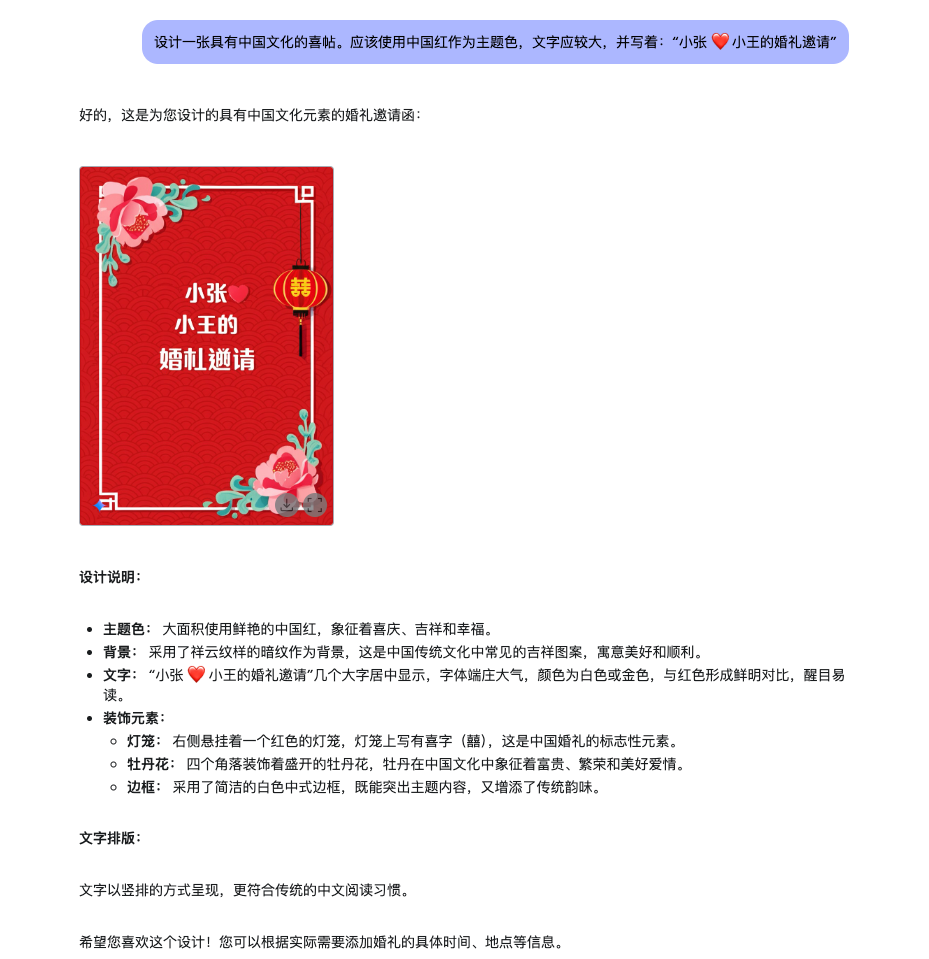
45 |
46 | ## 使用教程
47 |
48 | 目前官方还是免费,不限制,不愧是宇宙大厂 Google,良心!
49 | 首先游览器打开 : https://aistudio.google.com/ (需要魔法)
50 | 你会看到如下:
51 | 
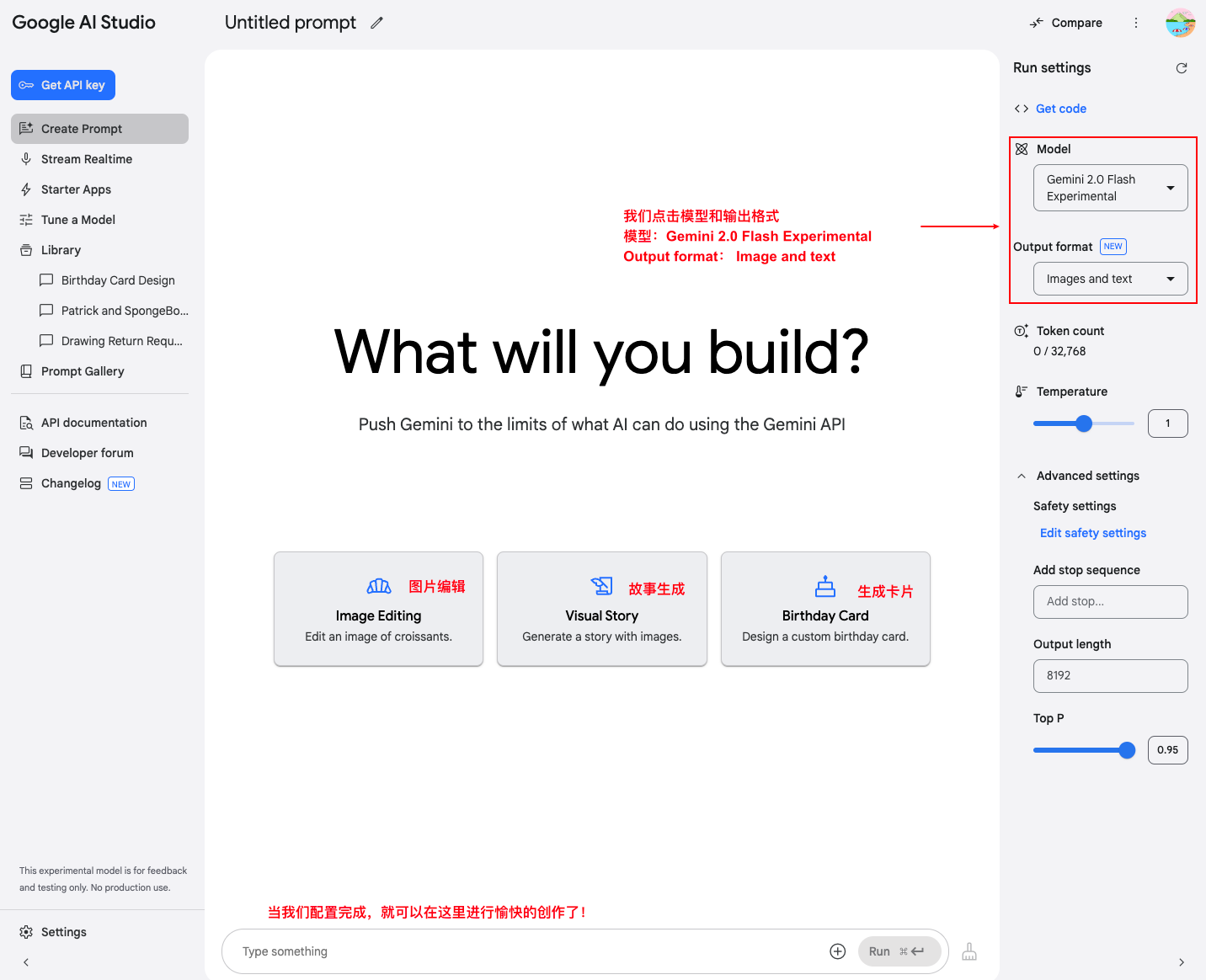
52 |
53 | 刚进入我建议可以先体验一下官方三个示例卡片,了解使用规则,然后就可以尽情发挥想象力了!这时候真的羡慕那些天马行空的人了!
54 |
55 | ## 总结
56 |
57 | 目前几个小时使用感觉生成能力已经很强,但是有时候也会直接返回 ⚠️,在图片微调方面感觉已经到达了生产力的水平了!
58 | 目前看起来图片故事生成能力是最让人期待的,它能够一次生成具有上下文的图片,我们可以直接使用它进行内容创作了
59 | 如果你觉得文字干巴巴的,不妨试试,真的好用!
60 |
61 | 我最近做了自己的产品:https://www.svgshow.cn 。一个能帮你快速将内容转为美观图片的网站,还能在线编辑,我的封面就是使用它生成的
62 |
63 | ---
64 | 此文自动发布于:github issues
65 |
--------------------------------------------------------------------------------
/src/components/links/RichLink.tsx:
--------------------------------------------------------------------------------
1 | 'use client';
2 |
3 | import { ExternalLinkIcon } from '@/assets';
4 | import GithubIcon from '@/assets/favicon/github.png';
5 | import Image, { type StaticImageData } from 'next/image';
6 | import Link, { type LinkProps } from 'next/link';
7 | import React from 'react';
8 | import { cn } from '~/src/lib/utils';
9 |
10 | const hostsThatNeedInvertedFavicons: Record = {
11 | 'github.com': GithubIcon
12 | };
13 |
14 | type RichLinkProps = LinkProps &
15 | React.ComponentPropsWithoutRef<'a'> & {
16 | children: React.ReactNode;
17 | } & {
18 | favicon?: boolean;
19 | };
20 | export const RichLink = React.forwardRef(
21 | ({ children, href, favicon = true, className, ...props }, ref) => {
22 | const hrefHost = new URL(href).host;
23 | const faviconUrl = hostsThatNeedInvertedFavicons[hrefHost];
24 |
25 | // if it's a relative link, use a fallback Link
26 | if (!href.startsWith('http')) {
27 | return (
28 |
29 | {children}
30 |
31 | );
32 | }
33 |
34 | return (
35 |
46 | {favicon && faviconUrl && (
47 |
54 |
64 |
65 | )}
66 |
67 | {children}
68 | {faviconUrl && (
69 |
75 | )}
76 |
77 | );
78 | }
79 | );
80 | RichLink.displayName = 'RichLink';
81 |
--------------------------------------------------------------------------------
/data/blog/post-10.mdx:
--------------------------------------------------------------------------------
1 | ---
2 | title: Next.js 项目太坑了,一个简单的样式库,就把项目玩坏了
3 | date: 2024-08-16T04:46:22Z
4 | slug: post-10
5 | author: chaseFunny:https://github.com/chaseFunny
6 | tags: ["bug","Next.js","踩坑记录"]
7 | ---
8 |
9 | 离大谱,我引入一个库,然后就成功把 Next.js 项目干卡死,而且通过容器化部署,实例达到了惊人的 4 个,什么概念,后端服务的实例也就才三个。前端竟然 4 个。下面看看我的干了什么吧!
10 |
11 | ## 背景
12 |
13 | 最近在开发 Next.js 项目。有一个需求是把之前一个项目的功能搬到另外一个项目。写好的代码是 antd + tailwindcss 写的页面。新的项目是 Next.js + 没有tailwindcss 的。我就想能不能通过一个库直接把 tailwind 样式转为原生的样式。这样我就省事多了,确实是“省事”呢!
14 |
15 | ## 开发
16 |
17 | 于是我就去找 tailwind css 转为行内样式的库。还真让我找到了 [tw-to-css](https://www.npmjs.com/package/tw-to-css) 。看了它的简介,我就更加开心了。
18 |
19 | 
20 |
21 | 兼容客户端和服务端,而且减少构建时间,多好啊!我赶紧引入来使用它。使用它确实是很快就把原来的代码搬运到了新的项目,不需要再去定义 css 类,再创建 css 文件,写样式。但是我本地开发就发现,点击进入我的那个页面非常卡。最长达到了 13 秒,
22 |
23 | 
24 |
25 | 然后。我还专门去前端小分队群里问了一下,大家会不会。但是大家的意思就是这可能是正常的,**这也是我为什么一直都没有怀疑我的代码有问题的原因**,啊啊啊啊啊,如果是正常项目,我肯定会先检查我的代码是不是出问题了,但是,我刚启动这个项目的时候,这个 Next.js 项目就经常卡死,点击反应很慢,导致我以为我开发的这个新页面很慢也是正常的,是 Next.js 的服务端渲染的问题。
26 |
27 | ## 发现问题、找出问题
28 |
29 | 我就忍着这么卡,开发完成,直到上线,通过容器化部署,上线后,实例数达到了 4 ,我那个时候差不多就肯定,一定是我的代码写的有问题了,然后我就赶紧去紧急回滚到之前的代码再部署。然后我就去对比我这个新的页面和其他不卡的服务端渲染页面的区别。最终锁定了 `tw-to-css` ,我就把所有 `tw-to-css` 方法去掉,然后刷新,结果不到一秒就响应了。太快啦!
30 |
31 | ## 最小复现
32 |
33 | 我写一个代码进行最小复现,使用 tw-to-css 后,客户端组件和服务器组件都会卡死,我去看一下源码,它依赖了 tailwind css 库,下次必须要看看引入新的库的源码了,不能简单看一下简介就好,感兴趣可以去看看:https://github.com/coderPerseus/nextjs-with-antd/tree/tw-to-css-bug-show
34 |
35 | 
36 |
37 | ## 反思 & 总结
38 |
39 | 1. 引入新库时要谨慎评估其性能影响。仅仅依赖库的描述是不够的,应该进行充分的测试
40 | 2. 不能忽视明显的性能问题。即使其他人认为可能是正常现象,也要深入调查
41 | 3. 在开发过程中引入新的库要进行性能检查和打包部署验证,不要等到部署后才发现问题
42 | 4. 对于 Next.js 项目,要特别注意服务端渲染的性能。某些库可能在客户端运行良好,但在服务端会造成严重的性能问题
43 | 5. 保持代码的简洁和模块化,这样在遇到问题时更容易定位和解决
44 |
45 | 不知道你们在开发 Next.js 的时候遇到了什么样的坑,分享一下,大家互相转发,不再吃这种亏
46 |
47 | ---
48 | 此文自动发布于:github issues
49 |
--------------------------------------------------------------------------------
/data/blog/post-68.mdx:
--------------------------------------------------------------------------------
1 | ---
2 | title: 用了两天 Trae,更愿意为 Cursor 花钱了!
3 | date: 2025-05-30T17:02:53Z
4 | slug: post-68
5 | author: coderPerseus:https://github.com/coderPerseus
6 | tags: ["AI"]
7 | ---
8 |
9 | 大家好!我是 luckySnail,我其实很早就使用 AI 辅助编程,也使用过很多 AI 工具,从最初的 Devv 到 通义灵码,再到最近一直使用的 Cursor。也算是经历了 AI coding 从刀耕火种到逐渐成熟的过程,下面是我在 AI 编程中记录分享的一些文章,其中有一篇还被骂上掘金热榜
10 | 1. [GitHub Copilot 体验](https://www.luckysnail.cn/posts/github-copilot-chat-use)
11 | 2. [Curosr 使用经验分享](https://www.luckysnail.cn/posts/post-27)
12 | 3. [Cursor:全新的编程体验](https://www.luckysnail.cn/posts/post-31)
13 |
14 | 这我想起我之前读书的时候一句书评,我觉得很适合使用在这里:
15 |
16 | 
17 |
18 | 下面来分享一些我使用 Trae 过程中,发现 Cursor 这个产品的优点,真的是没有对比就没有伤害!
19 |
20 | ## Trae 体验
21 | 在 Trae 更新后,就有朋友推荐说 Trae 现在好用了,可以试试。但是我之前是使用过它的,觉得它跟 Cursor 的差距还是挺大的,但是都被安利了,那就试试吧!看到国内的团队做出的产品还是很开心的,就支持了一下!
22 | 
23 | 但是就当我充值完成又更新了一下编辑器后,我发现我的 claude 模型不见了!你能理解刚充值完成后自己想要的东西就没了那种感觉嘛?感觉被诈骗了一样,折腾了一下发现也有其他人遇到,于是发邮件询问才知道对港澳地区禁用了 claude 大模型,这是不是得说一声呢?
24 | 当我提问第一个问题的时候,它竟然直接就报错了
25 | 
26 | 我的脑海里只有“退钱”的那个表情包,没关系,再忍一下,钱花了,不能就这么算了呀!在接下来的使用过程中,就是一个折磨的过程,主要体现在:
27 | 1. 没有 git 相关的能力,无法 review code ,或者基于当前工作区作为上下文,
28 | 2. builder 模式有时候仅仅给意见,不直接改对应内容
29 | 3. 偶尔出现奇怪的 UI 和操作 bug
30 | 4. 不必要改动太多,例如为什么要把编辑器原本的设置隐藏那么深?
31 |
32 | 最让我觉得要逃离的就是自动补全的能力,Cursor 是真的懂程序员,懂如何写代码,它清楚的知道你下一步要干什么,它的 tab 总是能够让我去到我想要去的地方,我觉得这是 Curosr 的护城河。但是 Trae 的自动补全能力真的很差,感觉都不如 一些插件的自动补全能力,下面举例说明:
33 | 1) 我基于 xiaohongshu.ts 复制一份代码,在 tiktok.ts 进行编辑, 这时候我里面定义的 xiaohongshu 这样的名称在 curosr 中会自动帮我改为 tiktok
34 |
35 | 2) 改一个内容的时候,下面也有同样的内容要修改,在 curosr 会自动进 tab 提示告诉我下面有同样修改的,并且还支持跨文件 tab
36 |
37 | 3) curosr 会自动识别需要导入的内容,进行 tab 导入
38 |
39 | ## 总结
40 |
41 | 如果只用一句话总结,我想说的是,做产品第一印象一定不要太差,这就像跟人打交道一样,第一次见面很重要。Trae 的收费是必然,但是收费后,依然很多东西做的不如人家,确实不应该,curosr 公司肯定没有字节的人才多吧!
42 |
43 | 我觉得 Cursor 就像是一个非常精通代码开发的团队开发出来的产品,它知道开发者最关心什么!Trae 就像一个产品团队主导的产品,它美观,交互体验好,但是这些都是锦上添花的东西,真正核心的是程序员能不能舒服的使用它解决问题,提高效率
44 |
45 | 当然,也可能我是使用了很久 curosr 导致我带着有色眼镜去看 Trae,无论如何,我希望 Trae 能够成为和 Cursor 一样被喜欢的产品
46 |
47 | 写于 05,30 晚,明天是端午节,祝你节日快乐!
48 |
49 | ---
50 | 此文自动发布于:github issues
51 |
--------------------------------------------------------------------------------
/data/blog/post-6.mdx:
--------------------------------------------------------------------------------
1 | ---
2 | title: 对萝卜快跑的一些观点
3 | date: 2024-08-03T14:59:54Z
4 | slug: post-6
5 | author: chaseFunny:https://github.com/chaseFunny
6 | tags: ["AI","闲聊"]
7 | ---
8 |
9 | 大家好,我是阿星。先给大家讲一个真实的故事。这周四的晚上八点。工作完了的我打算回家,刚走出公司没两步就突然狂风暴雨,幸亏跑的快,然后躲到一个大厦下,但是雨一点停的意思都没有,反倒是越下越大。我就想打个车吧!但是打了半天也没有打到车,最后打到了一辆超贵的车,开车的人态度还极差。说我定的上车地点错了(我在对面),然后我还要先承认错误,他才愿意过来接我。那时候我还不知道武汉已经有萝卜快跑了。想想如果有萝卜快跑,是不是对我这种打工人来说,以后下雨就不愁达不到车了。我相信在大城市工作的很多人都有我这样的经历。有时候还会遇到司机车臭烘烘的,真的很难受,所以当我看到萝卜快跑的时候,我真的双眼放光
10 |
11 | ## 萝卜的产生
12 |
13 | 通过网上的了解,“萝卜快跑”是百度推出的一项自动驾驶出租车服务,旨在通过先进的自动驾驶技术为公众提供便捷、安全的出行体验。该服务依托百度Apollo([https://www.apollo.auto/apollo-self-driving](https://www.apollo.auto/apollo-self-driving))自动驾驶平台,整合了激光雷达、摄像头、毫米波雷达等多种传感器,结合深度学习和数据融合算法,实现了对周围环境的高精度感知和智能决策。
14 | 百度早在 2013 年就开始布局自动驾驶,在 2017 年推出全球首个自动驾驶开放平台 Apollo ,怀揣全球最大自动驾驶服务商野望的百度,只能把「全家的希望」都落在萝卜快跑头上了。到今年 2024 年,11 年,百度输不起了,它太需要用萝卜快跑来重新成为互联网头部企业。除了百度,国家在推动“新质生产力”。我想这就是对它的最好解释,所以萝卜快跑是国内 AI 综合技术冲击传统行业的第一弹。后面还会有更多的“新质生产力”。
15 | 其实萝卜的对手并不是那些网约车司机,而是特斯拉。萝卜快跑使用的技术是**车路协同**,什么意思呢?就是车和路的数据互通,然后通过车和路段的数据来判断车要进行的行为。但是 马斯克不这样认为,他觉得人可以开车,就证明不需要路段数据,我就模拟人看到的信息进行开车就可以实现智能驾驶。所以特斯拉使用的技术是 **单车智能**。也就是 FSD(Full Self Driving)技术。我只能说马斯克是真的🐂。如果他的这项技术实现,那么就真的无论在哪都可以实现智能驾驶了,而萝卜快跑却不行,因为在路段没有监控的地方,就无法实现车路协同,因为路段的数据没有。所以如果特斯拉如果实现了单车智能,那真的太可怕了,你想想你开车去上班,然后到公司后,特斯拉自己去跑滴滴,到下班点了,你再开回去,感觉小说都不带这么写的。那时候特斯拉股票一定会大涨
16 |
17 | ## 对萝卜的各种声音
18 |
19 | 萝卜快跑这个事情过去了好多天了,对于它,有人希望它快点全面普及(我就是),有人希望它慢点到来(无数司机),
20 | 最直接就是金融市场的声音了,萝卜快跑的到来,让百度股票也涨了不少,说明很多人都是看好它的未来前景的
21 | 再看一下微博上的一些声音
22 | 
23 | 
24 | 大概就是。一些人说萝卜要把司机的饭碗抢了。以后外卖员,快递员也都将会失业了。一些人说,萝卜快跑真的很方便,省钱
25 |
26 | ## 对萝卜的美好幻想
27 |
28 | - 我每年回家都是做火车或者其他交通方式回去,如果萝卜真的很厉害,是不是以后可以坐着萝卜回家了
29 | - 在我每次从杭州到上海,都是抢到晚上十点多(地铁关门)的票,或者坐很晚的飞机。如果有萝卜,是不是再也不担心打不到车,或者打到了黑心的车,
30 | - 前几年,有很多女生在打出租车遇害,是不是有了萝卜后再也不用担心了
31 | - 如果萝卜快车真的普及了,是不是以后自由职业者,都可以在车上工作,生活,旅游。
32 |
33 | ## 作为程序员,如何面对 AI 的冲击
34 |
35 | 最后,其实 AI 的冲击最先就是到程序员的,这两年 互联网行业裁员那是绵绵不断。而且都是大的裁员,很多公司在外公告说的就是 AI 完成了哪些被裁掉的员工的工作。之前普通程序员一天的工作,现在借助 AI 可能半天就完成了,所以面对 AI 和任何新的生产力,要尝试,接受,体验,我们才能在职场中保持竞争力。
36 | 感谢你的阅读 ,欢迎留下你的观点✌️
37 |
38 | ---
39 | 此文自动发布于:github issues
40 |
--------------------------------------------------------------------------------
/data/blog/post-39.mdx:
--------------------------------------------------------------------------------
1 | ---
2 | title: 海报生成踩坑记录,你就直接拿去用吧!
3 | date: 2025-01-05T05:24:21Z
4 | slug: post-39
5 | author: chaseFunny:https://github.com/chaseFunny
6 | tags: ["bug","经验","png 导出"]
7 | ---
8 |
9 | 大家好,我是 luckySnail。不知不觉,已经做过很多次海报功能了,但是在新开发海报页面的时候还是会踩已经踩过的坑,海报能力是日常前端开发中经常会遇到的。例如:年度总结,活动分享,优惠券分享,推广分享等等。如果你也开发过海报功能,不知道你们是否也遇到了这些头疼的问题:
10 |
11 | 自定义文字字体
12 |
13 | 兼容 ios 端展示和下载
14 |
15 | 文章展示没有问题,但下载后内容掉下来?
16 |
17 | 在线图片展示不了?
18 |
19 | 下载和展示不一致?
20 |
21 | 移动端如何下载?微信内怎么保存海报?
22 |
23 | 如果你遇到上面的一种,那你不用再找了,我要一口气讲清楚这些坑的解决方案,最终给你一个兼容性良好的海报生成示例代码。本文章更多分享海报开发过程中遇到的问题,如果你想要全面了解将海报下载的方案,请看:https://www.luckysnail.cn/posts/post-20 。下面我们进入正题:
24 |
25 | ## 海报功能简介
26 |
27 | 海报功能通常是指根据用户的需求,动态生成一张图片,这张图片可以包含:
28 |
29 | - 文字
30 | - 图片(可以是本地图片,也可以是远程图片)
31 | - 二维码等多种元素。
32 |
33 | 生成的海报可以用于分享、推广等场景。前端开发真实业务开发中,使用最多的应该就是通过 html2canvas 或者 dom-to-image 来生成海报了。
34 |
35 | ## 海报页面开发 & 下载
36 |
37 | 如果你打算开发一个海报页面,最好不要直接开发。在你开发之前你需要确认好这几件事情:
38 |
39 | 1、海报展示的平台:网页端;移动端;需要打印?
40 |
41 | 2 、海报的分辨率:确定海报所需的分辨率,以保证在不同设备上的清晰度。
42 |
43 | 3 、海报的尺寸:需要了解常用的海报尺寸,确认要开发的海报尺寸是多少
44 |
45 | 4 、海报展示哪些内容:文字;图片;二维码;如果是动态内容是否会溢出;是否使用了自定义字体
46 |
47 | 当我们确认好上面的内容后,通常这时候我们会拿到海报设计稿、动态内容规则和需要的相关装饰图片,我们接下来就可以确认技术方案 + 开发周期了。在页面开发完成后,我们会使用 html2canvas 或者 dom-to-image 来生成图片,这时候我们可能会遇到一些问题
48 |
49 | ### 1 、远程图片无法展示
50 |
51 | 如果这里不是因为跨域导致的,通常是因为图片缓存的问题。我们可以在原图片 url 后添加 `'?timestamp=' + Date.now()` 以确保每次请求时不会使用缓存的头像
52 |
53 | ### 2、自定义文字
54 |
55 | 如果我们海报中包含自定义字体
56 |
57 | ### 3 、特殊样式兼容性问题
58 |
59 | 在 html2canvas 中,某些先进的 css 属性会出现不兼容的情况,例如设置字体的渐变背景,如果使用到需要兼容
60 |
61 | ### 4 、ios 和 androad 兼容
62 |
63 | ios 由于其默认的 safari 游览器,导致使用 dom-to-image 的时候会出现兼容性很差的情况,这时候,我们就需要使用 html2canvas 来兼容
64 |
65 | ## 示例代码
66 |
67 | 仓库地址:https://github.com/chaseFunny/react-poster
68 |
69 | 示例效果:
70 |
71 |
72 |
73 | 代码的核心逻辑:
74 |
75 | 如果是 web 端,就会正常渲染元素,然后使用 dom-to-image 来下载图片,如果是 safari 游览器,需要使用 html2canvas 来兼容图片失效的问题
76 |
77 | 如果说 h5,就需要对安卓和 ios 进行场景化的兼容,整体逻辑是将 dom 转为图片,利用手机的长按保存图片能力来保存图片
78 |
79 | 其实在复杂开发中应该还会遇到一些问题,例如:海报高度很高怎么截到想要的部分,大家可以看参考文章
80 |
81 | ## 参考
82 |
83 | 1. https://juejin.cn/post/7339671825646338057
84 | 2. https://juejin.cn/post/7417227816162721804
85 | 3. https://juejin.cn/post/6844904165060116487
86 |
87 | ---
88 | 此文自动发布于:github issues
89 |
--------------------------------------------------------------------------------
/data/blog/post-24.mdx:
--------------------------------------------------------------------------------
1 | ---
2 | title: 路由的 hash 模式 和 history 模式的区别是什么?
3 | date: 2024-11-05T03:44:11Z
4 | slug: post-24
5 | author: chaseFunny:https://github.com/chaseFunny
6 | tags: ["AI"]
7 | ---
8 |
9 | 让我详细解释一下路由的 hash 模式和 history 模式的区别:
10 |
11 | 1. URL 格式区别:
12 | - Hash 模式:使用 # 号,例如:`www.example.com/#/home` [2](https://router.vuejs.org/guide/essentials/history-mode)
13 | - History 模式:更像传统的 URL,例如:`www.example.com/home` [2](https://router.vuejs.org/guide/essentials/history-mode)
14 |
15 | 2. 工作原理区别:
16 | - Hash 模式:
17 | - 使用 URL 的 hash(#)部分来模拟完整的 URL
18 | - hash 部分不会被发送到服务器
19 | - 基于浏览器的 hashchange 事件 [2](https://router.vuejs.org/guide/essentials/history-mode)
20 |
21 | - History 模式:
22 | - 基于 HTML5 的 History API
23 | - 使用 pushState 和 replaceState 方法来管理历史记录
24 | - URL 更美观,更像传统的服务器端路由 [2](https://router.vuejs.org/guide/essentials/history-mode)
25 |
26 | 3. 服务器配置要求:
27 | - Hash 模式:
28 | - 不需要特殊的服务器配置
29 | - 因为 hash 部分不会发送到服务器
30 | - 对 SEO 不太友好 [2](https://router.vuejs.org/guide/essentials/history-mode)
31 |
32 | - History 模式:
33 | - 需要服务器配置支持
34 | - 需要配置所有路由都返回 index.html
35 | - 否则会出现 404 错误 [2](https://router.vuejs.org/guide/essentials/history-mode)
36 |
37 | 4. 服务器配置示例(History 模式):
38 |
39 | Apache 配置:
40 | ```apache
41 |
42 | RewriteEngine On
43 | RewriteBase /
44 | RewriteRule ^index\.html$ - [L]
45 | RewriteCond %{REQUEST_FILENAME} !-f
46 | RewriteCond %{REQUEST_FILENAME} !-d
47 | RewriteRule . /index.html [L]
48 |
49 | ```
50 |
51 | Nginx 配置:
52 | ```nginx
53 | location / {
54 | try_files $uri $uri/ /index.html;
55 | }
56 | ```
57 |
58 | 5. 如何选择:
59 |
60 | - 选择 Hash 模式如果:
61 | - 不想配置服务器
62 | - 项目不需要考虑 URL 的美观性
63 | - 对 SEO 要求不高
64 |
65 | - 选择 History 模式如果:
66 | - 需要更好的 URL 外观
67 | - 项目需要更好的 SEO
68 | - 可以控制服务器配置
69 |
70 | 6. 兼容性考虑:
71 | - Hash 模式:兼容性更好,支持更多的浏览器
72 | - History 模式:需要 HTML5 History API 支持,较新的浏览器都支持
73 |
74 | 7. 迁移建议:
75 | 如果要从 Hash 模式迁移到 History 模式:
76 | 1. 确保服务器已正确配置
77 | 2. 更新路由配置
78 | 3. 测试所有路由是否正常工作
79 | 4. 检查直接访问路由是否正常 [2](https://router.vuejs.org/guide/essentials/history-mode)
80 |
81 | 在实际开发中,如果你使用的是现代前端框架(如 Next.js、Umi 等),它们通常会默认使用 History 模式并自动处理服务器配置,使开发者可以专注于业务逻辑的开发。
82 |
83 | ---
84 | 来源:Claude 3.5 Sonnet
85 |
86 | ---
87 | 此文自动发布于:github issues
88 |
--------------------------------------------------------------------------------
/src/assets/icons/QQIcon.tsx:
--------------------------------------------------------------------------------
1 | import { type IconProps } from '@/assets';
2 |
3 | export function QqIcon(props: IconProps = {}) {
4 | return (
5 |
20 | );
21 | }
22 |
--------------------------------------------------------------------------------
/src/components/Footer.tsx:
--------------------------------------------------------------------------------
1 | import { PeekabooLink } from '@/components/links/PeekabooLink';
2 | import siteMetadata from '@/config/site';
3 | import Image from 'next/image';
4 | import Link from 'next/link';
5 | import React from 'react';
6 | import { Container } from './Container';
7 |
8 | const navigationItems = siteMetadata.navigationItems;
9 | function NavLink({
10 | href,
11 | children
12 | }: {
13 | href: string;
14 | children: React.ReactNode;
15 | }) {
16 | return (
17 |
21 | {children}
22 |
23 | );
24 | }
25 |
26 | function Links() {
27 | return (
28 |
35 | );
36 | }
37 |
38 | export function Footer() {
39 | return (
40 |
81 | );
82 | }
83 |
--------------------------------------------------------------------------------
/scripts/github/syncPost.js:
--------------------------------------------------------------------------------
1 | // eslint-disable-next-line @typescript-eslint/no-var-requires
2 | require('dotenv').config();
3 | /* eslint-disable */
4 | const GitHub = require('github-api');
5 | const fs = require('fs-extra');
6 | const path = require('path');
7 | // console.log(process.env, ' process.env');
8 | const { GH_TOKEN, GH_USER, GH_PROJECT_NAME } = process.env;
9 |
10 | const gh = new GitHub({
11 | token: GH_TOKEN
12 | });
13 |
14 | const blogOutputPath = '../../data/blog';
15 |
16 | if (!GH_USER || !GH_PROJECT_NAME) {
17 | console.error('请设置GITHUB_USER和GITHUB_PROJECT_NAME');
18 | process.exit(-1);
19 | }
20 |
21 | // 如果是 img 标签,并且没有闭合,那么就拼接闭合字符
22 | function closeImgTag(htmlString) {
23 | // 使用正则表达式匹配未闭合的
标签
24 | const imgTagRegex = /
]*)(?/g;
25 | // 将未闭合的
标签替换为自闭合的
标签
26 | return htmlString.replace(imgTagRegex, '
');
27 | }
28 |
29 | // get blog list
30 | const issueInstance = gh.getIssues(GH_USER, GH_PROJECT_NAME);
31 | function generateMdx(issue, fileName) {
32 | console.log(issue, 'issue');
33 | const { title, labels, created_at, body, html_url, user } = issue;
34 | return `---
35 | title: ${title.trim()}
36 | date: ${created_at}
37 | slug: ${fileName}
38 | author: ${user?.login}:${user?.html_url}
39 | tags: ${JSON.stringify(labels.map((item) => item.name))}
40 | ---
41 |
42 | ${closeImgTag(body.replace(/
/g, '\n'))}
43 |
44 | ---
45 | 此文自动发布于:github issues
46 | `;
47 | }
48 |
49 | function main() {
50 | const filePath = path.resolve(__dirname, blogOutputPath);
51 | // 只查询自己的issues,避免别人创建的也更新到博客
52 | const creators = ['chaseFunny', 'coderPerseus']; // 添加多个creator
53 | fs.ensureDirSync(filePath);
54 | fs.emptyDirSync(filePath);
55 | creators.forEach((name) => {
56 | issueInstance.listIssues({ creator: name }).then(({ data }) => {
57 | let successCount = 0;
58 | for (const item of data) {
59 | try {
60 | const fileName = `post-${item.number}`;
61 | const content = generateMdx(item, fileName);
62 | fs.writeFileSync(`${filePath}/${fileName}.mdx`, content);
63 | console.log(`${filePath}/${fileName}.mdx`, 'success');
64 | successCount++;
65 | } catch (error) {
66 | console.log(error);
67 | }
68 | }
69 | if (successCount === data.length) {
70 | console.log('文章全部同步成功!', data.length);
71 | } else {
72 | console.log('文章同步失败!失败数量=', data.length - successCount);
73 | }
74 | });
75 | });
76 | }
77 |
78 | module.exports = main;
79 |
--------------------------------------------------------------------------------
/data/blog/post-18.mdx:
--------------------------------------------------------------------------------
1 | ---
2 | title: 开发经验贴(持久更新)
3 | date: 2024-09-02T08:29:01Z
4 | slug: post-18
5 | author: chaseFunny:https://github.com/chaseFunny
6 | tags: ["经验"]
7 | ---
8 |
9 | # 背景
10 | 开发中,总是会犯错,或者发现之前的行为效率低下,于是打算写一篇,记录日常开发的总结经验,闲下来再拿出来看看,不断优化开发习惯,让自己更好
11 | # 记录
12 |
13 | ## 无论再急 ,pr 一定要自己先过一遍
14 |
15 | 不浪费别人的时间,是对别人最大的尊重
16 |
17 | ## 做重复的事情,一定要小心
18 |
19 | 做重复的事情,99%都会交给惯性来操作,大脑会停止思考,但是这非常危险,这时候应该更加打起精神,因为问题最容易发生在这时候,而且要思考这种重复的事情是否可以交给机器,因为机器(技术)要比人靠谱的多
20 |
21 | ## 处理 url 的时候,最好使用 encodeURIComponent
22 |
23 | 当我们在路由参数处理的时候,最好使用 encodeURIComponent 来保证参数传递正常,或者在对接第三方 SDK 的时候,需要注意第三方提供的文档中是否标注需要对 url 进行编码
24 |
25 | ## 魔法值
26 |
27 | 开发中避免直接使用 0 1 2 这种数字,应该定义一个语义化枚举,来映射具体值,提高代码可维护性
28 |
29 | ## 对于特殊逻辑,一定要写注释
30 |
31 | 在实际业务开发中,肯定会有一些看起来很奇怪的逻辑,这时候需要编写注释,来方便后面维护的人理解
32 |
33 | ## 边界处理
34 |
35 | 写完代码后,要思考不同场景,“防御性编程”
36 |
37 | ## 重复的事情最好交给代码
38 |
39 | 如果一件事需要重复做,那么就最好将其抽象为工作流,然后通过程序来实现,或者实现一部分
40 |
41 | ## 验证代码正确性比什么都重要
42 |
43 | 当完成功能,需要进行验证,这比更快上线功能重要
44 |
45 | ## 注意 local 和线上环境不一致
46 |
47 | 当我们在本地开发的时候,发布线上一定要查看本地的环境,配置,依赖包版本和线上是否一致。如果可以 build 查看,一定要 build 检验,否则导致线上问题问题就变严重了
48 |
49 | ## 当修改公共组件,模块,函数。需要充分测试使用的地方是否都是正常
50 |
51 | ## 前后端联调的时候,尽量做到获取数据最最少原则,不要获取多余的数据
52 |
53 | ## 面对不确定的,高复杂的,先确认,做好设计,再进行开发
54 |
55 | ## 如果一个组件,某块打算抽离出来,就要尽可能的通用,要和业务解耦
56 |
57 | 举个🌰:阿牛开发了一个类似语雀左侧支持搜索的文件夹结构,那么这个可能以后在很多地方使用,那就打算抽离为公共组件,那就需要考虑如何更加通用,例如:它接受的就是搜索词、树形数据。把如何获取数据、如何通过搜索词更新数据的逻辑都要放在业务端,组件仅仅负责接收数据,展示数据,接收用户输入,然后返回搜索词给业务端,让业务端来处理搜索
58 |
59 | ## 如果在小公司,要确认是否需要做调研
60 |
61 | 例如,让阿牛区开发一个评论区功能,然后样式参考别家就好,那这里就需要确认是否要做需求调研,是简单参考还是要写文档做确认再开发,否则会出现开发完成,却不合格,一直说有问题
62 |
63 | ## 尽量避免写死数据
64 |
65 | 举个例子,当我们要计算一个列表中某个元素相对父元素的y轴顶部距离,我们知道每个列表项的高度是多少,但是我们最好通过 js 获取它的高度,而不是写死列表项的高度
66 |
67 | ## 最好先搞定数据,再搞定逻辑,最后再开发页面
68 |
69 | 当我们面临复杂功能,最好先梳理好我们要完成的 js 逻辑,然后将逻辑拆解为一个个小的好做测试的函数,当我们完成所有 js 逻辑和测试后,再去写页面就会非常简单
70 |
71 | ## 避免数据冗余和状态重复
72 |
73 | 在开发中,要尽力避免数据的冗余,例如:定义了商品的单价,数量,那商品的总价就可以计算出来,是可以通过函数计算的。而不需要再声明一个变量来存储,而是创建一个函数返回商品总价。这样避免数据的冗余,也能避免代码逻辑混乱。
74 |
75 | React 开发中,也要保证声明的状态是最少的,不要声明不需要的状态
76 |
77 | ## 如果一件事情很复杂,第一个想的不应该是怎么解决它,而是想能不能不要它
78 | 举个例子:我在做一个以图搜图的功能,我打算使用百度的以图搜图能力,我发现请求接口需要几个参数,其中有一个是 sdkParams ,它的值是动态的,我里面想着这个动态的值是哪里来的,但是我应该去尝试不要这个值是不是依然可以跑通流程,事实就是确实不需要它也行,但我掉进了陷阱,导致浪费了时间
79 |
80 | ## 如果在开发公共模块,一定要多测试
81 |
82 | 开发完成,看看使用到公共模块的地方是否都还正常
83 |
84 |
85 | ## 上传功能要做资源限制,资源压缩等优化措施
86 |
87 | 这里我个人理解资源优化不应该在前端做,应该在后端,或者中间件来处理
88 |
89 |
90 | ## 是否能清晰知道逻辑应该放在前端还是后端
91 |
92 | 初级开发可能会分不清什么逻辑应该后端做,从而导致前端有一些混乱的逻辑
93 |
94 |
95 | ---
96 | 此文自动发布于:github issues
97 |
--------------------------------------------------------------------------------
/README-zh_CN.md:
--------------------------------------------------------------------------------
1 | 这是一个使用 [`create-next-app`](https://github.com/vercel/next.js/tree/canary/packages/create-next-app) 引导创建的 [Next.js](https://nextjs.org/) 项目。项目更多信息:https://blog-luckysnails-projects.vercel.app/posts/post-7
2 |
3 | ## 开始使用
4 |
5 | 首先,运行开发服务器:
6 |
7 | ```bash
8 | npm run dev
9 | # 或者
10 | yarn dev
11 | # 或者
12 | pnpm dev
13 | # 或者
14 | bun dev
15 | ```
16 |
17 | 在浏览器中打开 [http://localhost:3000](http://localhost:3000) 查看结果。
18 |
19 | 你可以通过修改 `app/page.tsx` 文件来开始编辑页面。当你编辑文件时,页面会自动更新。
20 |
21 | 本项目使用 [`next/font`](https://nextjs.org/docs/basic-features/font-optimization) 来自动优化和加载 Inter,这是一种自定义的 Google 字体。
22 |
23 | ## 特性
24 |
25 | - 背景使用了 https://bg.ibelick.com/
26 | - 使用 [`react email`](https://react.email/docs/introduction) 支持内容在邮箱中展示
27 | -
28 |
29 | ## 了解更多
30 |
31 | 要深入了解 Next.js,可以查看以下资源:
32 |
33 | - [Next.js 文档](https://nextjs.org/docs) - 学习 Next.js 的特性和 API。
34 | - [学习 Next.js](https://nextjs.org/learn) - 一个交互式的 Next.js 教程。
35 |
36 | 你可以查看 [Next.js 的 GitHub 仓库](https://github.com/vercel/next.js/) - 欢迎你的反馈和贡献!
37 |
38 | ## 部署到 Vercel
39 |
40 | 部署 Next.js 应用的最简单方法是使用 [Vercel 平台](https://vercel.com/new?utm_medium=default-template&filter=next.js&utm_source=create-next-app&utm_campaign=create-next-app-readme),它由 Next.js 的创建者提供。
41 |
42 | 查看我们的 [Next.js 部署文档](https://nextjs.org/docs/deployment) 了解更多详情。
43 |
44 | ## 提交规范
45 |
46 | 参考:
47 |
48 | 1. https://devv.ai/search?threadId=drssm68cp1j4
49 | 2. https://www.npmjs.com/package/@commitlint/config-conventional
50 |
51 | ## 工作流
52 |
53 | 这段代码定义了一个名为“Sync Post”的 GitHub Actions 工作流程,用于自动同步博客文章到代码仓库。
54 |
55 | 代码解析:
56 |
57 | name: Sync Post: 定义工作流程的名称。
58 | on: 定义触发工作流程的事件。
59 | issues: 当 GitHub 仓库中发生以下事件时,触发工作流程:
60 | edited: 当 issue 标题或者内容被修改时触发。这个官方的文档没有写
61 |
62 | env: 定义工作流程的环境变量。
63 | GH_TOKEN: GitHub 个人访问令牌,用于访问 GitHub API。
64 | GH_USER: GitHub 用户名。
65 | GH_PROJECT_NAME: 博客项目名称。
66 | jobs: 定义工作流程中的任务。
67 | Publish: 定义一个名为 “Publish” 的任务,用于发布博客文章。
68 | runs-on: 指定任务运行的环境,此处为 ubuntu-latest。
69 | steps: 定义任务中的步骤。
70 | Checkout 🛎️: 使用 actions/checkout@v2 动作将仓库代码检出到工作目录。
71 | Git config 🔧: 配置 Git 用户信息,以便后续提交代码。
72 | Display runtime info ✨: 打印当前工作目录,用于调试。
73 | Install 🔧: 使用 yarn 安装项目的依赖包。
74 | Update blog files ⛏️: 执行 yarn sync-post 命令同步博客文章到仓库,然后使用 Git 添加更改、提交更改并推送到远程仓库。
75 | 总结:
76 |
77 | 该工作流程通过监听 GitHub 仓库中的 issue 事件来触发博客文章同步操作。当 issue 被创建、关闭、重命名、添加或移除标签、重新打开或代码被修改时,工作流程会自动执行 yarn sync-post 命令同步博客文章到仓库,并提交更改。
78 |
79 | ## TODO
80 |
81 | - [x] sitemap.xml
82 | - [x] rss
83 | - [ ] 友链
84 | - [ ] 登录
85 | - [ ] 评论
86 | - [ ] 留言板
87 | - [ ] 搜索
88 | - [x] 头像转圈圈,仿掘金
89 | - [ ] 收藏夹
90 |
91 | ## 注意事项
92 |
93 | - github 写帖子,不要纯数字标题
94 |
--------------------------------------------------------------------------------
/data/blog/post-72.mdx:
--------------------------------------------------------------------------------
1 | ---
2 | title: ESLint + Prettier 太烦人?这次彻底搞定
3 | date: 2025-06-15T14:01:14Z
4 | slug: post-72
5 | author: coderPerseus:https://github.com/coderPerseus
6 | tags: ["前端工程化"]
7 | ---
8 |
9 | 众所周知,前端搭建项目的时候,如果是团队开发肯定需要配置 ESLint 和 Prettier 来保证代码风格统一。但是 ESLint 和 Prettier 如果配置不好,就会“打架”,并且它们的配置还比较麻烦,那怎么办呢?其实很简单,就是使用现成的,很多大厂都提供了现成的解决方案,下面就来看一下吧!
10 |
11 | 下面,来看看社区提供的五套方案,让我们先看一下下面的表格,这里除了 @antfu/eslint-config ,其他都是出自大厂的开源
12 | 
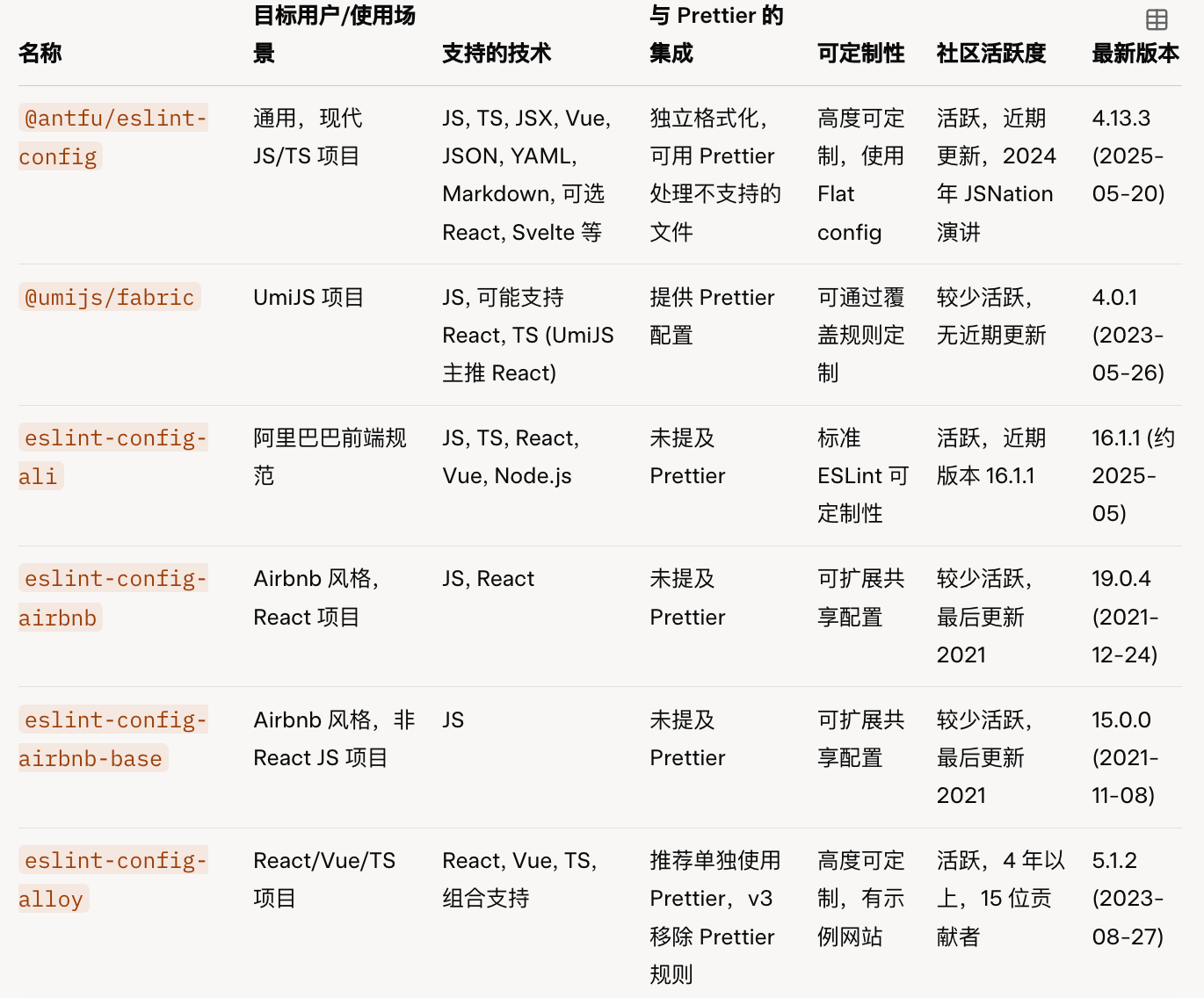
13 |
14 | 下面让我们更加详细的看看它们的优缺点
15 | ## @antfu/eslint-config
16 | 这是 Vue 团队成员 Anthony Fu 开发的 ESLint 配置,特点是开箱即用,零配置,支持 JS, TS, JSX, Vue, JSON, YAML, Markdown,并可选择性支持 React, Svelte, UnoCSS, Astro, Solid 等。通过 `eslint-plugin-format` 支持 CSS, HTML, XML 等格式化,我觉得很好用,推荐。
17 |
18 | 使用非常简单,既可以通过 CLI:
19 |
20 | `pnpm dlx @antfu/eslint-config@latest`
21 |
22 | 也可以通过手动安装到项目:
23 |
24 | `pnpm i -D eslint @antfu/eslint-config`
25 |
26 | 然后,需要在根目录下新建 `eslint.config.mjs` 并进行配置
27 |
28 | 如果你是 antfu 的粉丝,或者你不了解 ESLint 和 Prettier,那么这是一个好的选择
29 |
30 | ## @umijs/fabric
31 |
32 | 这是 蚂蚁集团 Umi 团队的规范,如果你使用 umi 框架,应该对它不陌生。但最近一次更新已经是在两年前
33 |
34 | 它支持 JS, 适合在 React 和 TS 项目使用,包含 prettier,eslint,stylelint ,commitlint 的配置
35 |
36 | 使用它,需要手动安装并配置:
37 |
38 | `npm i @umijs/fabric --save-dev`
39 |
40 | 然后根据官方文档配置 `.eslintrc.js` , `.stylelintrc.js` 和 `.prettierrc.js`
41 | ## eslint-config-ali
42 |
43 | 遵循阿里巴巴前端工程规范(F2E Guidelines)的配置,支持 JavaScript、TypeScript、React、Vue、Node.js 等多种项目类型,大厂出品,应该兼容性和质量比较高,也是我在使用的,推荐。
44 |
45 | 推荐使用 CLI 方式接入,直接在项目根目录运行:
46 |
47 | `npx f2elint`
48 |
49 | 选择你的配置,它会自动帮你进行安装依赖和生成对应的脚本和配置
50 |
51 | ## eslint-config-airbnb 和 eslint-config-airbnb-base
52 |
53 | - eslint-config-airbnb:Airbnb 风格指南,适合 React 项目。
54 | - eslint-config-airbnb-base:Airbnb 基础 JS 配置,无 React 插件,适合非 React JS 项目。
55 |
56 | Airbnb 的 JavaScript 代码规范,业界最流行的规范之一。github star 147k。但是库的更新最近一次是 2021 年
57 | 安装使用它,对于 React 项目:
58 |
59 | `npx install-peerdeps --dev eslint-config-airbnb`
60 |
61 | 对于非 React 项目:
62 |
63 | `npx install-peerdeps --dev eslint-config-airbnb-base`
64 |
65 | 然后配置 `.eslintrc.js`
66 |
67 | ## eslint-config-alloy
68 |
69 | 腾讯 AlloyTeam 出品的 ESLint 配置,支持多种技术栈。适合 React, Vue, TypeScript 项目,特别适合需要高度定制的团队,腾讯 AlloyTeam 开发。
70 | 使用它可以通过手动的方式:
71 |
72 | `npm install --save-dev eslint @babel/core @babel/eslint-parser eslint-config-alloy`
73 |
74 |
75 | ## 最后
76 |
77 | ESLint + Prettier 依然是目前最主流的前端代码规范的工具,但是也有新星挑战者,`Biome` 和 `Oxlint`,它们的集成也比较简答,选择一个适合自己的项目代码格式化规范,这样以后就可以专注代码和其他事情上了!
78 |
79 |
80 | ---
81 | 此文自动发布于:github issues
82 |
--------------------------------------------------------------------------------
/data/blog/post-46.mdx:
--------------------------------------------------------------------------------
1 | ---
2 | title: 如何订阅 cursor Pro 会员,超实惠,超实用!
3 | date: 2025-03-03T13:22:43Z
4 | slug: post-46
5 | author: coderPerseus:https://github.com/coderPerseus
6 | tags: ["AI","经验"]
7 | ---
8 |
9 | ## cursor 是什么?
10 |
11 | Cursor 是一款人工智能驱动的代码编辑器,旨在提高开发者的生产力。根据网站介绍,Cursor 通过人工智能驱动的代码生成、编辑和调试等功能,帮助开发者更快地编写代码。它提供了一个协作式编程环境,支持实时配对编程。Cursor 集成了 Git 进行版本控制,并支持多种语言和框架。其目标是通过自动化重复任务和提供智能辅助来简化编码工作流程,最终使软件开发更加高效。更多详情,请访问 [https://www.cursor.com/](https://www.cursor.com/)。
12 |
13 | ## 如何使用 Cursor?
14 |
15 | 1)下载 & 安装
16 |
17 | + 去 cursor 官网,然后点击右上角的 Download
18 | + 下载完成后,进行安装
19 |
20 |
21 |
22 | ## 开通会员
23 |
24 | 目前 cursor 免费有一些额度,但是如果你是深度用户那么就肯定要订阅会员,开通会员有两种方式,我推荐使用第一种方式,快速,还省钱
25 |
26 | ### 方式一
27 |
28 | 去 cursor 官网,点击右上角的账号设置:
29 |
30 | 
31 |
32 | 然后点击升级到 Pro
33 |
34 | 
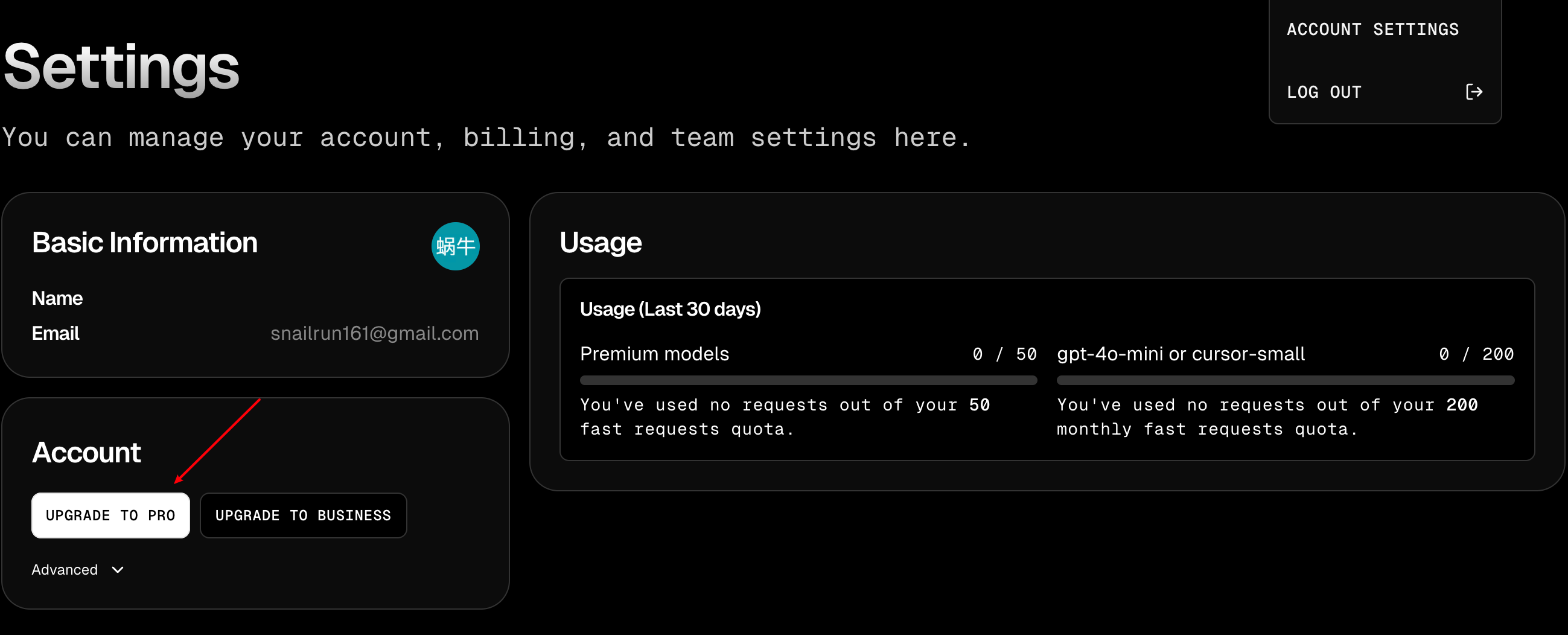
35 |
36 | 然后复制订单地址(页面URL)
37 |
38 | 
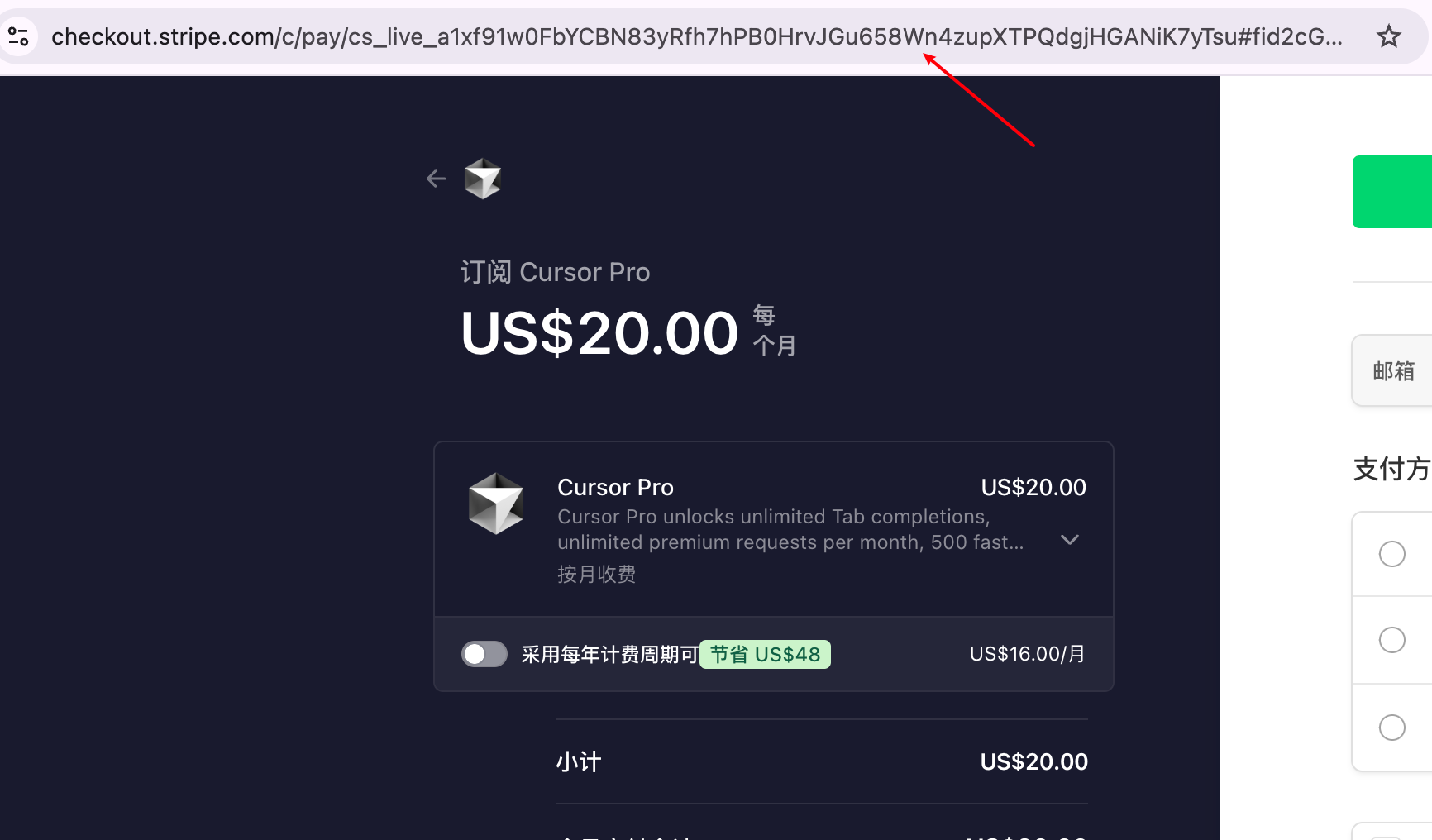
39 |
40 | 然后去闲鱼下单,然后我就会问你要订单地址,然后给你开通,目前全网最低价格 162。
41 |
42 | 
43 |
44 | 当然,如果你觉得闲鱼麻烦,信的过我,可以直接加我微信:
45 |
46 | 

47 |
48 | ### 方式二
49 |
50 | 如果你打算长期使用 cursor,我建议你购买一个[野卡](https://yeka.ai/i/FNS4AYLG),也非常简单,去[野卡](https://yeka.ai/i/FNS4AYLG)官网,推荐使用我的邀请码:`FNS4AYLG`。你可以领一美元的优惠。
51 |
52 | 这里介绍一下野卡是什么?
53 |
54 | 它是一个帮你办理一个美国信用卡的平台,你购买他们的会员,就会给你办一张美区的信用卡,然后你就可以方便的订阅各种国外产品了,放一张图它们支持订阅平台的图:
55 |
56 | 
57 |
58 | 我们需要先登录,登录后需要购买下面的订阅服务
59 |
60 | 
61 |
62 | 点击立即开通后,一直到最后充值就好了!
63 |
64 | 充值完成,我们就有自己的美区信用卡了!
65 |
66 | 下面我以购买 cursor pro 为例,讲一下如何购买:
67 |
68 | 
69 |
70 | 
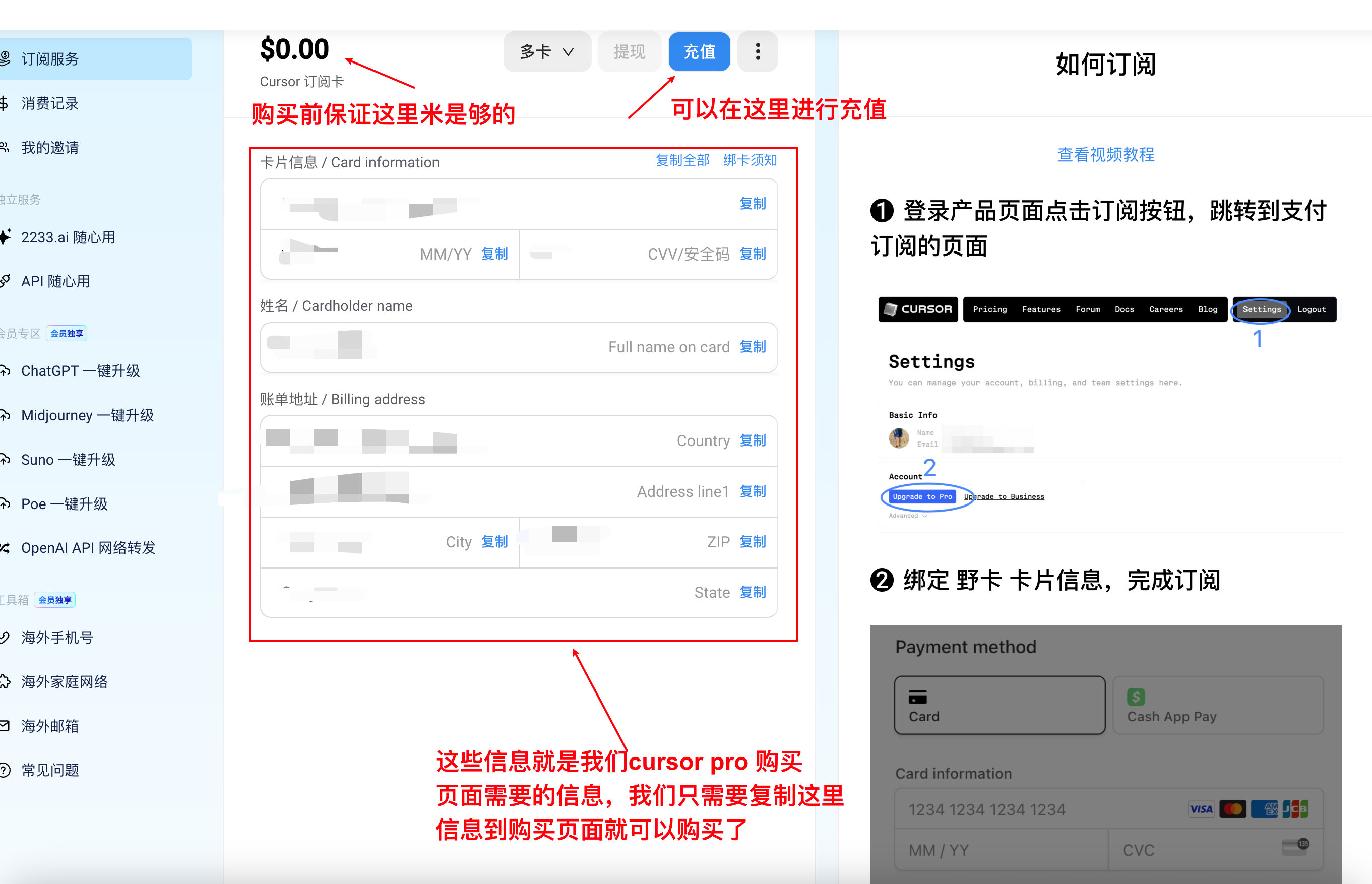
71 |
72 |
73 |
74 | 最后总结一下:
75 |
76 | 1. 如果你不确定长久使用 Cursor,推荐第一种方式
77 | 2. 如果你打算长期订阅 AI 服务,就使用第二种方式
78 |
79 | ---
80 | 此文自动发布于:github issues
81 |
--------------------------------------------------------------------------------
/posts/mid-year-summary-2023.mdx:
--------------------------------------------------------------------------------
1 | ---
2 | title: 2023 年中终结
3 | description: 一个普通毕业一年半的前端程序员,分析自己的现状,规划自己未来目标,
4 | tags: [年中总结, 规划, 2023, 杂谈, luckySnail]
5 | slug: mid-year-summary-2023
6 | author: luckySnail
7 | # cover:
8 | date: 2023-06-17
9 | ---
10 |
11 | ## 我也想成为 不高兴就喝水口 中的前 10%
12 |
13 | 
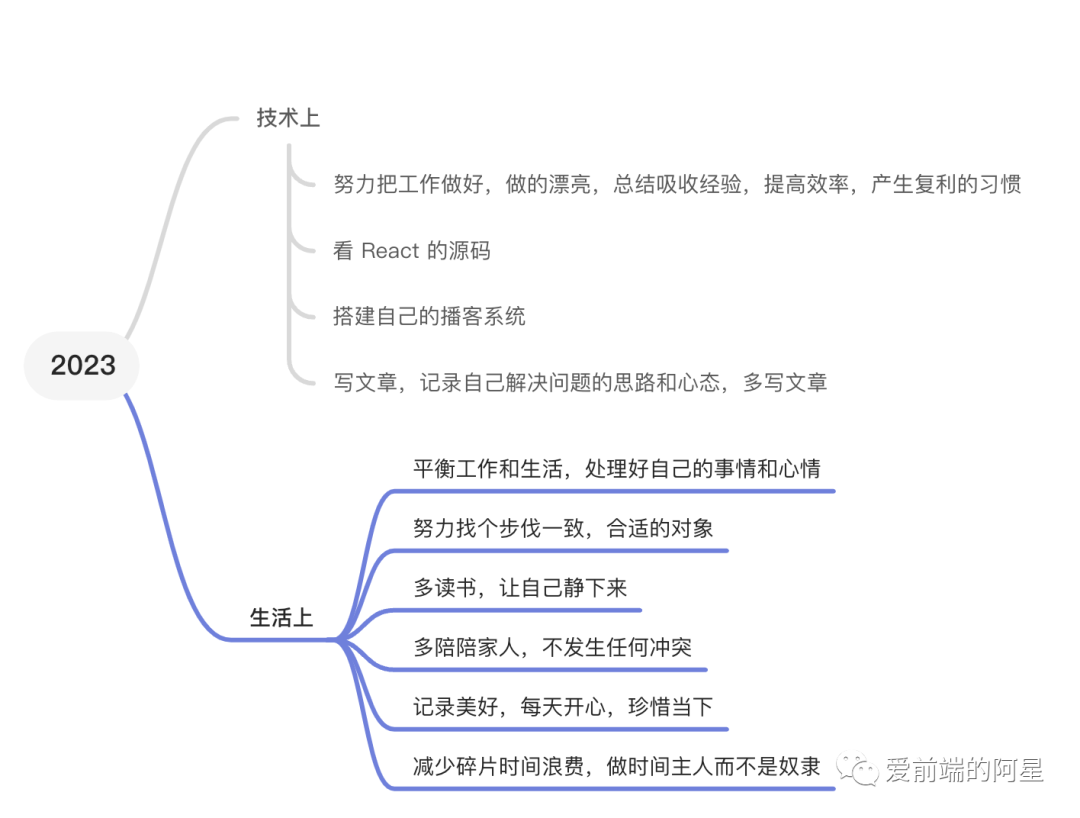
14 |
15 | 从我的老板和水哥的聊天中,水哥说了一个很接地气的理论,如果能够成为行业的前 10% ,一定不会太差。我是很认同的,确实不能再每天都当 NPC ,随波逐流了,那行业前10%前提怎么实现呢?从我现在来看我觉得是非常难的,原因有:
16 |
17 | 1. 我目前的学历和能力都很普通,没有在大厂工作的经历
18 |
19 | 2. 社会压力很大,人们都在奋斗,互联网行业也不再像之前那样充满活力
20 |
21 | 3. 我常常会被短暂的激情所驱使,情绪容易波动,难以保持专注
22 |
23 | 4. 不可否认,现在有很多诱惑,比如抖音等社交媒体,总是把我时间偷走
24 |
25 | 5. 也没有什么抱负,没有很强的事业心那种,希望自己能够把生活过的不错就满意了
26 |
27 | 。。。 总之 ,我就是一个知道很多,但是缺少行动力的人,但是,我身边人都很优秀啊,环境对绝大多数的人的影响都是很大的,我这样认为,我有一个不能再优秀的老板,有每天都打鸡血似的小 y,还有太多优秀的人被我看见,希望自己能平视这些优秀的伙伴,看了很多道理,听了很多故事,我想我需要规划一下自己,彻底的,客观的直视自己,总结一下上半年,规划一下 下半年 和 自己的未来,总不能一直被推着走,
28 |
29 | 
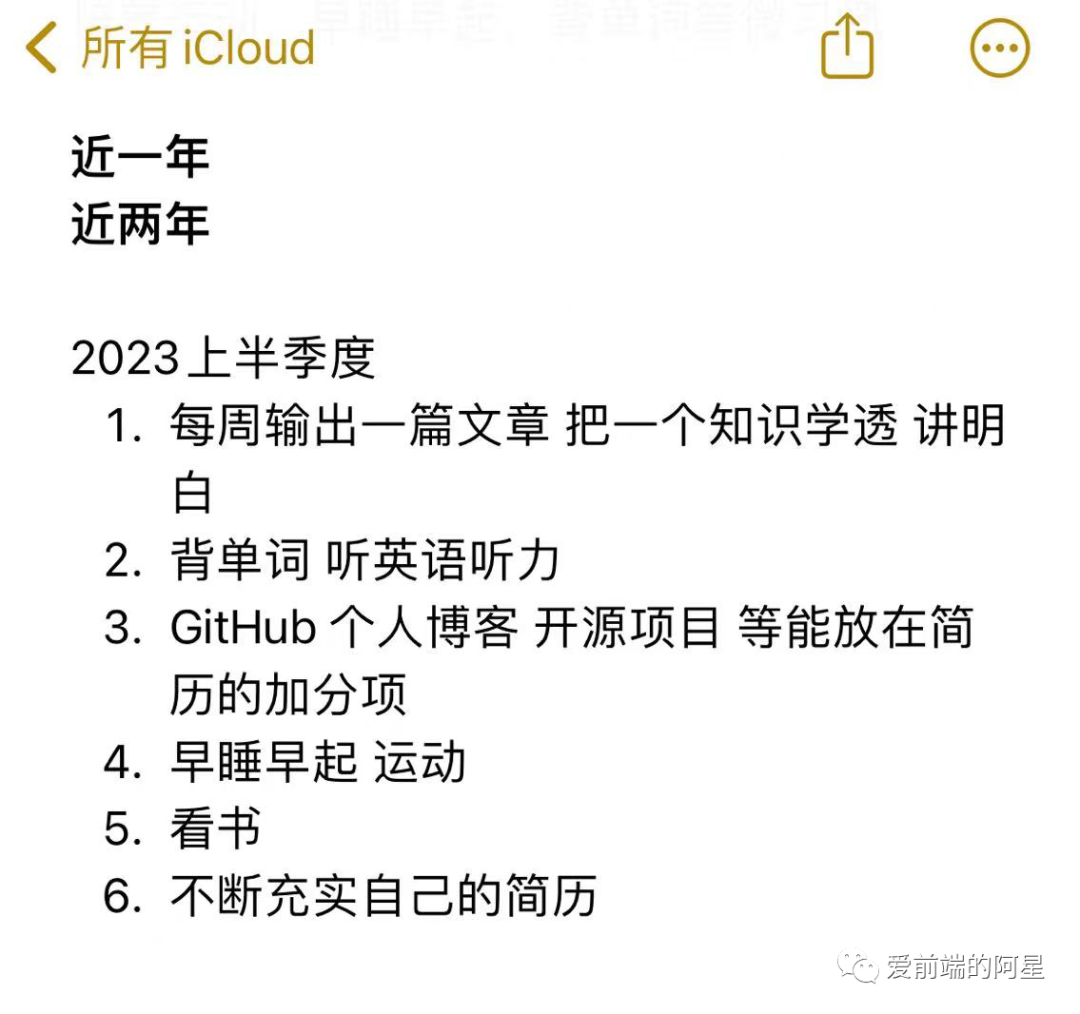
30 |
31 | 这是我在年初定的目标,其实是完全没有做到的,但是这半年我也有改变,找到了真正喜欢的工作,真的很幸运,也让我更加相信行动的重要性,我只需要努力去做,结果交给时间。
32 |
33 | 在上半年,我有段时间是在每天学习的,每天写新的技术笔记,很不幸,和每次都一样,没能坚持,也让我更加坚信,行动是需要动力的,生活是需要鼓励和鸡汤的,
34 |
35 | 
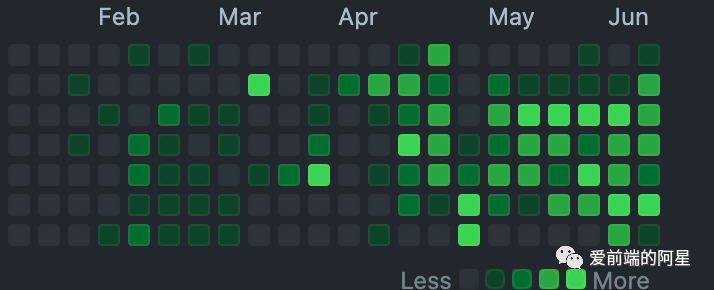
36 |
37 | 这是我的 github 近期,语雀也差不多,取得了一些令人鼓舞的成就和努力。我成功考取了驾照,并找到了梦寐以求的工作。同时,我还学习了一些新技术,并且自己搭建了一个简单的博客系统。虽然目前还有一些功能需要完善,无法上线,但我对自己的进展感到满意。此外,我还致力于学习各种技术,并对自己的技术栈进行了总结,以便了解自己的优势和需要进一步学习的领域。在工作和生活之间,我也思考了平衡的问题,并正在努力探索高效工作和快乐生活的方法。
38 |
39 | 回顾2023年上半年,虽然我没有完全实现年初设定的目标,但我并不气馁,因为2023年还有下半年的时间。我将继续加油努力⛽️,努力把 flag 都变成现实,我觉得无论是摆烂还是积极努力,都是最好的我,都是为了更好的整理自己继续前进。如果你觉得我说的对,那给我点个赞可以吗,这对我真的很重要。
40 |
41 | 进入 2023 年下半年,我将全力以赴工作和生活,减少懒散,多做有意义的事情。以下是我的具体目标:
42 |
43 | 1. 深入学习React源码,提升技术水平,增强解决问题的能力和从容应对 bug 的能力
44 |
45 | 2. 写文章,**「每周」**至少一偏纯技术学习笔记,学习并记录下来,希望通过分享简单易懂的文字,提高自己的写作能力,编程能力和思维能力
46 |
47 | 3. **「每周」**至少运动一次,跑步,羽毛球等等,健康和钱 ,我全都要 🐶
48 |
49 | 4. 努力工作,认真工作,让自己成为一个成熟的打工人,不拖后腿,如果能产生更多价值,那就更好了
50 |
51 | 5. 快乐生活,简单大方,希望自己能够落落大方,对待任何事情和人,提高自己情绪的稳定性
52 |
53 | 6. 希望能够找到一个合适的伴侣。
54 |
55 | 7. 希望自己能开启自己的自媒体的路,其实我也很喜欢分享和开源,所以记录下我的成长不会是我的负担,
56 |
57 | 8. 做自己的博客网站,并开源,并写详细的实现过程,做一个自己的原创项目
58 |
59 | 9. 我有两个榜样,一个是冴羽,一个是鱼皮,希望能从他们身上学到更多,并将其转化为自己的收获。
60 |
61 | 这里,我分享一下 冴羽 的微信付费文章,真的不错,是我 2023 前五的对自己的投资,从如何建立信念,培养自尊,刺激去行动,如何更好的去行动,如何寻找目标,如何更好的管理自己的精力,到近期的如何更好的管理自己,每一篇都是精华,给大家看下我的阅读笔记
62 |
63 | 
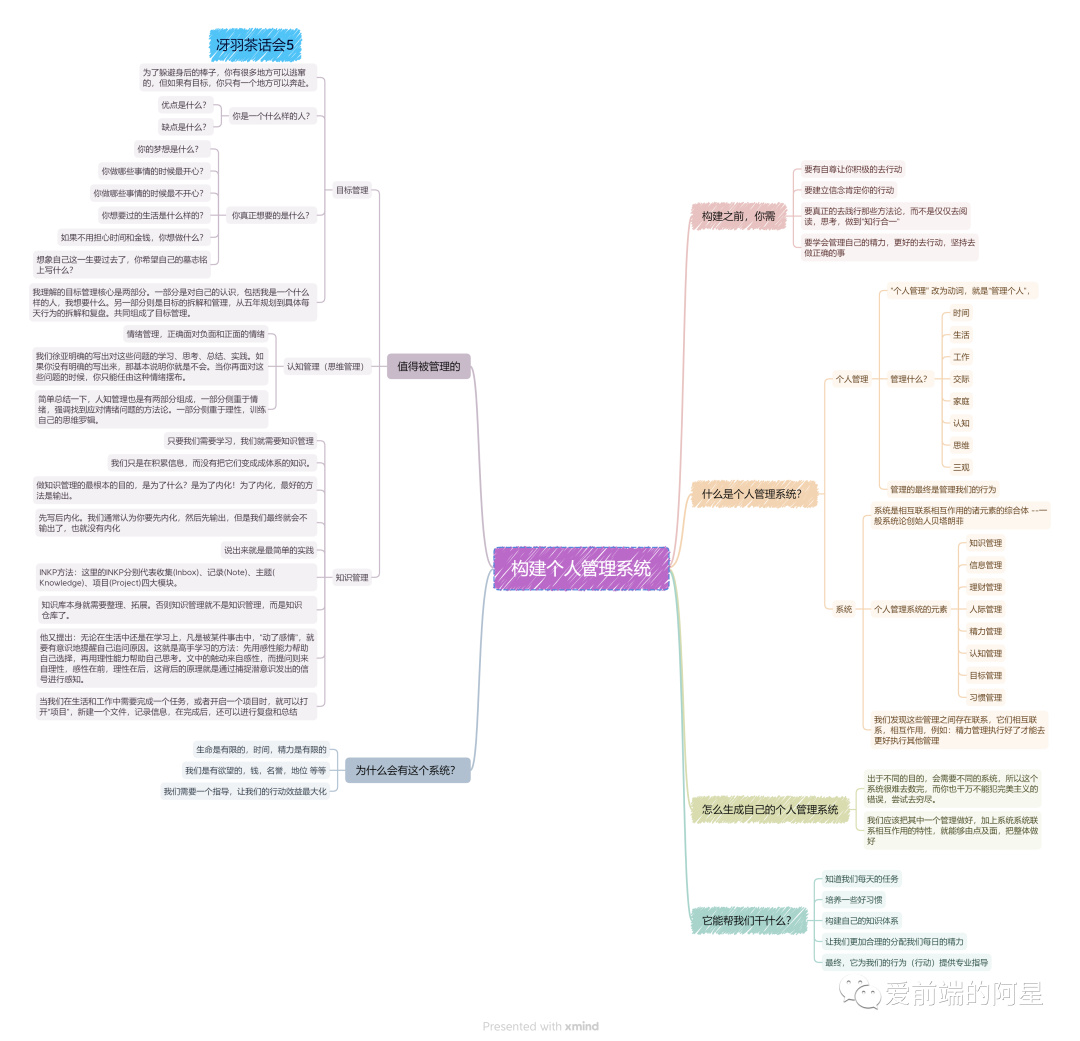
64 |
65 | 最后,我自身总结发现,如果想要去做一件事情并且坚持下来,是需要自己给自己的行为赋予意义的,也可以说是自己给自己画饼,只有自己和这个目标产生吸引力,才能产生动力,才能产生行为,才能产生结果。至于是什么结果,我觉得应该不会太差。这也是我最近学习到的 吸引力法则,动力本身就应该源于自己,不是源于我自己的动力产生的行为,在我身上都没有坚持下来,不知道大家是不是这样。
66 |
67 | 半年总结活动还在进行,希望看到更多人对自己的思考,并分享出来,写下来,大家互相学习,一起进步。
68 |
--------------------------------------------------------------------------------
/posts/react-drag-drop-demo.mdx:
--------------------------------------------------------------------------------
1 | ---
2 | title: React最简版本低代码实现
3 | description: 如何使用 React 通过拖拉拽实现一个页面,通过这篇文章,来了解实现思路
4 | tags: [低代码, React]
5 | slug: react-drag-drop-demo
6 | author: luckySnail
7 | # cover: https://blog-1304565468.cos.ap-shanghai.myqcloud.com/typora/laugh.png
8 | date: 2024-06-22
9 | ---
10 |
11 | 大家好,我是阿星,不知道你有没有开发拖拽功能的需求,或者对拖拽元素感兴趣。那么这篇文章应该你可以读一下。接下来我会使用 react-dnd、 react-moveable 来实现下面这个 拖拽demo,先给大家看一下我的效果:
12 | 
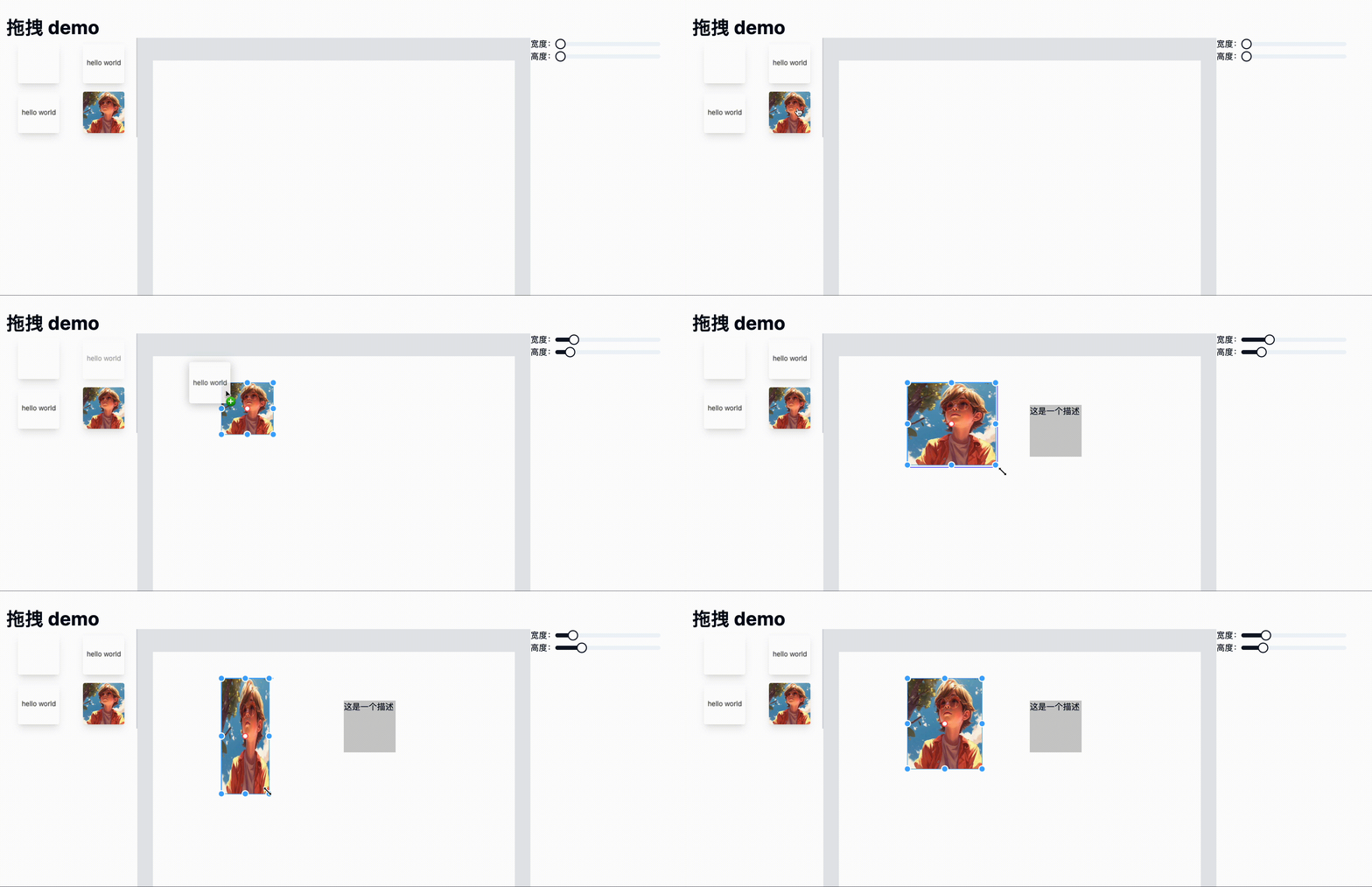
13 | 这里是源码:[https://github.com/coderPerseus/drag-drop](https://github.com/coderPerseus/drag-drop),如果对你有帮助,可以 star 一下,感谢!
14 |
15 | ## 需求分析
16 |
17 | 先找一个很赞的低代码平台,这里我找的是:阿里的低代码引擎:[https://lowcode-engine.cn/demo/demo-general/index.html](https://lowcode-engine.cn/demo/demo-general/index.html),大家可以先看下,了解一下低代码平台。
18 | 那我们来完成一个最简版本的demo吧!通过上面的gif 大家应该看到了页面分为三个部分,准确来说分为如下四个部分:
19 |
20 | 1. 导航栏:放一些全局的配置,操作等等
21 | 2. 左侧物料区:左侧会放一些物料,用来拖拽到中间,有的还会有页面树结构,JSON 数据,我们这里就实现一个 物料展示和拖拽
22 | 3. 中间展示,拖拽区:负责把左侧的物料可以拖进来,可以在这里进行物料的拖拽,可以点击唤起右侧对应的属性编辑区
23 | 4. 右边属性配置区:选中拖拽元素,进行编辑
24 |
25 | 好了,我们需求梳理完成,我们一步步开发吧!
26 |
27 | ## 搭建项目
28 |
29 | 我们基于 Next.js 创建一个项目吧!参考文档:[https://nextjs.org/docs/getting-started/installation](https://nextjs.org/docs/getting-started/installation),执行 `npx create-next-app@latest`,
30 | 
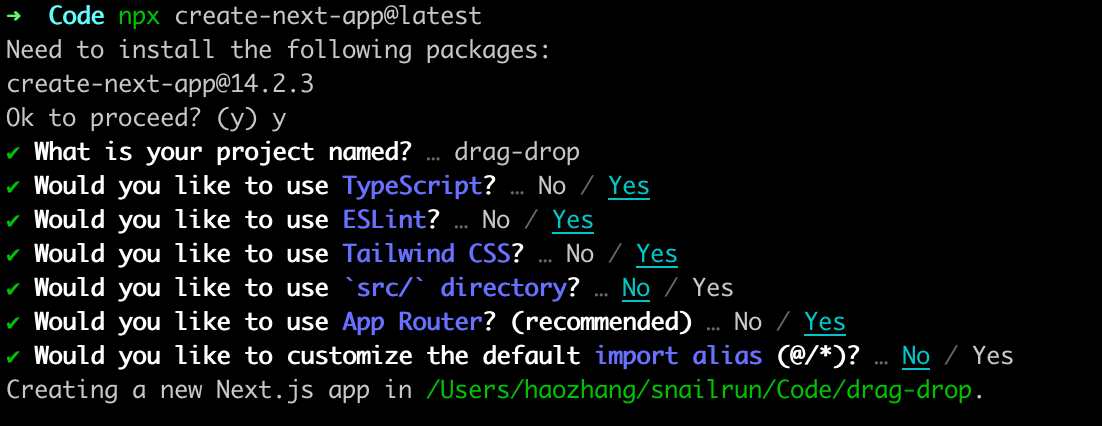
31 | 我们等待安装完成,启动项目`npm run dev`,node版本要 >= 18.17 哦!
32 | 我们删除 app/page.tsx 不需要内容后,我们就创建我们需要的组件文件
33 | 
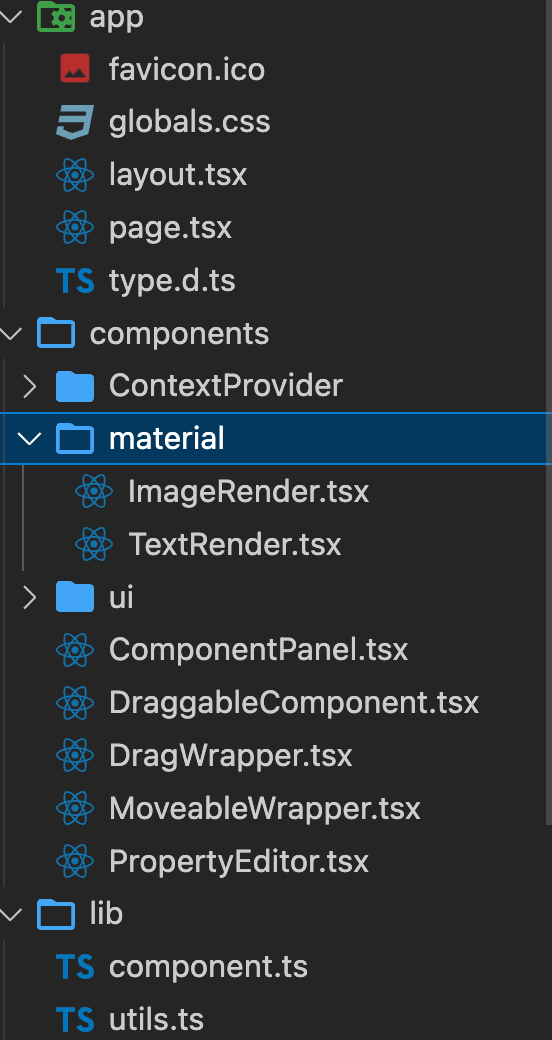
34 | app 放页面的目录,里面有我们的主页面
35 | componet:组件目录
36 |
37 | \> ContextProvider:基于useContext 封装的数据共享组件,这样就实现了数据在多个组件同步的能力,中间移动元素的位置,右侧也相应变化
38 |
39 | \> material:存放我们左侧所有物料的地方,这里有图片物料和文本物料(通过一个映射map 来动态渲染对应的元素),这里就是完成左侧所有类型物料的渲染逻辑的地方
40 |
41 | \> DraggableComponent:左侧组件面板,展示可供拖拽和使用的组件库。通过渲染预设的素材数组,然后使用下文中的 DragWrapper 来包裹每一个 组件,使其可以拖拽
42 |
43 | \> ComponentPanel 设计面板:用于放置和编辑组件的地方。渲染用户从左侧拖拽的元素数组,使用 MoveableWrapper 来实现页面元素可以拖拽
44 |
45 | \> PropertyEditor:右侧属性编辑器,用于编辑物料的属性,通过配置得到要渲染的配置表单,然后渲染出对应的配置表单
46 |
47 | \> DragWrapper:封装了一个 可拖拽组件的包装组件,使用 react-dnd
48 |
49 | \> MoveableWrapper:封装了一个可以移动的包装组件,使用 react-moveable 实现
50 |
51 | \> lib 下面 component 存放物料的数据,utils 存放一些公共方法
52 |
53 | 是不是很简答,这是最简的低代码生成器,通过拖拽得到对应的 JSON 数据,但真正的低代码生成器要比这个复杂的多
54 |
55 | ## 难点 & 坑点
56 |
57 | 这个项目真正难的数据结构,需要设计一个好的数据结构来兼容无论什么元素都额可以使用这个数据结构来承载。
58 | 这个项目的坑点是当我刷新页面把一个元素拖拽到设计区,然后这个元素无法被选中,最后发现是需要动态更新 moveable 的target 属性,我就设置了一个 target 的 useState,然后,当前选中的元素和JSON数据变化的时候我就更新这个 target 修复了这个bug,但是排查了很久才发现是它的问题
59 |
60 | ## end
61 |
62 | 感谢你的阅读!
63 |
--------------------------------------------------------------------------------
/src/assets/icons/DashboardIcon.tsx:
--------------------------------------------------------------------------------
1 | import { type IconProps } from '@/assets';
2 |
3 | export function DashboardIcon(props: IconProps = {}) {
4 | return (
5 |
42 | );
43 | }
44 |
--------------------------------------------------------------------------------
/posts/about.mdx:
--------------------------------------------------------------------------------
1 | ---
2 | title: 关于 幸运的蜗牛
3 | description: 我是幸运的蜗牛,一名充满热情的前端开发工程师。我热衷于探索和体验最新技术,特别是人工智能(AI),并在日常工作中去使用它们,来提升我的工作效率。我的目标是积极参与开源社区,为开源项目贡献自己的力量。正如我的名字,我相信越努力,越幸运
4 | tags: [luckySnail, 前端工程师]
5 | slug: about
6 | author: luckySnail
7 | cover: https://blog-1304565468.cos.ap-shanghai.myqcloud.com/work/image-20240721171518634.png
8 | date: 1900-01-01
9 | ---
10 |
11 | # 简介
12 |
13 | 我是 _幸运的蜗牛_,一名准全栈开发工程师,但是 AI 的到来,我逐渐变成了提问工程师,和 AI 答案校验者。目前在上海,就职于 鱼鸢网络。很巧,写这段文字的时候,我工作了近**_两年半_**。我的目标是成为一个全干工程师,通过技术和认知做出一些个人的产品,并被很多人使用。
14 |
15 | ## 我会在这些地方活跃
16 |
17 | 1. 我的 Github,目前个人开发的代码基本上都会在 GitHub
18 | 2. 会把工作和学习中需要记录的知识第一时间记录在 语雀
19 | 3. 每日必逛 哔哩哔哩
20 |
21 | ## 目前掌握技术
22 |
23 | - HTML
24 | - CSS
25 | - JavaScript
26 | - Vue(熟悉)
27 | - React (主要技术栈)
28 | - Next.js
29 | - Node.js (熟悉,借助 AI 能够完成基本开发)
30 | - Vite、webpack、rollup 等打包工具都有使用
31 | - Nginx (基本使用)
32 | - 小程序(Taro、原生)
33 | - Docker
34 | - Nest.js (一点点,还在看神光的小册中)
35 | - 测试(在学习中。。)
36 | - 非常熟练 [ant design pro](https://pro.ant.design/zh-CN/) 开发
37 |
38 | ## 我的设备
39 |
40 | - Apple MacBook Pro 2 Max(主力机,公司的,感谢老板)
41 | - Apple MacBook Pro 1 (平时在家用的)
42 | - IQOO 12 PRO 16 GB + 1TB (主力手机,很满意)
43 | - Apple 13 (之前的手机,目前作为备用机,和测试机器)
44 | - SONY WH-1000XM3 头戴式耳机
45 | - AirPods Pro 1 代 (好用,用过苹果耳机应该不会再换其他的了吧!)
46 | - 联想 Y27h-30 电竞屏 (感觉屏幕都差不多,27寸应该是大多数人的选择)
47 | - 台式电脑(但是现在没有使用了,管不住自己,总是玩游戏去了,我要多学习,多写代码)
48 |
49 | ## 我的爱好
50 |
51 | - 音乐 (基本上都听,希望多去现场听)
52 | - 嘻哈
53 | - 摇滚(最近迷上,循环 **麻园诗人**)
54 | - 民谣
55 | - 流行
56 | - 游戏
57 | - 英雄联盟,现在也基本不玩了,太费时间了
58 | - 王者荣耀,现在已经不玩了
59 | - 金铲铲之战
60 | - 没有更多了,不是不喜欢,是没时间玩,梦想财务自由,每天在家打游戏
61 | - 探索新技术,AI 等
62 | - 写文章,把所见所闻所想都记录下来,然后分享给别人
63 | - 做饭,如果天气合适,我会自己给自己做饭,做饭和写代码很像,不断的练习,就能做出美味的饭菜,写出好的代码
64 | - 读书,微信读书很好用,读书能让内心平静
65 | - 旅行,和朋友一起旅行,
66 | - ~~看美女~~
67 |
68 | ## 很想做
69 |
70 | - 看演唱会
71 | - 自媒体
72 | - 养一只狗
73 | - 摄影 📹,记录美好
74 |
75 | ## 联系我
76 |
77 | - 微信:RELEASE500
78 | - 邮箱:snailrun160@gamil.com
79 |
80 | ## 我能提供什么?
81 |
82 | - 上海租房,干饭小能手!
83 | - 超多实战项目经验,擅长 React,Vue,Node.js 解决问题
84 | - AI 探索者,丰富的 AI 工具使用经验
85 | - 费曼学习法践行者,能静下心来学习知识
86 | - 丰富团队协作经验,能同事和后端,产品,UI 打成一片!
87 |
88 | ## 其他
89 |
90 |
94 | 我的简历
95 |
96 |
97 |
98 | 我的代码片段
99 |
100 |
101 | 关注我,我会分享我在前端路上的所有,如果你学习有什么问题,欢迎和我讨论
102 |
103 | 

104 |
--------------------------------------------------------------------------------
/src/app/(app)/projects/Projects.tsx:
--------------------------------------------------------------------------------
1 | import codeCopyIcon from '@/assets/products/codecopy.png';
2 | import resumeIcon from '@/assets/products/resume.png';
3 | import React from 'react';
4 | import easykolIcon from '~/public/easykol.png';
5 | import luckySnailBlogIcon from '~/public/logo.png';
6 | import neovateCodeIcon from '~/public/neovateCode.png';
7 | import npmIcon from '~/public/npmIcon.webp';
8 | import svgShowIcon from '~/public/svgShow.png';
9 | import { ProjectCard } from './ProjectCard';
10 |
11 | export function Projects(): React.ReactElement {
12 | const projects: ProjectItem[] = [
13 | {
14 | id: '8',
15 | url: 'https://easykol.com/',
16 | icon: easykolIcon,
17 | name: 'Easykol',
18 | description:
19 | '最好用的海外营销工具,帮你快速找到你想要的红人,并且内置邮件模板和批量发邮件建联。支持 Tiktok,instagram,youtube,小红书,抖音等主流平台,无论性价比还是质量都遥遥领先行业内竞品产品',
20 | tags: ['公司']
21 | },
22 | {
23 | id: '7',
24 | url: 'https://neovateai.dev/',
25 | icon: neovateCodeIcon,
26 | name: 'Neovate Code',
27 | description: `Neovate ['niːəʊveɪt] Code is a code agent to enhance your development. You can use it to generate code, fix bugs, review code, add tests, and more. You can run it in interactive mode or headless mode.`,
28 | tags: ['开源']
29 | },
30 | {
31 | id: '6',
32 | url: 'https://www.svgshow.cn/',
33 | icon: svgShowIcon,
34 | name: 'SVG 秀',
35 | description:
36 | '利用当下最强的 SVG 动画库,轻松将内容转为美观的 SVG 图片,并且可以看到 AI 是如何一步步画出来的',
37 | tags: ['个人']
38 | },
39 | {
40 | id: '5',
41 | url: 'https://ascii.luckysnail.cn/',
42 | icon: luckySnailBlogIcon,
43 | name: 'ASCII 字符生成器',
44 | description: '把图片和视频转为 ASCII 形式',
45 | tags: ['个人']
46 | },
47 | {
48 | id: '4',
49 | url: 'https://www.npmjs.com/package/bytemd-plugin-image-lazy',
50 | icon: npmIcon,
51 | name: 'bytemd 的图片懒加载插件',
52 | description: '支持原生懒加载和 intersection observer 懒加载',
53 | tags: ['个人']
54 | },
55 | {
56 | id: '3',
57 | url: 'https://www.luckySnail.cn',
58 | icon: luckySnailBlogIcon,
59 | name: 'luckySnail 的个人博客',
60 | description: '基于 Next.js 创建的博客网站,',
61 | tags: ['个人']
62 | },
63 | {
64 | id: '2',
65 | url: 'https://www.laoyujianli.com',
66 | icon: resumeIcon,
67 | name: '老鱼简历',
68 | description:
69 | '很好用的写简历平台,能够下载 PDF PNG 格式的简历,当然也可以分享在线简历链接,支持各种格式文件导入简历,接入了 AI 帮忙快速写简历,还能看到一些实时的求职动态。可以体验一下,如果使用有任何问题,欢迎 联系我',
70 | tags: ['公司']
71 | },
72 | {
73 | id: '1',
74 | url: 'https://www.codecopy.cn',
75 | icon: codeCopyIcon,
76 | name: '代码小抄',
77 | description: '一个方便的代码片段记录工具',
78 | tags: ['公司']
79 | }
80 | ];
81 |
82 | return (
83 |
87 | {projects.map((project) => (
88 |
89 | ))}
90 |
91 | );
92 | }
93 |
--------------------------------------------------------------------------------
/src/components/ThemeToggle.tsx:
--------------------------------------------------------------------------------
1 | 'use client';
2 | import { Switch } from '@/components/ui/switch';
3 | import 'client-only';
4 | import { motion } from 'framer-motion';
5 | import { Moon, Sun } from 'lucide-react';
6 | import { useTheme } from 'next-themes';
7 | import { useEffect, useRef, useState } from 'react';
8 | import useThemeToggleAnimation from '../hooks/useThemeToggleAnimation';
9 | import { Toaster } from './ui/sonner';
10 |
11 | export default function ThemeToggle() {
12 | const eventRef = useRef(null);
13 | const [mounted, setMounted] = useState(false);
14 | const { theme, setTheme }: AnyIfEmpty = useTheme();
15 | const toggleRef = useRef(null);
16 | const { toggleDarkMode } = useThemeToggleAnimation({
17 | domRef: toggleRef,
18 | isDarkMode: theme === 'dark',
19 | onThemeChange: (t) => {
20 | setTheme(t);
21 | }
22 | });
23 | useEffect(() => {
24 | const link = document.createElement('link');
25 | link.rel = 'stylesheet';
26 | link.href =
27 | theme === 'dark'
28 | ? '/style/prism-gruvbox-light.css'
29 | : '/style/prism-coldark-dark.css';
30 | document.head.appendChild(link);
31 |
32 | // 清理函数,在组件卸载或主题变化时移除之前的 CSS
33 | return () => {
34 | document.head.removeChild(link);
35 | };
36 | }, [theme]);
37 | useEffect(() => {
38 | setMounted(true);
39 | }, []);
40 | // useEffect(() => {
41 | // if (!mounted || !toggleRef.current) return;
42 |
43 | // const handleClick = (e: AnyIfEmpty) => {
44 | // themeSwitcher.toggleTheme(e);
45 | // setTheme(theme === 'dark' ? 'light' : 'dark');
46 | // };
47 |
48 | // toggleRef.current.addEventListener('click', handleClick);
49 |
50 | // return () => {
51 | // if (toggleRef.current) {
52 | // toggleRef.current.removeEventListener('click', handleClick);
53 | // }
54 | // };
55 | // }, [mounted, theme, setTheme]);
56 | if (!mounted) {
57 | return null;
58 | }
59 | const handleThemeChange = async () => {
60 | await toggleDarkMode();
61 | };
62 | return (
63 |
64 | (eventRef.current = event)}
68 | checked={theme === 'dark'}
69 | onCheckedChange={handleThemeChange}
70 | className="w-16 h-8 px-1"
71 | >
72 |
79 | {theme === 'dark' ? (
80 |
81 | ) : (
82 |
83 | )}
84 |
85 |
86 |
87 |
88 | );
89 | }
90 |
91 | const spring = {
92 | type: 'spring',
93 | stiffness: 900,
94 | damping: 80
95 | };
96 |
--------------------------------------------------------------------------------
/env.mjs:
--------------------------------------------------------------------------------
1 | import { z } from 'zod';
2 |
3 | /**
4 | * Specify server-side environment variables schema here.
5 | */
6 | const server = z.object({
7 | NODE_ENV: z.enum(['development', 'test', 'production']),
8 |
9 | VERCEL_ENV: z
10 | .enum(['development', 'preview', 'production'])
11 | .default('development')
12 | });
13 |
14 | const client = z.object({
15 | NEXT_PUBLIC_SITE_URL: z.string().min(1),
16 | NEXT_PUBLIC_SITE_EMAIL_FROM: z.string().min(1),
17 | NEXT_PUBLIC_SITE_LINK_PREVIEW_ENABLED: z.boolean().optional().default(false)
18 | });
19 |
20 | /**
21 | * You can't destruct `process.env` as a regular object in the Next.js edge runtimes (e.g.
22 | * middlewares) or client-side so we need to destruct manually.
23 | *
24 | * @type {Record | keyof z.infer, string | undefined>}
25 | */
26 | const processEnv = {
27 | NODE_ENV: process.env.NODE_ENV,
28 | VERCEL_ENV: process.env.VERCEL_ENV,
29 | NEXT_PUBLIC_SITE_URL: process.env.NEXT_PUBLIC_SITE_URL,
30 | NEXT_PUBLIC_SITE_EMAIL_FROM: process.env.NEXT_PUBLIC_SITE_EMAIL_FROM,
31 | SITE_NOTIFICATION_EMAIL_TO: process.env.SITE_NOTIFICATION_EMAIL_TO,
32 | LINK_PREVIEW_API_BASE_URL: process.env.LINK_PREVIEW_API_BASE_URL
33 | };
34 |
35 | // Don't touch the part below
36 | // --------------------------
37 |
38 | const merged = server.merge(client);
39 |
40 | /** @typedef {z.input} MergedInput */
41 | /** @typedef {z.infer} MergedOutput */
42 | /** @typedef {z.SafeParseReturnType} MergedSafeParseReturn */
43 |
44 | let env = /** @type {MergedOutput} */ (process.env);
45 |
46 | if (!!process.env.SKIP_ENV_VALIDATION == false) {
47 | const isServer = typeof window === 'undefined';
48 |
49 | const parsed = /** @type {MergedSafeParseReturn} */ (
50 | isServer
51 | ? merged.safeParse(processEnv) // on server we can validate all env vars
52 | : client.safeParse(processEnv) // on client we can only validate the ones that are exposed
53 | );
54 |
55 | if (parsed.success === false) {
56 | console.error(
57 | '❌ Invalid environment variables:',
58 | parsed.error.flatten().fieldErrors
59 | );
60 | throw new Error('Invalid environment variables');
61 | }
62 |
63 | env = new Proxy(parsed.data, {
64 | get(target, prop) {
65 | if (typeof prop !== 'string') return undefined;
66 | // Throw a descriptive error if a server-side env var is accessed on the client
67 | // Otherwise it would just be returning `undefined` and be annoying to debug
68 | if (!isServer && !prop.startsWith('NEXT_PUBLIC_'))
69 | throw new Error(
70 | process.env.NODE_ENV === 'production'
71 | ? '❌ Attempted to access a server-side environment variable on the client'
72 | : `❌ Attempted to access server-side environment variable '${prop}' on the client`
73 | );
74 | return target[/** @type {keyof typeof target} */ (prop)];
75 | }
76 | });
77 | }
78 |
79 | export { env };
80 |
--------------------------------------------------------------------------------
/src/assets/index.ts:
--------------------------------------------------------------------------------
1 | import type React from 'react';
2 |
3 | export type IconProps = React.SVGAttributes;
4 |
5 | export { AtomIcon } from './icons/AtomIcon';
6 | export { BilibiliIcon } from './icons/BilibiliIcon';
7 | export { BriefcaseIcon } from './icons/BriefcaseIcon';
8 | export { CalendarIcon } from './icons/CalendarIcon';
9 | export { CheckDoubleTickIcon } from './icons/CheckDoubleTickIcon';
10 | export { ClipboardCheckIcon } from './icons/ClipboardCheckIcon';
11 | export { ClipboardDataIcon } from './icons/ClipboardDataIcon';
12 | export { CloudIcon } from './icons/CloudIcon';
13 | export { CursorClickIcon } from './icons/CursorClickIcon';
14 | export { CursorIcon } from './icons/CursorIcon';
15 | export { DashboardIcon } from './icons/DashboardIcon';
16 | export { ExternalLinkIcon } from './icons/ExternalLinkIcon';
17 | export { EyeCloseIcon } from './icons/EyeCloseIcon';
18 | export { EyeOpenIcon } from './icons/EyeOpenIcon';
19 | export { FilterHorizontalIcon } from './icons/FilterHorizontalIcon';
20 | export { GitHubBrandIcon } from './icons/GitHubBrandIcon';
21 | export { GitHubIcon } from './icons/GitHubIcon';
22 | export { GoogleBrandIcon } from './icons/GoogleBrandIcon';
23 | export { HomeIcon } from './icons/HomeIcon';
24 | export { HourglassIcon } from './icons/HourglassIcon';
25 | export { JueJinIcon } from './icons/JueJinIcon';
26 | export { Layers3Icon } from './icons/Layers3Icon';
27 | export { LightningIcon } from './icons/LightningIcon';
28 | export { MailIcon } from './icons/MailIcon';
29 | export { MinusCircleIcon } from './icons/MinusCircleIcon';
30 | export { MoonIcon } from './icons/MoonIcon';
31 | export { NewCommentIcon } from './icons/NewCommentIcon';
32 | export { PencilSwooshIcon } from './icons/PencilSwooshIcon';
33 | export { QqIcon } from './icons/QQIcon';
34 | export { RedBookIcon } from './icons/RedBookIcon';
35 | export { ScriptIcon } from './icons/ScriptIcon';
36 | export { SnailIcon } from './icons/SnailIcon';
37 | export { SparkleIcon } from './icons/SparkleIcon';
38 | export { SubscriberIcon } from './icons/SubscriberIcon';
39 | export { SunIcon } from './icons/SunIcon';
40 | export { TagIcon } from './icons/TagIcon';
41 | export { TelegramIcon } from './icons/TelegramIcon';
42 | export { TiktokIcon } from './icons/TiktokIcon';
43 | export { TiltedSendIcon } from './icons/TiltedSendIcon';
44 | export { TwitterIcon } from './icons/TwitterIcon';
45 | export { UFOIcon } from './icons/UFOIcon';
46 | export { UTurnLeftIcon } from './icons/UTurnLeftIcon';
47 | export { UserArrowLeftIcon } from './icons/UserArrowLeftIcon';
48 | export { UserSecurityIcon } from './icons/UserSecurityIcon';
49 | export { UsersIcon } from './icons/UsersIcon';
50 | export { WxIcon } from './icons/WxIcon';
51 | export { WxMediaIcon } from './icons/WxMediaIcon';
52 | export { XIcon } from './icons/XIcon';
53 | export { XSquareIcon } from './icons/XSquareIcon';
54 | export { YouTubeIcon } from './icons/YouTubeIcon';
55 | export { ZhihuIcon } from './icons/ZhihuIcon';
56 |
--------------------------------------------------------------------------------