├── style.css
├── image.png
├── screenshots
├── windows.png
├── watermelon.png
└── portal_cube.png
├── index.html
├── LICENSE
├── README.md
├── quantize.js
├── dither.js
└── convert.js
/style.css:
--------------------------------------------------------------------------------
1 | body {
2 | margin: 0;
3 | }
--------------------------------------------------------------------------------
/image.png:
--------------------------------------------------------------------------------
https://raw.githubusercontent.com/neurogame/dither-js/HEAD/image.png
--------------------------------------------------------------------------------
/screenshots/windows.png:
--------------------------------------------------------------------------------
https://raw.githubusercontent.com/neurogame/dither-js/HEAD/screenshots/windows.png
--------------------------------------------------------------------------------
/screenshots/watermelon.png:
--------------------------------------------------------------------------------
https://raw.githubusercontent.com/neurogame/dither-js/HEAD/screenshots/watermelon.png
--------------------------------------------------------------------------------
/screenshots/portal_cube.png:
--------------------------------------------------------------------------------
https://raw.githubusercontent.com/neurogame/dither-js/HEAD/screenshots/portal_cube.png
--------------------------------------------------------------------------------
/index.html:
--------------------------------------------------------------------------------
1 |
2 |
3 |
4 |
5 |
6 |
7 |
--------------------------------------------------------------------------------
/LICENSE:
--------------------------------------------------------------------------------
1 | MIT License
2 |
3 | Copyright (c) 2017 neurogame
4 |
5 | Permission is hereby granted, free of charge, to any person obtaining a copy
6 | of this software and associated documentation files (the "Software"), to deal
7 | in the Software without restriction, including without limitation the rights
8 | to use, copy, modify, merge, publish, distribute, sublicense, and/or sell
9 | copies of the Software, and to permit persons to whom the Software is
10 | furnished to do so, subject to the following conditions:
11 |
12 | The above copyright notice and this permission notice shall be included in all
13 | copies or substantial portions of the Software.
14 |
15 | THE SOFTWARE IS PROVIDED "AS IS", WITHOUT WARRANTY OF ANY KIND, EXPRESS OR
16 | IMPLIED, INCLUDING BUT NOT LIMITED TO THE WARRANTIES OF MERCHANTABILITY,
17 | FITNESS FOR A PARTICULAR PURPOSE AND NONINFRINGEMENT. IN NO EVENT SHALL THE
18 | AUTHORS OR COPYRIGHT HOLDERS BE LIABLE FOR ANY CLAIM, DAMAGES OR OTHER
19 | LIABILITY, WHETHER IN AN ACTION OF CONTRACT, TORT OR OTHERWISE, ARISING FROM,
20 | OUT OF OR IN CONNECTION WITH THE SOFTWARE OR THE USE OR OTHER DEALINGS IN THE
21 | SOFTWARE.
22 |
--------------------------------------------------------------------------------
/README.md:
--------------------------------------------------------------------------------
1 | # dither-js
2 | Dithering and image quantifying
3 |
4 | ## Functionality
5 | - Quantize images using a modified and original modification of the median cut algorithm
6 | - Dither images using 4 x 4 matrices, including the original matrix from 1973
7 | - Works exceptionally well when using only black and white (2 color dithering)
8 |
9 | ## Using `quantize.js`
10 | Get data from your canvas like this `rawToArray(canvas.getContext('2d').getImageData(0, 0, width, height).data)`. Now to get a palette with optimized colors from this data, use the `medianCut` function like this `medianCut(data, 16)` where `data` is the data you just aquired from the canvas, and 16 is the number of colors in your output palette. Remember, the output palette length must be a power of 2 for this to work.
11 |
12 | ## Using `dither.js`
13 | I would highly recommend using the example in `convert.js`. It is very well commented and nicely coded. But, you can read on if you like techical information more :)
14 |
15 | Get data from the canvas (which has your desired image on it) like this `canvas.getContext('2d').getImageData(0, 0, width, height).data`. Loop through the pixels (not the data), by using an `x` loop and a `y` loop. The index in the data can be calculated by this formula `(y * width * 4) + (x * 4)`. Then you can make a color object like this `[data[index], data[index + 1], data[index + 2]]`. Now you can find the most similar color using `bestMatch()`. Then you can find the second most similar color using `bestMatchEx()`. Using these colors, you can find the 17 colors in between, using the basic algorithm. You can then find the most similar color to the current pixel from the 17 new colors by using `bestMatch()` again. The index of this color will be the index of the dithering matrix. Now you can find the final color by using `[closestMatch, secondClosestMatch][getDither(dither[betweenIndex], x, y)]`. Apply this color to the canvas.
16 |
17 | ## Simple usage and examples
18 |
19 | You can find a great example in `convert.js`. You can see a demo here. And there are some screenshots too
20 |
21 | 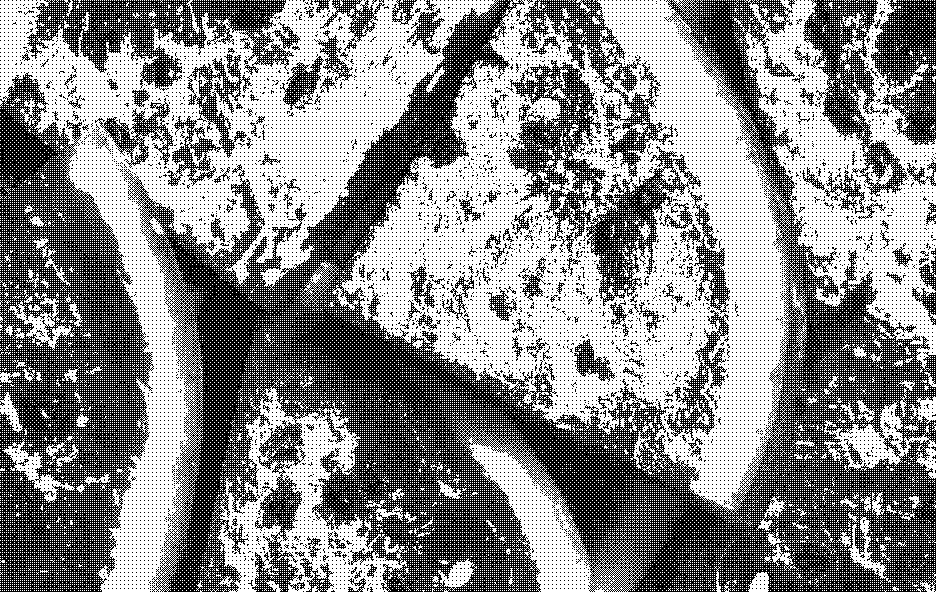
22 | 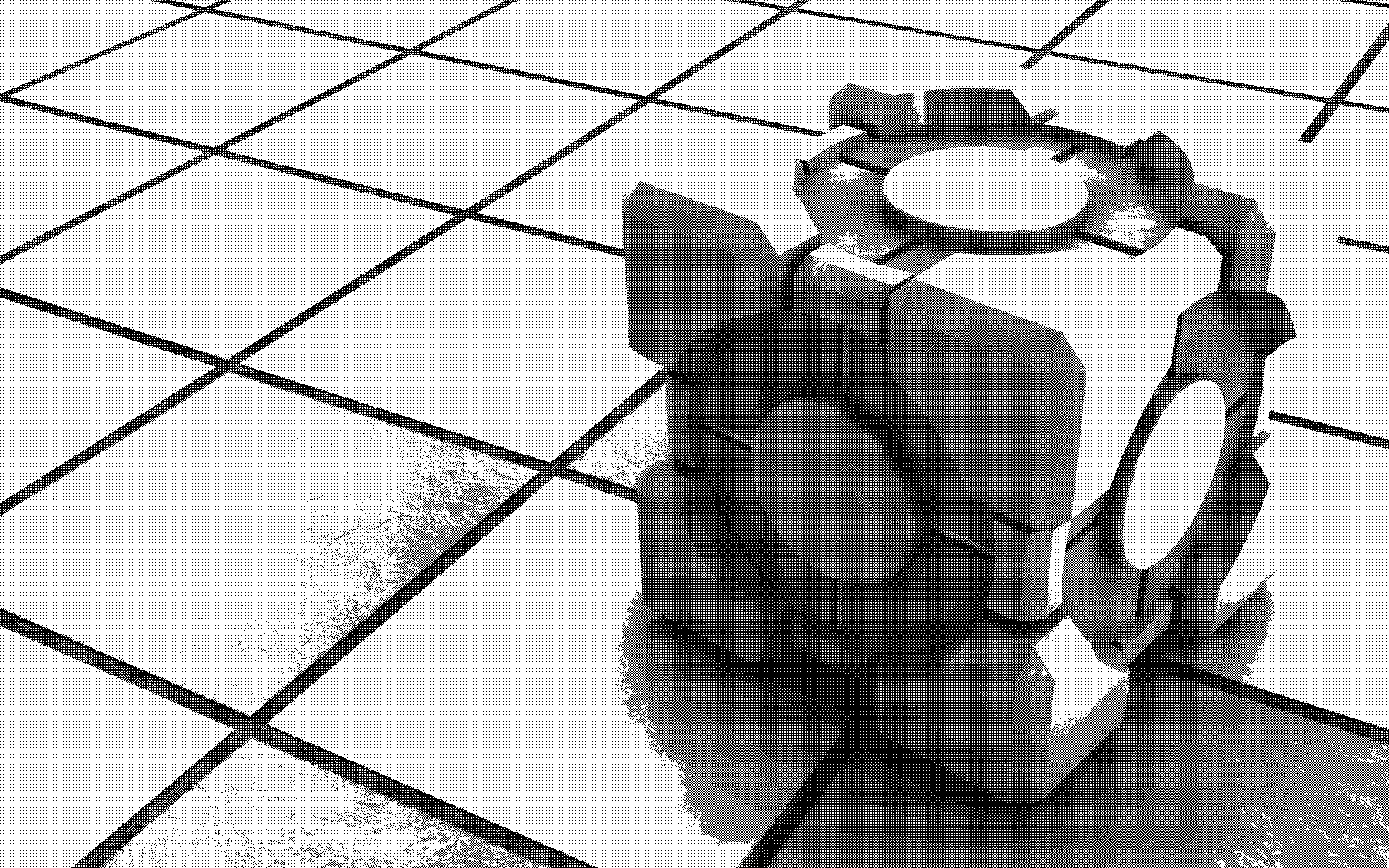
23 | 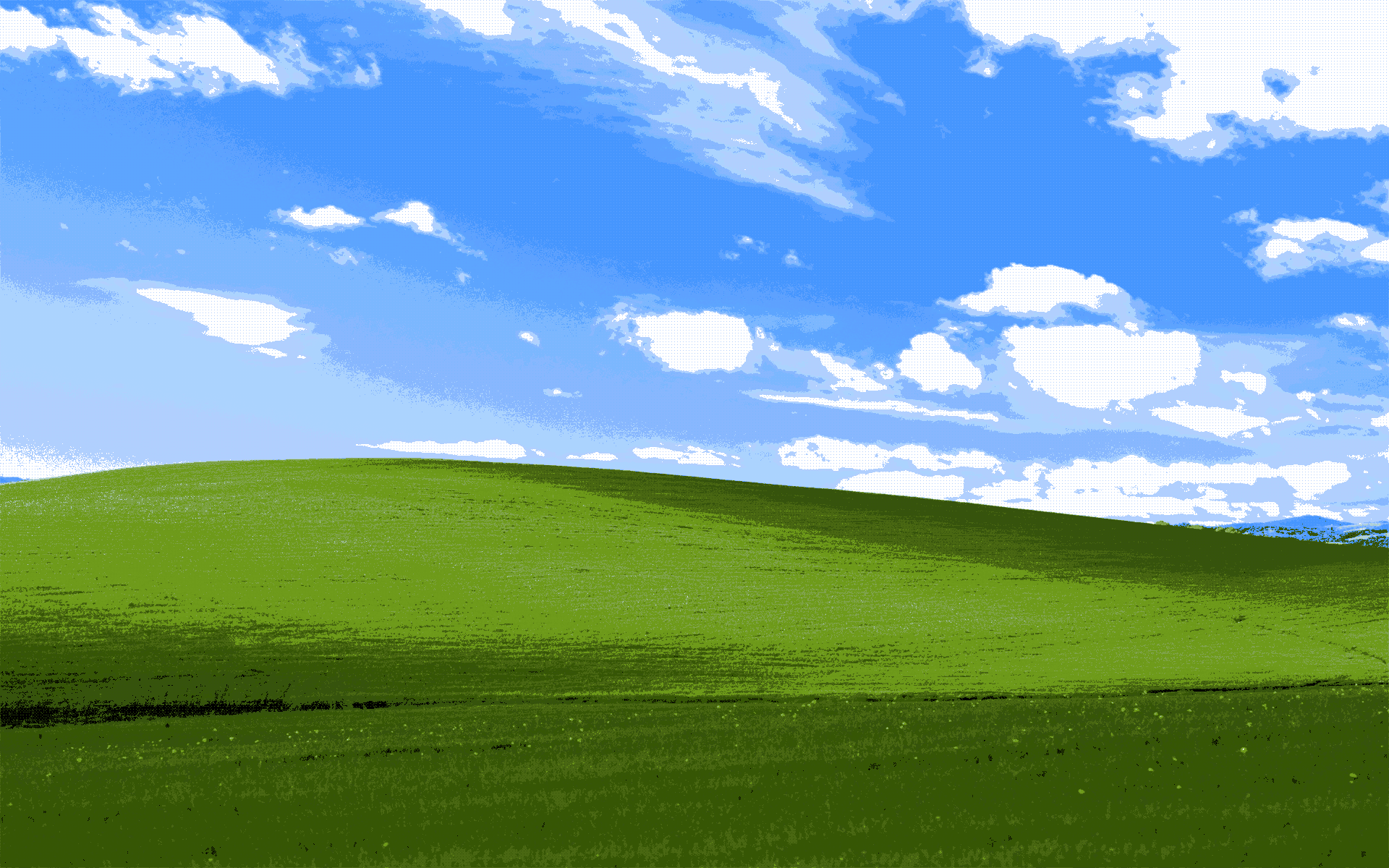
24 |
25 | ## Developer's note
26 | I made this in two days, and I have only been doing Javascript for 2 weeks maybe. I hope you enjoy, and please correct me and help me if you see anything that needs improvement in my code! Enjoy! :)
27 |
--------------------------------------------------------------------------------
/quantize.js:
--------------------------------------------------------------------------------
1 | // Quantize image using median cut
2 |
3 | // Convert raw color data to an pixel array
4 |
5 | function rawToArray(raw) {
6 | var out = [];
7 | for (var i = 0; i < raw.length; i += 4) {
8 | out.push([raw[i], raw[i + 1], raw[i + 2]]);
9 | }
10 | return out;
11 | }
12 |
13 | // Check if a number is a power of two
14 |
15 | function powTwo(n) {
16 | return n && (n & (n - 1)) === 0;
17 | }
18 |
19 | // Find the greatest color channel range in an array of pixels
20 |
21 | function greatestColorChannel(pixels) {
22 | var sums = [0, 0, 0];
23 | for (var i = 0; i < pixels.length; i += 1) {
24 | sums[0] += pixels[i][0];
25 | sums[1] += pixels[i][1];
26 | sums[2] += pixels[i][2];
27 | }
28 | if (sums[0] > sums[1]) {
29 | if (sums[0] > sums[2]) {
30 | return 0;
31 | } else {
32 | return 2;
33 | }
34 | } else {
35 | if (sums[1] > sums[2]) {
36 | return 1;
37 | } else {
38 | return 2;
39 | }
40 | }
41 | }
42 |
43 | // Sort array by colors with greatest value in a specified channel
44 |
45 | function sortByChannel(pixels, channel) {
46 | var comparison = function(a, b) {
47 | return a[channel] - b[channel];
48 | }
49 | return pixels.sort(comparison);
50 | }
51 |
52 | // Split a pixel array in half and return the halves
53 |
54 | function halfPixels(pixels) {
55 | var half1;
56 | var half2 = pixels;
57 | half1 = half2.splice(0, Math.ceil(half2.length / 2));
58 | return [half1, half2];
59 | }
60 |
61 | // Get average color from an array of pixels
62 |
63 | function averagePixels(pixels) {
64 | var sums = [0, 0, 0];
65 | for (var i = 0; i < pixels.length; i += 1) {
66 | sums[0] += pixels[i][0];
67 | sums[1] += pixels[i][1];
68 | sums[2] += pixels[i][2];
69 | }
70 | return [sums[0] / pixels.length, sums[1] / pixels.length, sums[2] / pixels.length];
71 | }
72 |
73 | // Find n in 2^n = x
74 |
75 | function findExponent(x) {
76 | var i = 0;
77 | do {
78 | i += 1;
79 | } while (Math.pow(2, i) != x);
80 | return i;
81 | }
82 |
83 | // Make a palette from an array of pixel arrays by averaging each pixel array
84 |
85 | function makePalette(buckets) {
86 | var palette = [];
87 | for (var i = 0; i < buckets.length; i += 1) {
88 | palette.push(averagePixels(buckets[i]));
89 | }
90 | return palette;
91 | }
92 |
93 | // Apply median cut on an array of pixels
94 |
95 | function medianCut(pixels, paletteSize) {
96 | if (powTwo(paletteSize) == false) {
97 | return [];
98 | }
99 |
100 | var buckets = [pixels];
101 | var repeats = findExponent(paletteSize);
102 |
103 | for (var i = 0; i < repeats; i += 1) {
104 | var splitBuckets = [];
105 | for (var n = 0; n < buckets.length; n += 1) {
106 | var splitBucket = halfPixels(buckets[n]);
107 | splitBuckets.push(splitBucket[0]);
108 | splitBuckets.push(splitBucket[1]);
109 | }
110 | buckets = splitBuckets;
111 | }
112 |
113 | return makePalette(buckets);
114 | }
--------------------------------------------------------------------------------
/dither.js:
--------------------------------------------------------------------------------
1 | // The standard 4x4 (64 pixel) dithering matrix
2 |
3 | var dither = [
4 | [0, 0, 0, 0,
5 | 0, 0, 0, 0,
6 | 0, 0, 0, 0,
7 | 0, 0, 0, 0],
8 | [1, 0, 0, 0,
9 | 0, 0, 0, 0,
10 | 0, 0, 0, 0,
11 | 0, 0, 0, 0],
12 | [1, 0, 0, 0,
13 | 0, 0, 0, 0,
14 | 0, 0, 1, 0,
15 | 0, 0, 0, 0],
16 | [1, 0, 1, 0,
17 | 0, 0, 0, 0,
18 | 0, 0, 1, 0,
19 | 0, 0, 0, 0],
20 | [1, 0, 1, 0,
21 | 0, 0, 0, 0,
22 | 1, 0, 1, 0,
23 | 0, 0, 0, 0],
24 | [1, 0, 1, 0,
25 | 0, 1, 0, 0,
26 | 1, 0, 1, 0,
27 | 0, 0, 0, 0],
28 | [1, 0, 1, 0,
29 | 0, 1, 0, 0,
30 | 1, 0, 1, 0,
31 | 0, 0, 0, 1],
32 | [1, 0, 1, 0,
33 | 0, 1, 0, 1,
34 | 1, 0, 1, 0,
35 | 0, 0, 0, 1],
36 | [1, 0, 1, 0,
37 | 0, 1, 0, 1,
38 | 1, 0, 1, 0,
39 | 0, 1, 0, 1],
40 | [1, 1, 1, 0,
41 | 0, 1, 0, 1,
42 | 1, 0, 1, 0,
43 | 0, 1, 0, 1],
44 | [1, 1, 1, 0,
45 | 0, 1, 0, 1,
46 | 1, 0, 1, 1,
47 | 0, 1, 0, 1],
48 | [1, 1, 1, 1,
49 | 0, 1, 0, 1,
50 | 1, 0, 1, 1,
51 | 0, 1, 0, 1],
52 | [1, 1, 1, 1,
53 | 0, 1, 0, 1,
54 | 1, 1, 1, 1,
55 | 0, 1, 0, 1],
56 | [1, 1, 1, 1,
57 | 1, 1, 0, 1,
58 | 1, 1, 1, 1,
59 | 0, 1, 0, 1],
60 | [1, 1, 1, 1,
61 | 1, 1, 0, 1,
62 | 1, 1, 1, 1,
63 | 0, 1, 1, 1],
64 | [1, 1, 1, 1,
65 | 1, 1, 1, 1,
66 | 1, 1, 1, 1,
67 | 0, 1, 1, 1],
68 | [1, 1, 1, 1,
69 | 1, 1, 1, 1,
70 | 1, 1, 1, 1,
71 | 1, 1, 1, 1]
72 | ];
73 |
74 | // Get the state of any coordinate from a dithering matrix
75 |
76 | function getDither(matrix, x, y) {
77 | return matrix[((y % 4) * 4) + (x % 4)];
78 | }
79 |
80 | // Gets the color in the palette which best matches the given color
81 |
82 | function bestMatch(palette, color) {
83 | var best = [Infinity, [0, 0, 0]];
84 | for (var i = 0; i < palette.length; i += 1) {
85 | var difference = Math.abs(palette[i][0] - color[0]) + Math.abs(palette[i][1] - color[1]) + Math.abs(palette[i][2] - color[2]);
86 | if (difference < best[0]) {
87 | best = [difference, palette[i]];
88 | }
89 | }
90 | return best[1];
91 | }
92 |
93 | // Same as above, except excluding the color in the palette at the specified index
94 |
95 | function bestMatchEx(palette, color, index) {
96 | var best = [Infinity, [0, 0, 0]];
97 | for (var i = 0; i < palette.length; i += 1) {
98 | if (i == index) {continue;}
99 | var difference = Math.abs(palette[i][0] - color[0]) + Math.abs(palette[i][1] - color[1]) + Math.abs(palette[i][2] - color[2]);
100 | if (difference < best[0]) {
101 | best = [difference, palette[i]];
102 | }
103 | }
104 | return best[1];
105 | }
106 |
107 | // Divides all components of a color by a given factor
108 |
109 | function divideColor(color, factor) {
110 | return [color[0] / factor, color[1] / factor, color[2] / factor];
111 | }
112 |
113 | // Multiplies all components of a color by a given factor
114 |
115 | function multiplyColor(color, factor) {
116 | return [color[0] * factor, color[1] * factor, color[2] * factor];
117 | }
118 |
119 | // Adds two colors together by adding their components
120 |
121 | function addColor(a, b) {
122 | return [a[0] + b[0], a[1] + b[1], a[2] + b[2]];
123 | }
--------------------------------------------------------------------------------
/convert.js:
--------------------------------------------------------------------------------
1 | var palette = [];
2 |
3 | var image = new Image();
4 |
5 | image.src = 'image.png'
6 |
7 | image.onload = function() {
8 |
9 | // Initialize some variables
10 |
11 | var forceDither = true;
12 |
13 | var canvas = document.querySelector('canvas');
14 | var context = canvas.getContext('2d');
15 | var width = image.width;
16 | var height = image.height;
17 |
18 | canvas.width = width;
19 | canvas.height = height;
20 |
21 | // Draw our image, so we can read colors from it
22 |
23 | context.drawImage(image, 0, 0);
24 |
25 | // Get the data for the image
26 |
27 | var png = context.getImageData(0, 0, width, height);
28 | var d = png.data;
29 |
30 | // Use the median cut algorithm to get a 16 color palette optimized for dithering
31 |
32 | palette = medianCut(rawToArray(d), 16);
33 |
34 | // Add solid white and solid black, to make an 18 color palette
35 |
36 | palette.push([0, 0, 0]);
37 | palette.push([255, 255, 255]);
38 |
39 | // Loop through the pixels
40 |
41 | for (var x = 0; x < width; x += 1) {
42 | for (var y = 0; y < height; y += 1) {
43 |
44 | var pixel = (y * width * 4) + (x * 4);
45 | var color = [d[pixel], d[pixel + 1], d[pixel + 2]];
46 |
47 | // Find the color in the palette that is the closest to the current pixel
48 |
49 | var closest = bestMatch(palette, color);
50 |
51 | // Say that the previously found color did not exist, which color would be closest then
52 |
53 | var closest2 = bestMatchEx(palette, color, palette.indexOf(closest));
54 |
55 | var between;
56 |
57 | if (forceDither == true) {
58 |
59 | // Don't use texture 1 and 17, so solid colors don't occur
60 |
61 | between = [[Infinity, Infinity, Infinity]];
62 |
63 | // Get the 15 colors between the two previously found colors
64 |
65 | for (var b = 1; b < 15; b += 1) {
66 | between.push(addColor(closest, multiplyColor(divideColor(closest2, 17), b)));
67 | }
68 |
69 | between.push([Infinity, Infinity, Infinity]);
70 |
71 | } else {
72 |
73 | // Use all textures
74 |
75 | between = [];
76 |
77 | // Get the 17 colors between the two previously found colors
78 |
79 | for (var b = 0; b < 17; b += 1) {
80 | between.push(addColor(closest, multiplyColor(divideColor(closest2, 17), b)));
81 | }
82 |
83 | }
84 |
85 | // Get the closest shade to the current pixel from the new 15 colors
86 |
87 | var closest3 = bestMatch(between, color);
88 | var index3 = between.indexOf(closest3);
89 |
90 | // Use the dithering matrix that is based on the closest shade and pick the color
91 |
92 | var trans = [closest, closest2][getDither(dither[index3], x, y)];
93 |
94 | // Apply the color to the image with full opacity
95 |
96 | d[pixel] = trans[0];
97 | d[pixel + 1] = trans[1];
98 | d[pixel + 2] = trans[2];
99 | d[pixel + 3] = 255;
100 | }
101 | }
102 |
103 | context.putImageData(png, 0, 0);
104 | }
--------------------------------------------------------------------------------