 39 |
40 | ### [agg](https://github.com/asciinema/agg)
41 |
42 | _agg is a command-line tool for generating animated GIF files from [asciicast v2 files](https://github.com/asciinema/asciinema/blob/master/doc/asciicast-v2.md) produced by [asciinema terminal recorder](https://github.com/asciinema/asciinema)._
43 |
44 |
39 |
40 | ### [agg](https://github.com/asciinema/agg)
41 |
42 | _agg is a command-line tool for generating animated GIF files from [asciicast v2 files](https://github.com/asciinema/asciinema/blob/master/doc/asciicast-v2.md) produced by [asciinema terminal recorder](https://github.com/asciinema/asciinema)._
43 |
44 | 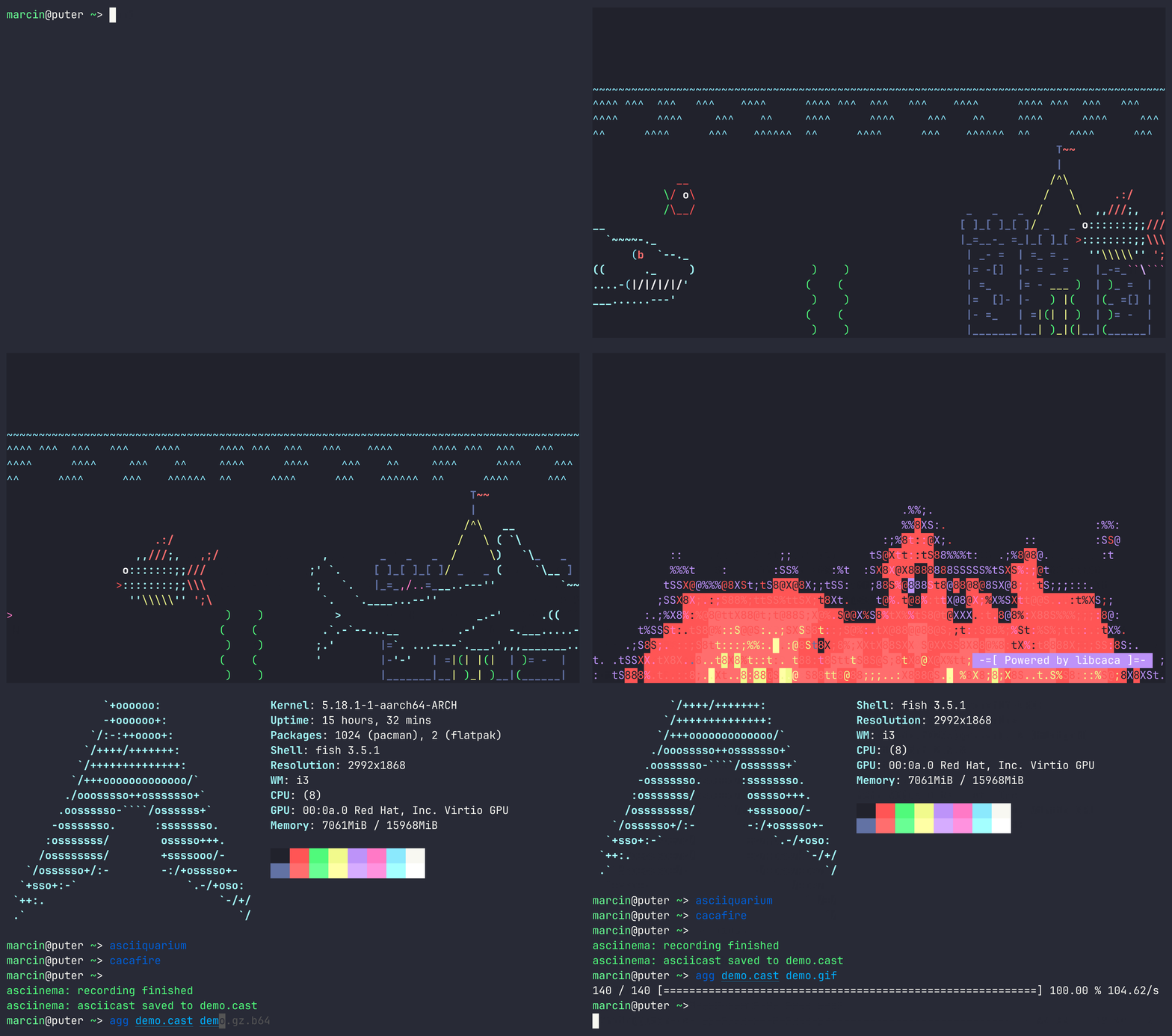 45 |
46 | ### [vhs](https://github.com/charmbracelet/vhs)
47 |
48 | _Write terminal GIFs as code for integration testing and demoing your CLI tools._
49 |
50 |
45 |
46 | ### [vhs](https://github.com/charmbracelet/vhs)
47 |
48 | _Write terminal GIFs as code for integration testing and demoing your CLI tools._
49 |
50 |  51 |
52 | ### [terminalizer](https://github.com/faressoft/terminalizer)
53 |
54 | _Record your terminal and generate animated gif images or share a web player link [www.terminalizer.com](https://www.terminalizer.com/)_
55 |
56 |
51 |
52 | ### [terminalizer](https://github.com/faressoft/terminalizer)
53 |
54 | _Record your terminal and generate animated gif images or share a web player link [www.terminalizer.com](https://www.terminalizer.com/)_
55 |
56 |  57 |
58 | ### [menyoki](https://github.com/orhun/menyoki)
59 |
60 | _Screen{shot,cast} and perform ImageOps on the command line - written in Rust_
61 |
62 |
57 |
58 | ### [menyoki](https://github.com/orhun/menyoki)
59 |
60 | _Screen{shot,cast} and perform ImageOps on the command line - written in Rust_
61 |
62 |  63 |
64 | ### [t-rec](https://github.com/sassman/t-rec-rs)
65 |
66 | _Blazingly fast terminal recorder that generates animated gif images for the web written in rust._
67 |
68 |
63 |
64 | ### [t-rec](https://github.com/sassman/t-rec-rs)
65 |
66 | _Blazingly fast terminal recorder that generates animated gif images for the web written in rust._
67 |
68 | 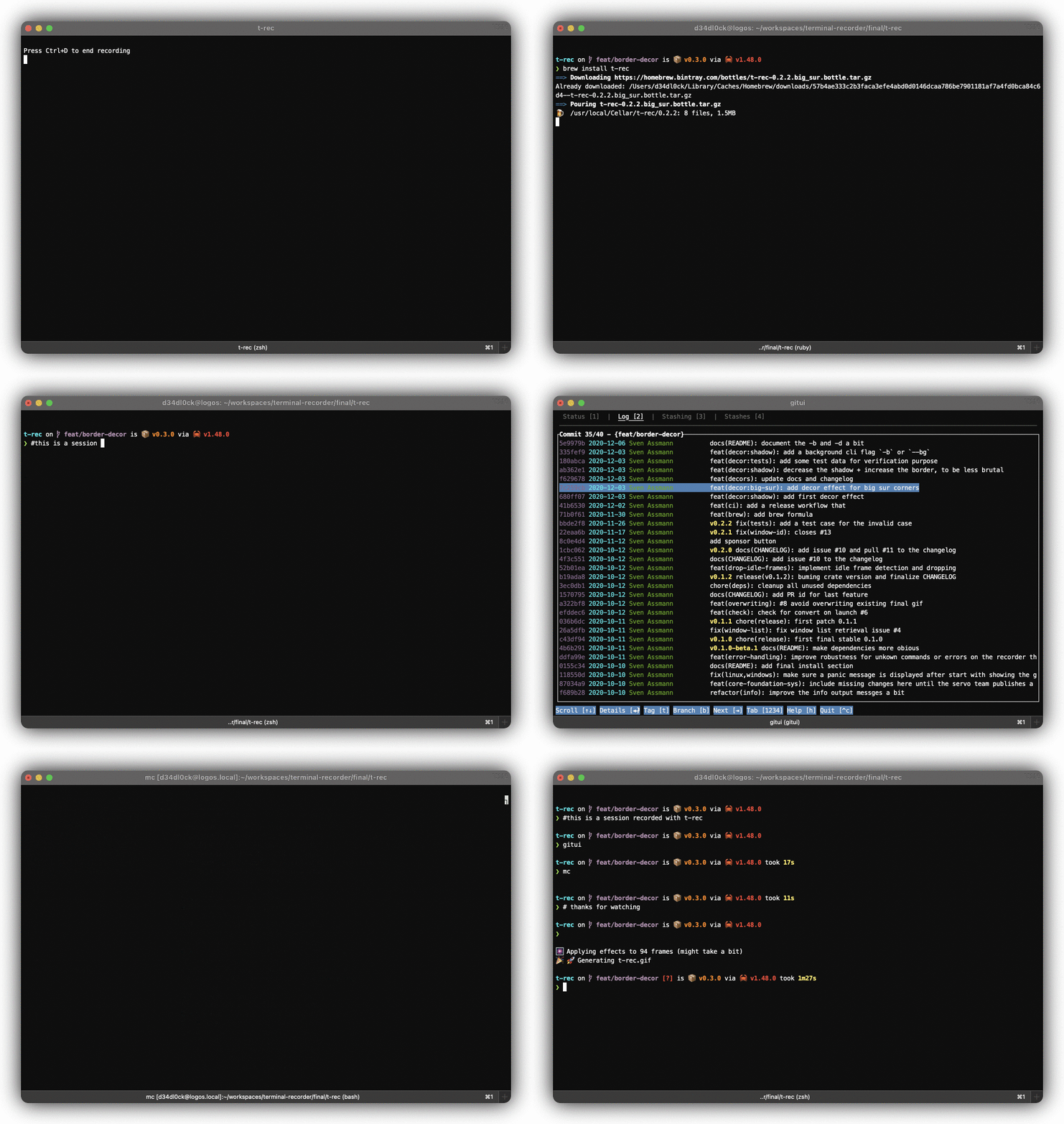 69 |
70 | ### [termtosvg](https://github.com/nbedos/termtosvg)
71 |
72 | _termtosvg is a Unix terminal recorder written in Python that renders your command line sessions as standalone SVG animations._
73 |
74 |
69 |
70 | ### [termtosvg](https://github.com/nbedos/termtosvg)
71 |
72 | _termtosvg is a Unix terminal recorder written in Python that renders your command line sessions as standalone SVG animations._
73 |
74 | 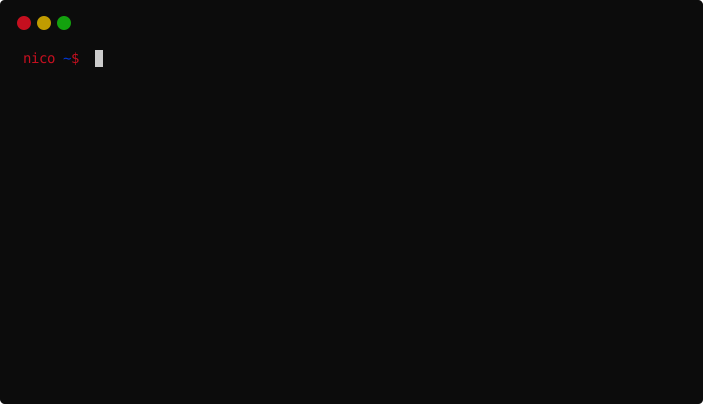 75 |
76 | ### [ttygif](https://github.com/icholy/ttygif)
77 |
78 | _ttygif converts a ttyrec file into gif files. It's a stripped down version of ttyplay that screenshots every frame._
79 |
80 |
75 |
76 | ### [ttygif](https://github.com/icholy/ttygif)
77 |
78 | _ttygif converts a ttyrec file into gif files. It's a stripped down version of ttyplay that screenshots every frame._
79 |
80 |  81 |
82 | ### [ttystudio](https://github.com/chjj/ttystudio)
83 |
84 | _Record your terminal and compile it to a GIF or APNG without any external dependencies, bash scripts, gif concatenation, etc._
85 |
86 |
81 |
82 | ### [ttystudio](https://github.com/chjj/ttystudio)
83 |
84 | _Record your terminal and compile it to a GIF or APNG without any external dependencies, bash scripts, gif concatenation, etc._
85 |
86 |  87 |
88 |
89 | ### [terminal-recorder](https://github.com/cortezcristian/terminal-recorder)
90 |
91 | _Terminal recorder allows you to record your bash session, and export it to html so then you can share it with your friends._
92 |
93 |
87 |
88 |
89 | ### [terminal-recorder](https://github.com/cortezcristian/terminal-recorder)
90 |
91 | _Terminal recorder allows you to record your bash session, and export it to html so then you can share it with your friends._
92 |
93 | 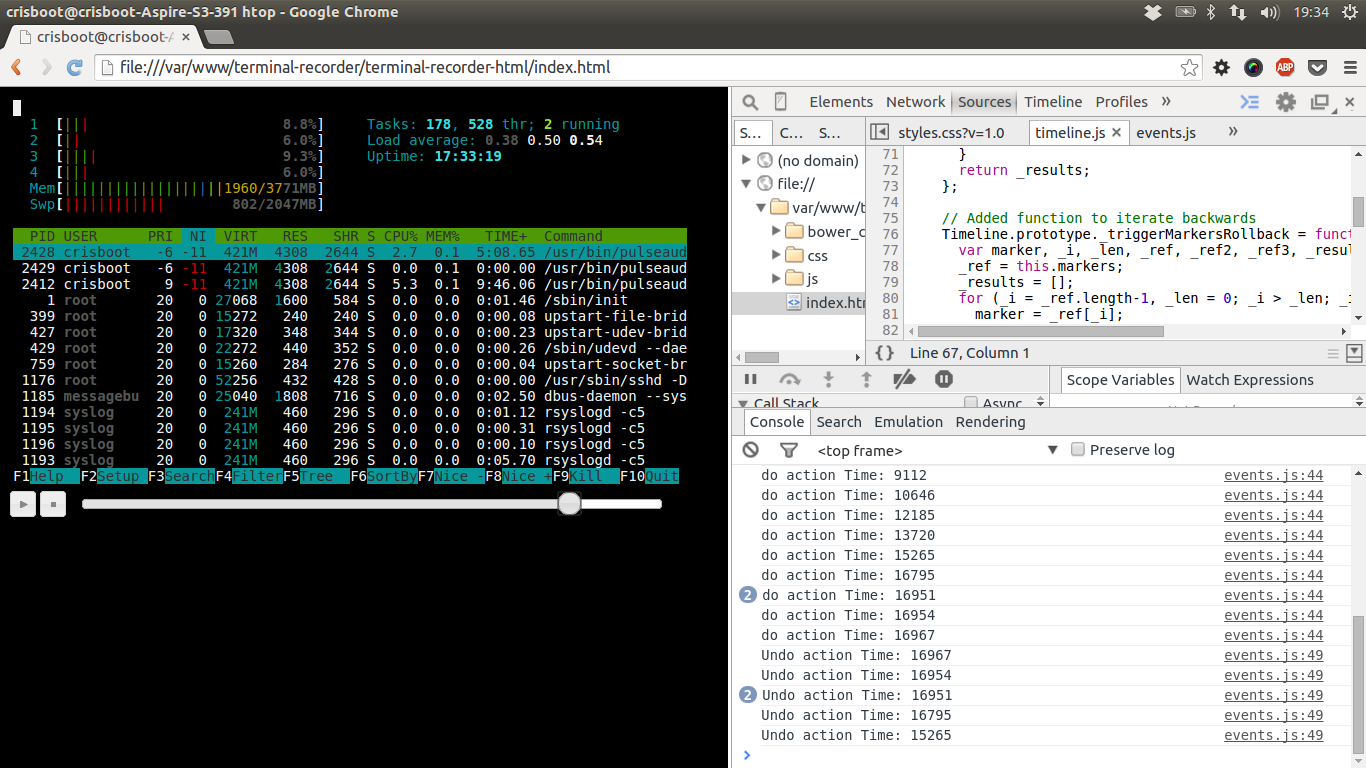 94 |
95 | ### [goscript](https://github.com/elisescu/goscript)
96 | _Goscript is a tool that records the terminal session (well, any command you run it with) and saves the output in a self contained html file that can be run in the browser, to playback the session._
97 |
98 |
94 |
95 | ### [goscript](https://github.com/elisescu/goscript)
96 | _Goscript is a tool that records the terminal session (well, any command you run it with) and saves the output in a self contained html file that can be run in the browser, to playback the session._
97 |
98 | 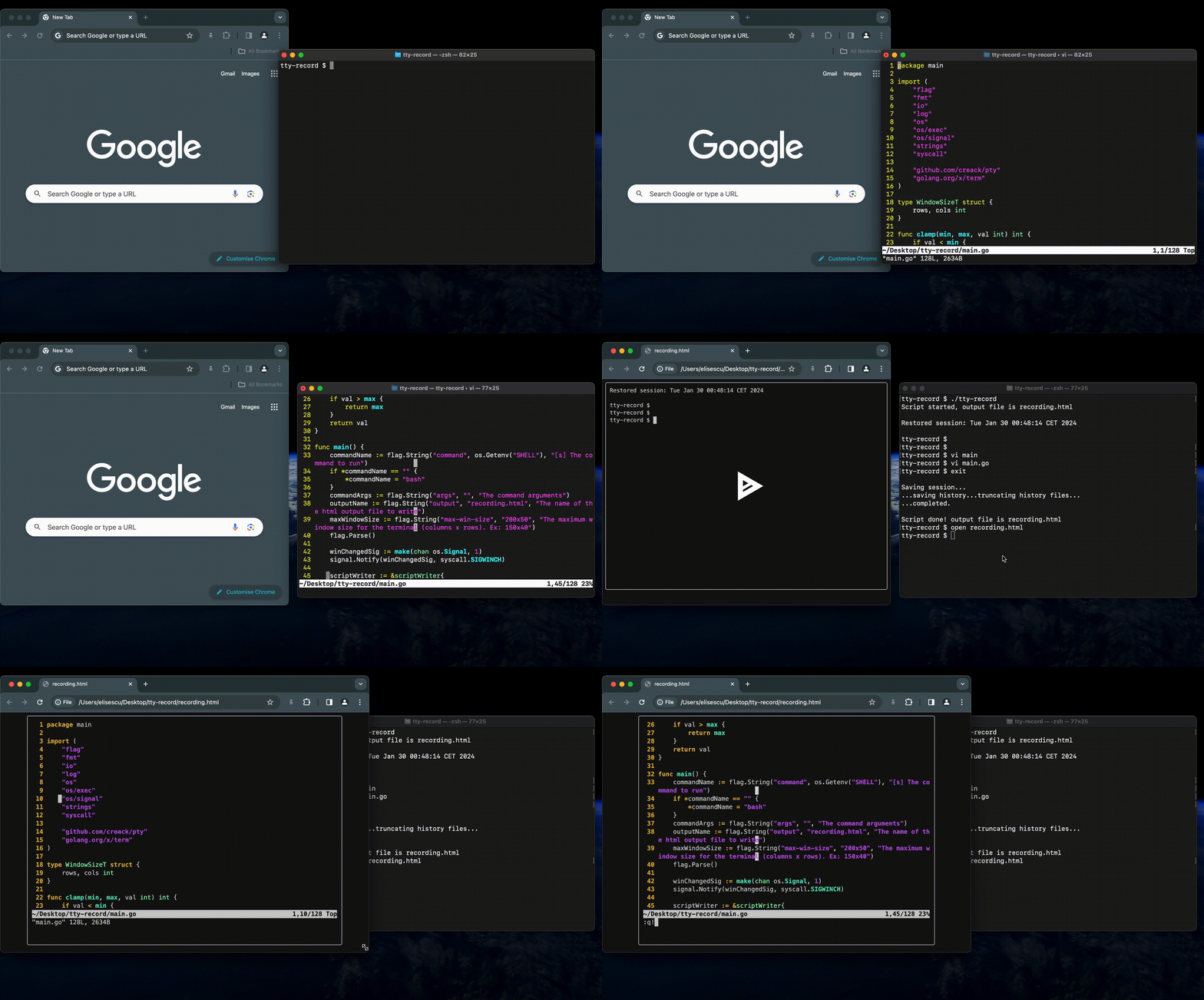 99 |
100 | ---
101 |
102 | ### [savvy](https://github.com/getsavvyinc/savvy-cli)
103 | _savvy record starts a new sub-shell and all commands in this shell are recorded and sent to an LLM to generate a runbook. You can also create runbooks from your shell history. Savvy allows you to run any runbook using savvy run._
104 |
105 |
106 | **savvy record**
107 |
108 |
99 |
100 | ---
101 |
102 | ### [savvy](https://github.com/getsavvyinc/savvy-cli)
103 | _savvy record starts a new sub-shell and all commands in this shell are recorded and sent to an LLM to generate a runbook. You can also create runbooks from your shell history. Savvy allows you to run any runbook using savvy run._
104 |
105 |
106 | **savvy record**
107 |
108 | 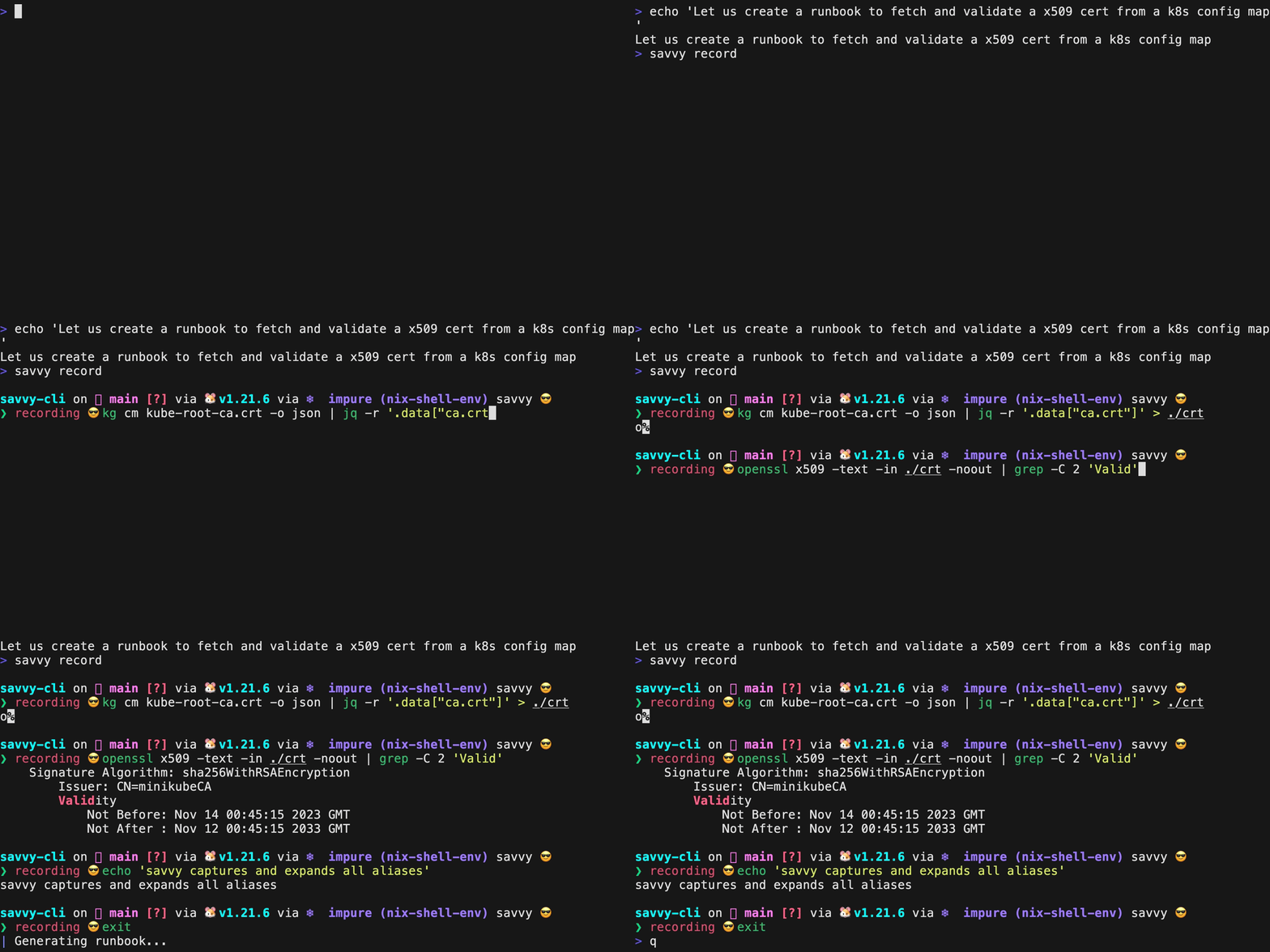 109 |
110 | **savvy record history**
111 |
112 |
109 |
110 | **savvy record history**
111 |
112 | 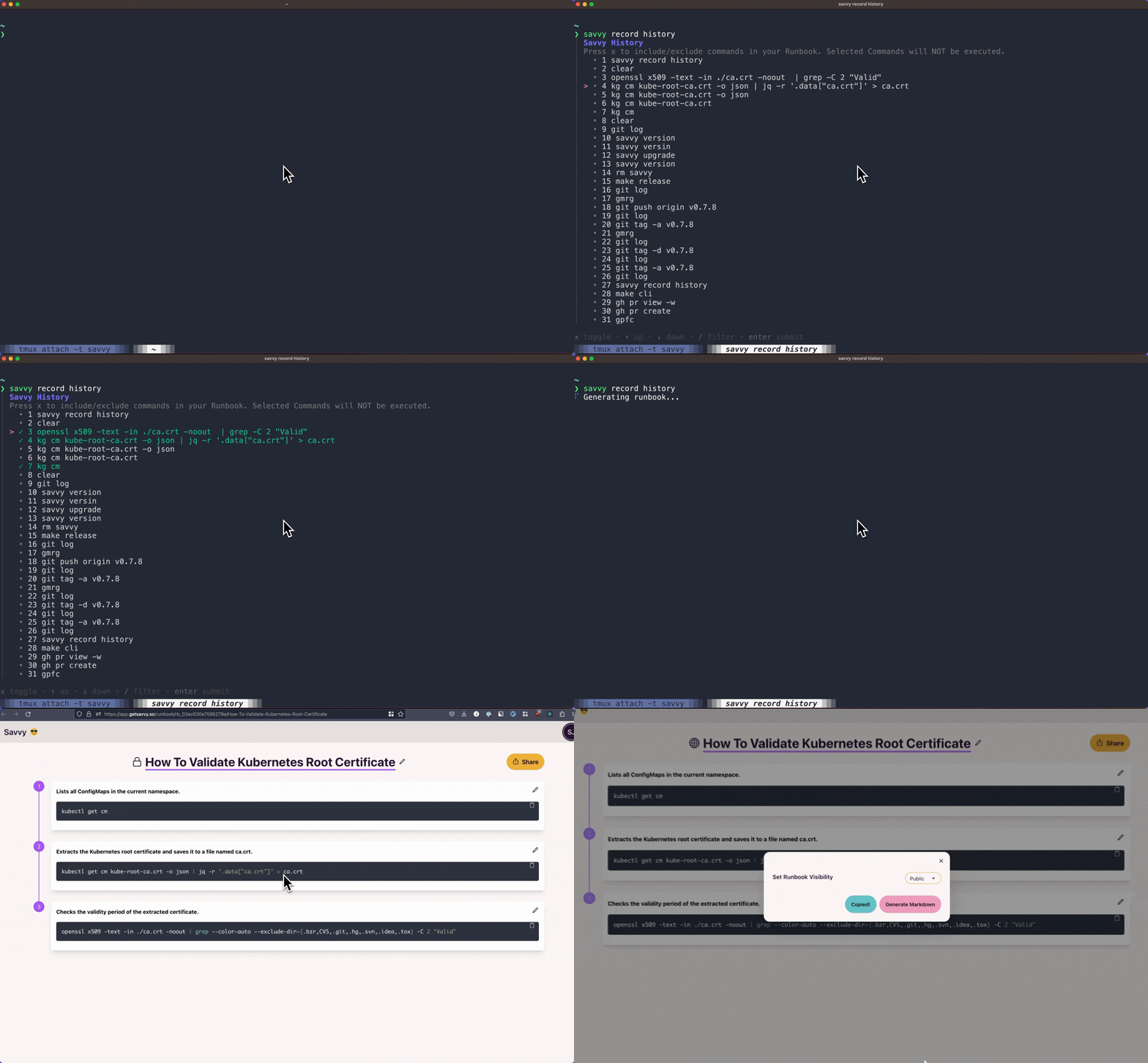 113 |
114 | ---
115 |
116 | ### [rewindtty](https://github.com/rewindtty/rewindtty)
117 | A terminal session recorder and replayer written in C that allows you to capture and replay terminal sessions with precise timing.
118 |
119 | **rewindtty record and replay**
120 |
121 |
113 |
114 | ---
115 |
116 | ### [rewindtty](https://github.com/rewindtty/rewindtty)
117 | A terminal session recorder and replayer written in C that allows you to capture and replay terminal sessions with precise timing.
118 |
119 | **rewindtty record and replay**
120 |
121 | 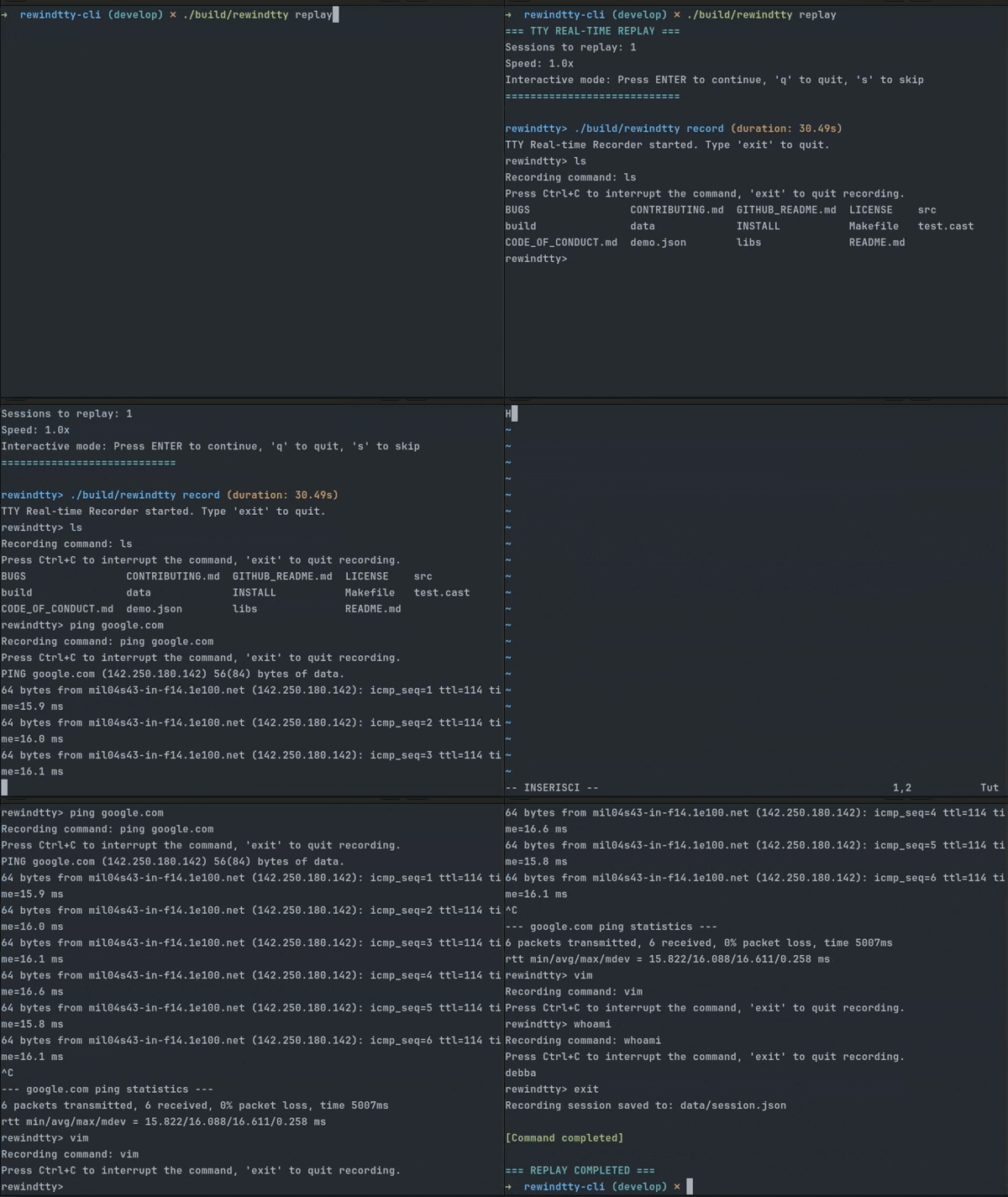 122 |
123 | **rewindtty analyze**
124 |
125 |
122 |
123 | **rewindtty analyze**
124 |
125 | 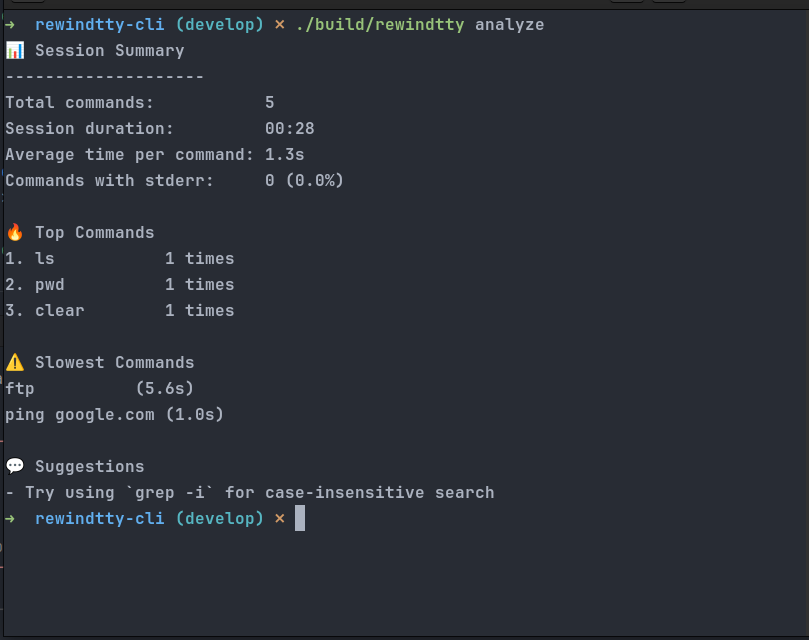 126 |
127 | ---
128 |
129 | ## 🤝 Contributing
130 |
131 | Interested in contributing? Check out the [CONTRIBUTING.md](CONTRIBUTING.md) file to get started!
132 |
133 | ---
134 |
--------------------------------------------------------------------------------
126 |
127 | ---
128 |
129 | ## 🤝 Contributing
130 |
131 | Interested in contributing? Check out the [CONTRIBUTING.md](CONTRIBUTING.md) file to get started!
132 |
133 | ---
134 |
--------------------------------------------------------------------------------